Download MobileTracking APK for Android
Updated
This is the direct download of the MobileTracking family app for Android, straight from us rather than through a store. It is the same build, signed by the same key, and it is meant for one job: to be installed on your child’s Android phone, with your child told what it does. Read the two lines below, tick the boxes, and the file is yours.
[mt_apk_gate]A monitoring app should never arrive quietly
The two boxes are not a formality. They are the line between a parental control and something we would not want to be part of.
MobileTracking is built for a phone you are responsible for, used by a child who knows the app is there. The family app is visible on the home screen with its own name and icon, and it shows your child exactly what leaves the device. That design only holds up if the person installing it is the parent or guardian, so we ask you to say so before the file is released, and we ask you to accept the terms at the same time rather than three screens later.
Installing monitoring software on an adult’s phone without their knowledge is unlawful in most places and is not something this app is for. If that is what you are looking for, this is the wrong download.
What Android will say, and why none of it is alarming
Installing from the web looks different from installing from a store. Here is every prompt, in the order it appears.
Chrome shows this line for every APK, regardless of what it contains, because a file from the web has not been through a store review. Tap Download anyway. The file is served over HTTPS from this site and its SHA-256 fingerprint is printed beside the button, so you can confirm you got the file we published.
Android will not let any app install another without a one-time, per-app permission. Turn it on for your browser, install, and switch it back off afterwards if you prefer. Nothing about MobileTracking depends on leaving it on.
Let it. Google scans anything installed from outside the Play Store, the check takes a few seconds, and a clean result is what you should see.
Open your browser’s downloads list and press resume. The link supports partial downloads, so it picks up from where it stopped rather than starting over. The link stays alive for six hours; after that, tick the boxes again for a fresh one.
Some browsers block a download that starts on its own. Tap the download button on this page directly, and check your notification shade — it may already be running.
The family app is Android only. Your parent panel works fine from an iPhone, but the phone being looked after has to be an Android device.
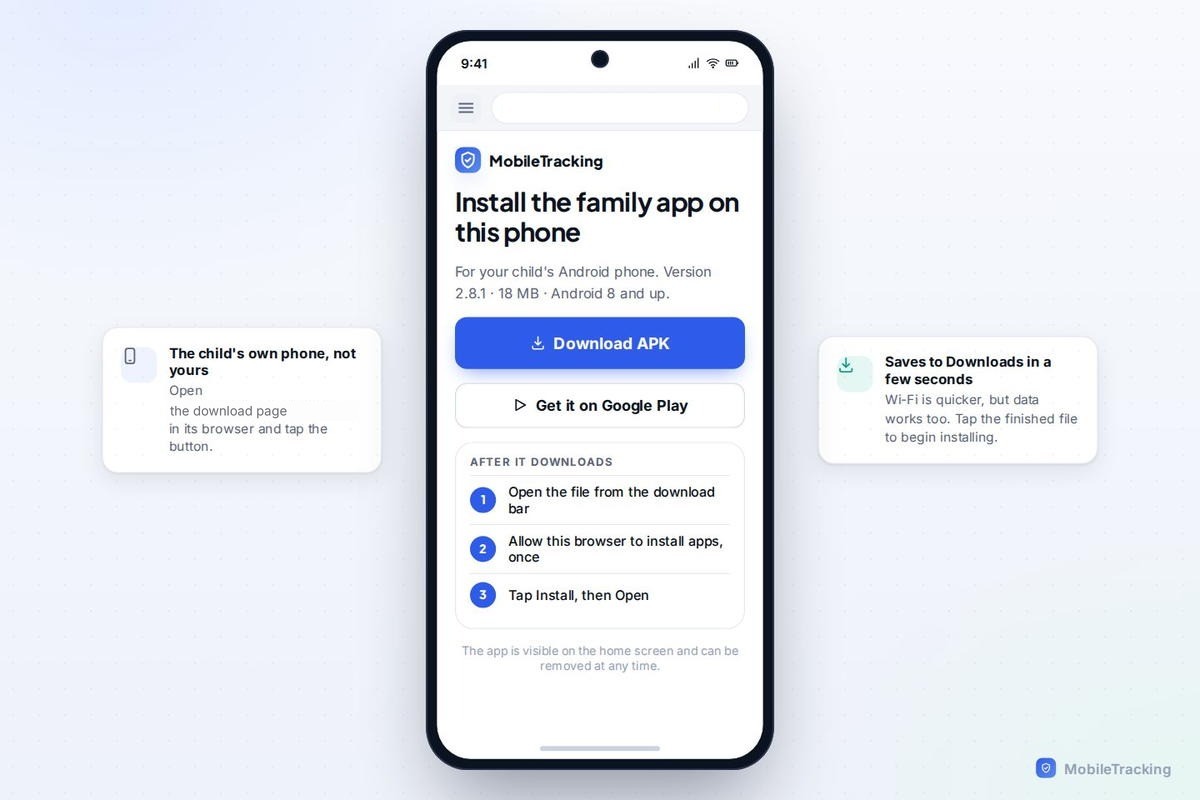
Four steps and you are done
The install is the easy half. Pairing is what makes the app do anything at all.
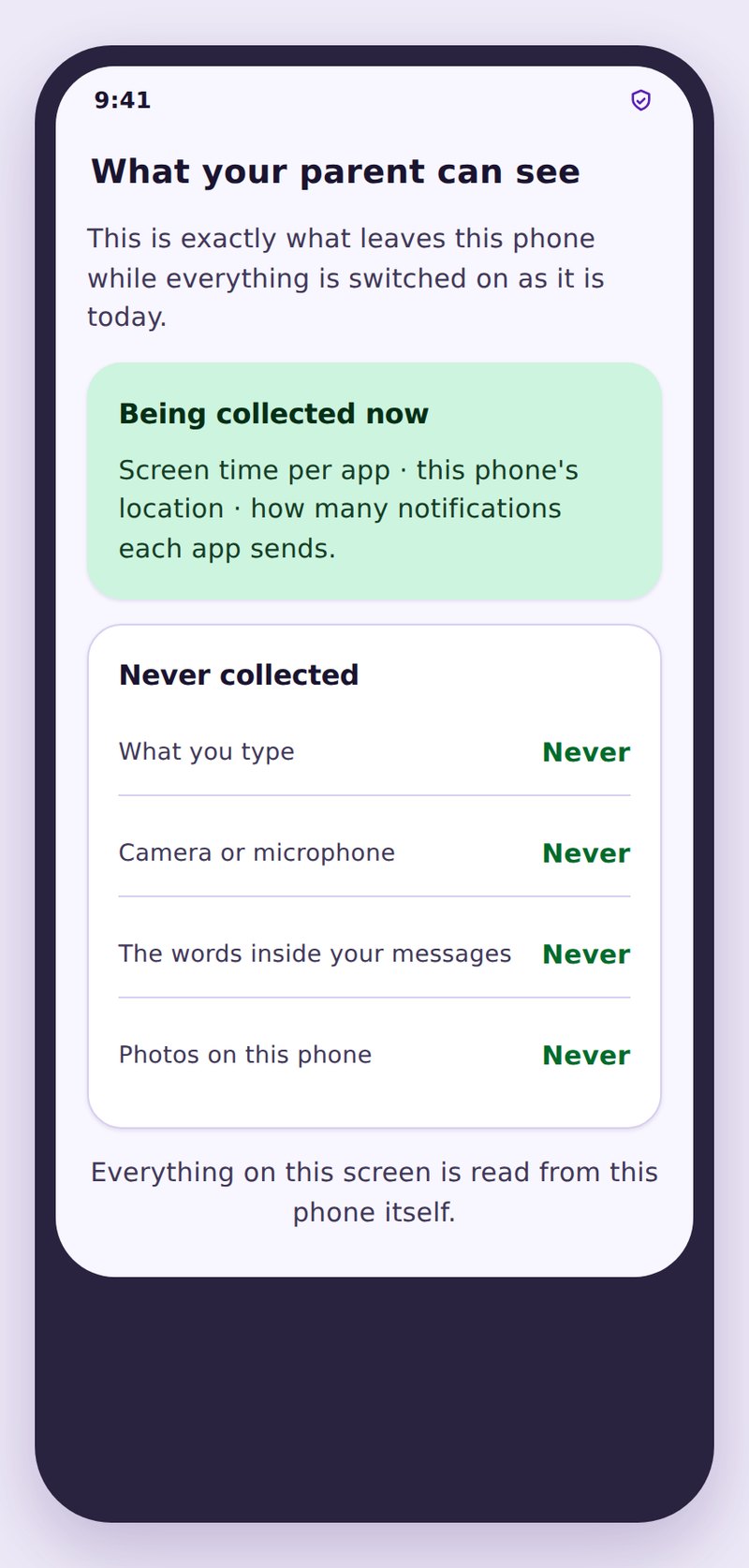
Open the app and read the first screen together
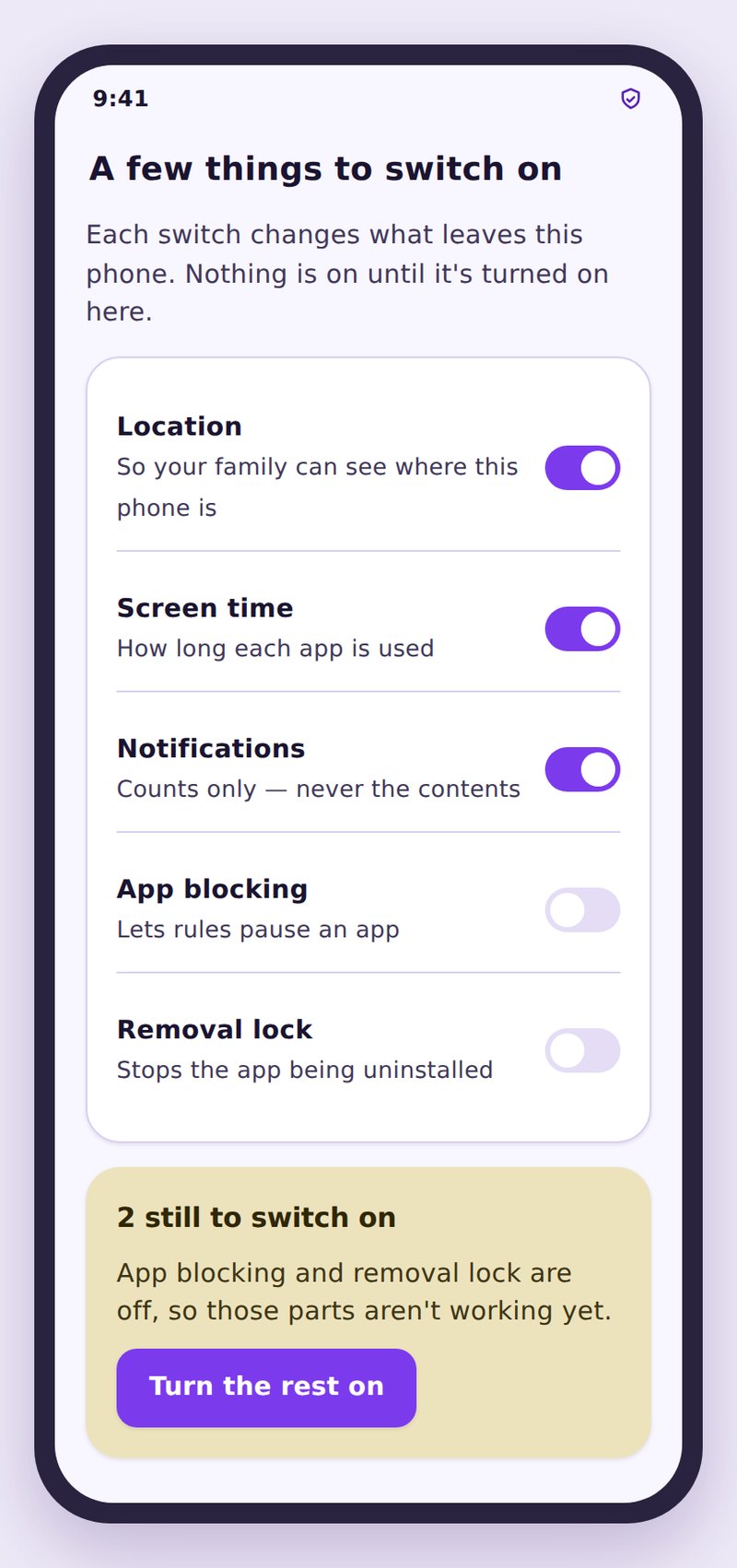
The first thing the family app shows is not a login box but a plain-English list of what a parent can switch on and what the app will never do. Read it with your child. It is the two minutes that decides whether this feels like care or like surveillance.
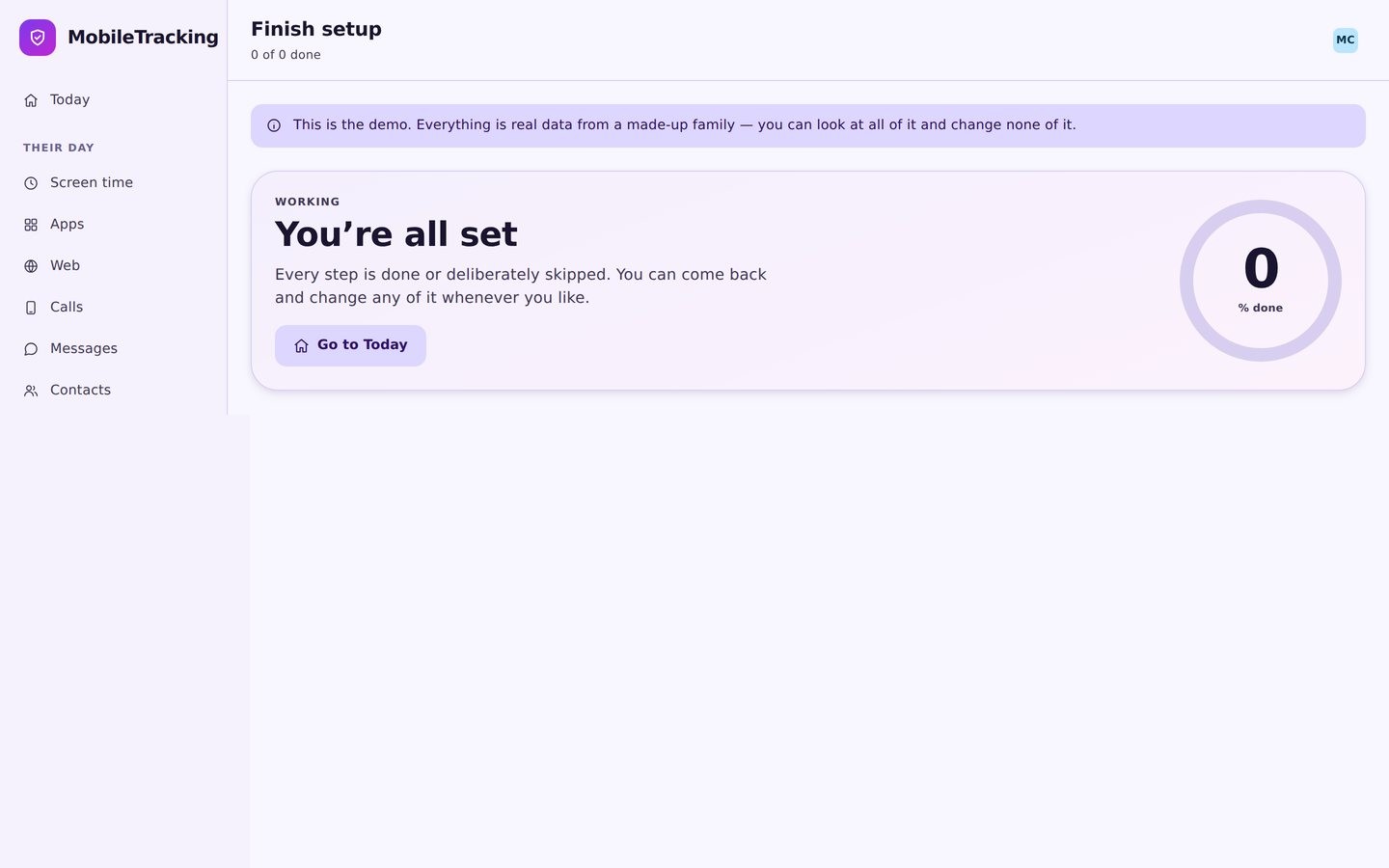
Create a pairing code
Sign in to your panel on any browser, open the child you added, and press Create a pairing code. You get six characters, big enough to read across a table. The code is single use and expires in about fifteen minutes.
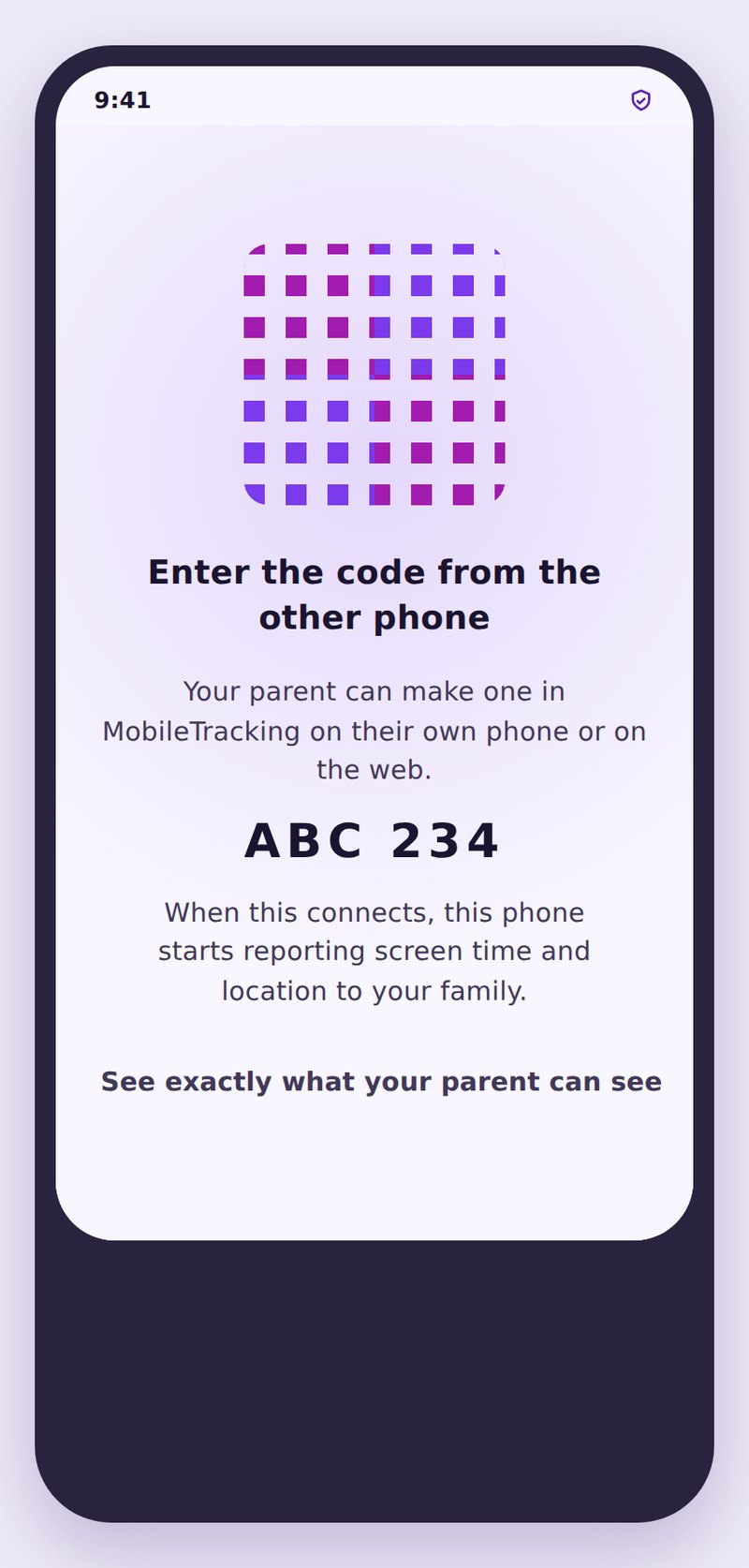
Type the code in
Enter the six characters on the child’s phone and confirm. The two devices recognise each other in a couple of seconds. There is no silent link and no way to pair a phone that is not in the room.
Grant the permissions, together
Each switch maps to one feature and nothing else. Two matter more than the rest: choose Allow all the time for location, and exclude the app from battery optimisation, or Android will put it to sleep and your data will arrive in gaps.
Set up your panel while it downloads
Create your free account and add your child now, so the pairing code is ready by the time the app finishes installing.
Next: the full setup walkthrough, what sideloading an APK actually means, or what your child sees in the child app.