 MobileTracking
Live Screen Streaming
Watch the phone's screen as it happens, in real time.
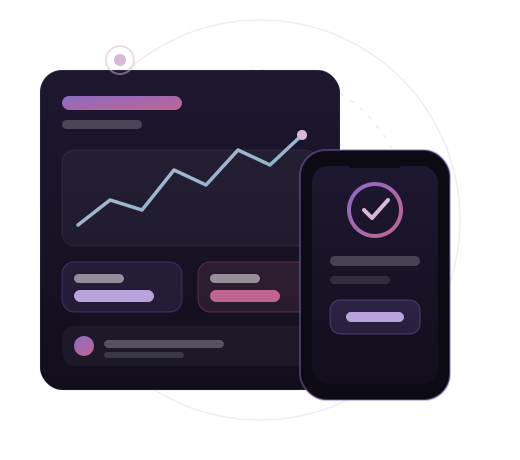
Live Screen Streaming is one of the most requested capabilities in modern phone monitoring, and for good reason. Whether you're a parent keeping a child safe or a business protecting a company device, being able to monitor live screen views gives you context you simply can't get by occasionally glancing at a phone. MobileTracking captures supported live screen views and syncs them to your secure online dashboard, so you can review activity from anywhere.
The value of a dedicated tool is consistency. People who stream the screen do so throughout the day, often when no one is watching, and the details are easy to clear or forget. By logging activity continuously and storing it in your account, MobileTracking turns scattered moments into a clear, searchable record you can actually act on.
What this feature captures
Once MobileTracking is set up on a compatible device, it begins monitoring the relevant activity. From your dashboard you'll be able to review:
- A live view of the device's screen from your dashboard
- Real-time reflection of taps, typing and app use
- On-demand streaming whenever you choose to connect
- No need to wait for periodic syncs
Everything is organised for clarity and delivered over an encrypted connection, visible only to you through your password-protected account.
Why it matters for parents and businesses
For parents: seeing the screen live can resolve a worry in the moment — what app is open right now, what's being typed, who's being chatted with.
For businesses: live screen viewing helps confirm how a company device is being used during working hours when there's a reason to check.
The difference between live streaming and recording
Live screen streaming and screen recording solve related but distinct problems. Streaming is about the present moment — you connect and watch what's on screen right now, ideal when you need an immediate answer. Recording, covered by our separate feature, captures the screen over time so you can review it later. Streaming needs a solid internet connection at both ends and depends on device support; quality can vary with signal strength, and the install guide explains how to get the smoothest stream.
Records that survive deletion
Because you're viewing live, there's nothing for the user to delete before you see it. This is one of the biggest advantages of an off-device record: what's on your dashboard doesn't depend on what the phone chooses to keep. In normal use the captured history is far more complete than anything visible on the device itself, though very long offline periods or aggressive battery settings can occasionally cause a gap, and we're always upfront about that.
How to download & install
Follow our step-by-step guide to install MobileTracking on the target device in under five minutes.
Live Screen Streaming: Frequently Asked Questions
What exactly does the live screen streaming capture?
Do I need the phone in my hand to see the data?
Can I see live screen views that were deleted on the phone?
How quickly does new activity appear?
How discreet is this feature?
Does it work on both Android and iPhone?
Is rooting or jailbreaking required?
Will it drain the battery or use a lot of data?
Is my data kept private and secure?
Can I search or export the live screen views?
What happens if the phone has no internet?
How do I set this feature up?
Start using the Live Screen Streaming today
Set up MobileTracking on the target device and see calls, messages, location and app activity from your private dashboard.