
Keylogger is a very important phone tracking feature. Most people simply use the keylogger app instead of using a tracking app.
This feature works by recording all the keystrokes on the phone. So if you want to know what a person is typing on their phone, it will help you to know.
Most people use it so that they can hack passwords from the phone. You can use it to get social media passwords. Once you have the password, you can use it to hack social media.
If you want to use this feature, you need to use a phone tracking app. To use a free keylogger, you need a free phone tracking app.
It will help you to track all the keystrokes on the phone for free. You can view all the recorded words and sentences.
Free Keylogger
To record keystrokes on a phone for free you need to use the MobileTracking app. It is a free phone tracking app that helps you to track keystrokes for free.
The Free Keylogger feature helps you to track all the keystrokes and hack passwords from the phone. You don’t have to pay any money to use this feature. You can use this feature for free.
As this app is compatible with android and IOS devices, you can use this feature in both types of phones. It will help you to monitor your child’s social media.
Advantages of Free Keylogger
It is a very important tracking feature. Here are some of the advantages of using a free keylogger.
- Free: You will be able to use this feature for free. It will help you to record all the keystrokes for free.
- Record Keystrokes: This feature helps you to get details about the words person types of their phone. It will help you to track all the keystrokes.
- Hacking: You can also use this feature to hack passwords from the phone. If someone types a password from their phone, you will be able to see it.
- View Keystrokes: This feature helps you to view all the recorded keystrokes. You can check all the words a person types. You will have a record of all the keystrokes.
- Date/Time: You can record and view all the keystrokes with date and time.
MORE 10+ FREE KEYLOGGER FEATURES
How to Use Free Keylogger?
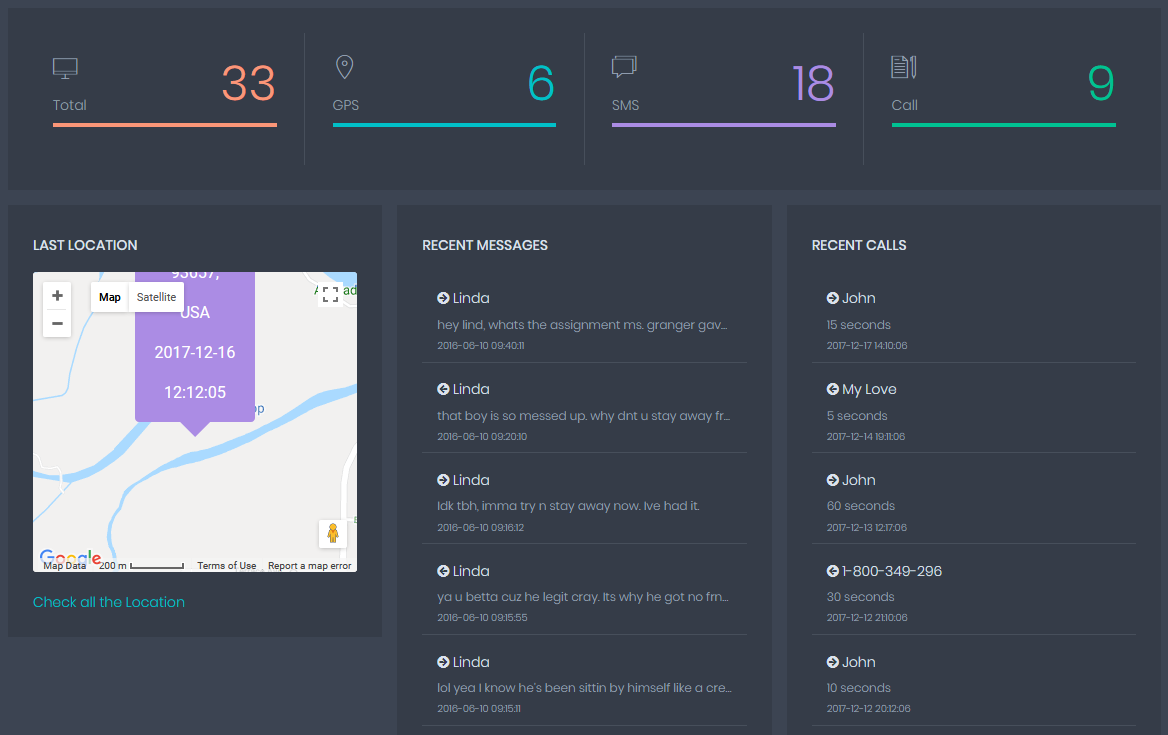
If you want to use Free Keylogger, you need to install the MobileTracking app on the phone. It will help you to track all the keystrokes for free. Follow these steps to use this feature of the app.
Step 1: Download
Now, you need to set up the tracking app on the phone. To track keystrokes in an android phone, you have to manually install the app on the phone. You need to enable sources in the phone and disable play protect. After that, you need to download the app from the website at app.mobiletracking.app. You need to install it on the phone. After it is done, you need to sign in to the app.
Step 2: Log in
Now, you need to log in to your account to start tracking the phone. Use your credentials to log in.
Step 3: Free Keylogger
Once you log in, you have to use the Free Keylogger option from the panel to track all the keystrokes. It will help you to read all the messages a person is typing. It will also help you to crack passwords. You can use the password for hacking social media.