Social Media Monitoring
Social media monitoring in MobileTracking is a map of where your child’s attention goes, not a copy of what they say. You get the list of social and messaging apps installed on the phone, how long each one was used per day, an immediate flag when a new one appears, and a note when something is trending sharply upward. Conversations inside those apps stay where they belong, which is between the people having them.
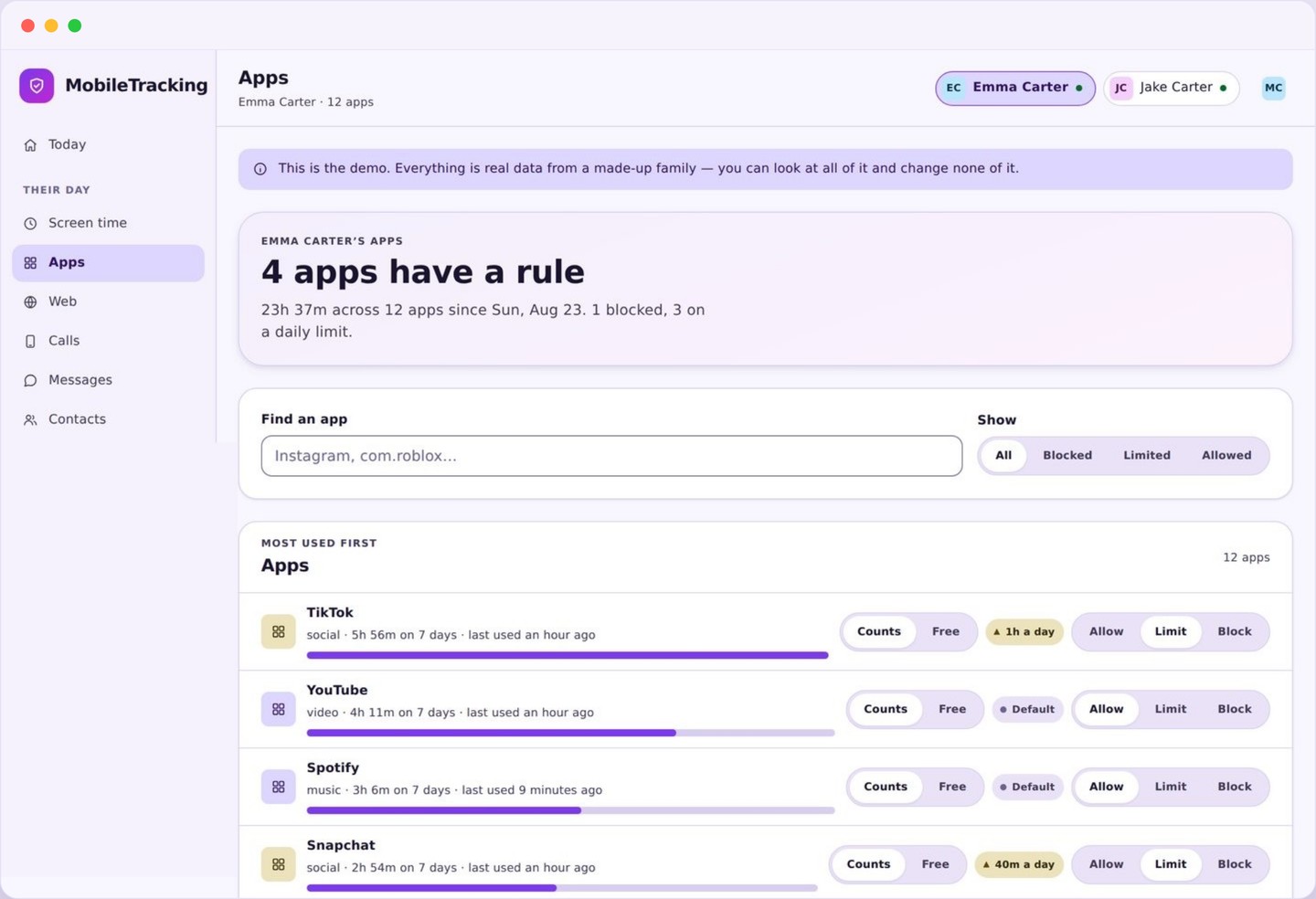
What social media monitoring actually reports
Four kinds of fact, all of them about apps rather than about conversations.
The first is the inventory. Every social and messaging app installed on the phone appears in a list with its real name and icon, whether it is a household name like TikTok, Instagram, Snapchat, WhatsApp, Discord or Roblox, or something you have never heard of. That inventory alone answers a question most parents cannot answer off the top of their head, which is simply what is on the phone right now.
The second is time. Each app carries its minutes for today, its daily figures for the last week, and a small chart so the shape is obvious. Minutes are the honest unit here. Message counts and post counts flatter apps that fragment activity, whereas time on screen is the thing a parent actually cares about and the thing a child recognises as true.
The third is change. A new app is flagged the day it appears, with the date it was installed. An app whose usage has climbed sharply against its own recent average is marked as trending. Change is where nearly all the useful signal lives, because a stable habit rarely needs your attention while a sudden one often does.
The fourth is context you can act on. From the same screen you can set a daily limit on an app, block it during homework, or leave it alone. Most families use this to inform two or three decisions a term rather than to police anything daily.
- Installed social and messaging apps, by name.
- Minutes per app per day, with a week of history.
- New installs flagged on the day, with the date.
- Apps trending upward against their own recent average.
Why a new app matters more than a busy one
Two hours of TikTok is a conversation about sleep. An unfamiliar chat app installed on Tuesday is a different conversation entirely.
Heavy use of a familiar app is a scheduling problem. You already know the app, you probably know roughly what happens in it, and the fix is a limit, a bedtime, or a chat about homework. It is worth attention, but it is rarely urgent and it is almost never a safety issue on its own.
A brand new messaging app is a different shape of information. Sometimes it is nothing: a friend group migrating, a game with a chat feature, a school club that uses something specific. Sometimes it matters a great deal, because moving a conversation to a platform a parent does not know about is a documented step in how adults approach children online. The app itself is not the problem; the reason for the move is what you want to understand.
This is why installs are reported the same day rather than buried in a monthly summary. A week later, the question “what is this app for?” sounds like an accusation. On the day, it sounds like interest, which is what it should be. Ask what it does, who is on it, and why they moved. You will usually get a straight answer.
The trending flag serves a similar purpose more quietly. An app that has gone from twenty minutes a day to three hours in a fortnight is telling you something has changed, and the change might be a new friendship, a new obsession, or a new pressure. None of those are emergencies. All of them are worth noticing while they are still small.
Keyword alerts run on notification previews only
The one place a word can be matched, and the strict limits of what that means.
You can give MobileTracking a short list of words that would worry you, and if one of them appears in a notification preview that arrives on the phone, you get an alert. The alert tells you which word matched, which app it came from, and when. It does not contain the notification, the message, the sender, or any surrounding text, because none of that is collected.
It is important to understand where this operates. A notification preview is the line of text Android shows on the lock screen. It is short, it is often truncated, and it exists only if the app and the phone are set to show previews at all. If your child has previews turned off, or uses an app that shows only “New message”, there is nothing to match against and nothing will fire. We would rather you knew that than assumed a safety net that is not there.
Keyword alerts are best treated as a tripwire in the hallway, not a camera in every room. They catch a small number of unambiguous words in plain sight: terms tied to self harm, to bullying, to being asked to keep a secret, to meeting someone alone. They will miss everything said in an app that hides previews, everything phrased differently, and everything in a conversation your child does not want reported.
Why encrypted chats cannot and should not be read
Two separate arguments, and either one on its own would be enough.
The technical argument is short. WhatsApp, Signal, iMessage and the private modes of most large platforms use end to end encryption, which means the message is scrambled on the sender’s phone and unscrambled on the recipient’s. Nobody in between can read it: not the network, not the platform in many cases, and certainly not a parental control app. Any product that claims to show you those conversations is either misleading you, screen scraping in a way that breaks constantly, or asking you to install something that weakens the phone’s security for everyone who uses it.
The argument from parenting is longer and, we think, more important. A child who believes every message is read does not stop having private conversations; they move them. They open a second account, they switch to a device you do not manage, they use disappearing messages, and above all they stop bringing you problems, because a parent who reads everything has become a risk rather than a resource. The families who get the most out of this product are the ones whose children still tell them things.
So the line is drawn deliberately and permanently. MobileTracking never reads message text, never records calls, never opens the microphone or the camera, never captures the screen, and never logs keystrokes. Those capabilities do not exist in the app to be enabled later. What exists is the app list, the time, the changes, and notification preview matching, all of it visible to your child on their own phone.
That trade buys something real. You get enough to notice a change and start a conversation, and your child keeps enough privacy to remain the kind of teenager who talks to their parents. That combination protects children better than a transcript ever has.
Using social media monitoring to open a conversation
The data is only worth having if what you do with it makes your child more likely to talk, not less.
Start by looking once a week rather than every evening. Open the app list, look for anything new, look for anything that has jumped, and close it. That takes under a minute, and it is enough. Daily checking pushes parents into commenting on ordinary fluctuations, which teaches a child that the app is a surveillance device rather than a shared household arrangement.
When you do raise something, name the fact and ask an open question. “I saw a new app appeared on Tuesday, what is it?” works. “Why have you installed this behind my back?” does not, and it is not even accurate, since nothing was hidden from a system your child knows about. The tone of the first question is what makes the second conversation possible.
Use the numbers to agree rules rather than to win arguments. If short video is taking three hours a night and homework is suffering, the figure turns a vague complaint into a shared fact you can both see, and a limit you set together is far more likely to survive than one imposed after a row. Where a limit is needed, set it on the specific app rather than on the phone as a whole.
And say out loud what social media monitoring covers. Tell them the app list is visible, the minutes are visible, new installs are flagged, a short keyword list exists, and their conversations are not read. Almost every argument about this feature that we hear about started with a child discovering something they had not been told.
Read the app list first
Open the apps panel and look at what is installed before you look at any numbers. The inventory is the part most parents have never actually seen.
- Sort by time to see where the hours go.
- Check the new column for recent installs.
- Look for the trending flag, not just the totals.
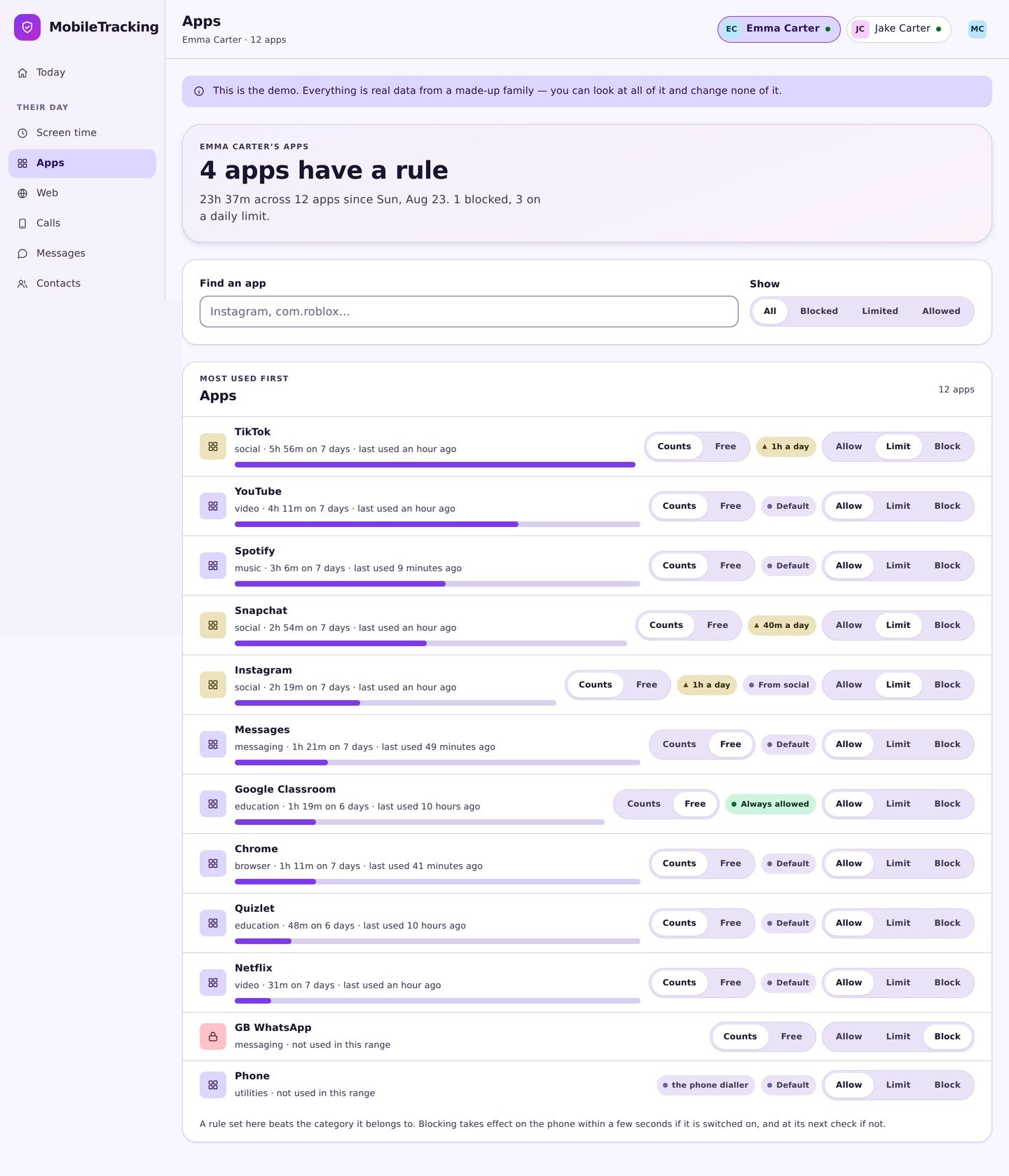
Set alerts for change, not volume
New app installed is the alert almost every family should have. A short keyword list is a reasonable second. Alerts on ordinary usage will only teach you to ignore them.
- Turn on new app notifications per child.
- Keep the keyword list under a dozen words.
- Add quiet hours so nothing wakes the house.
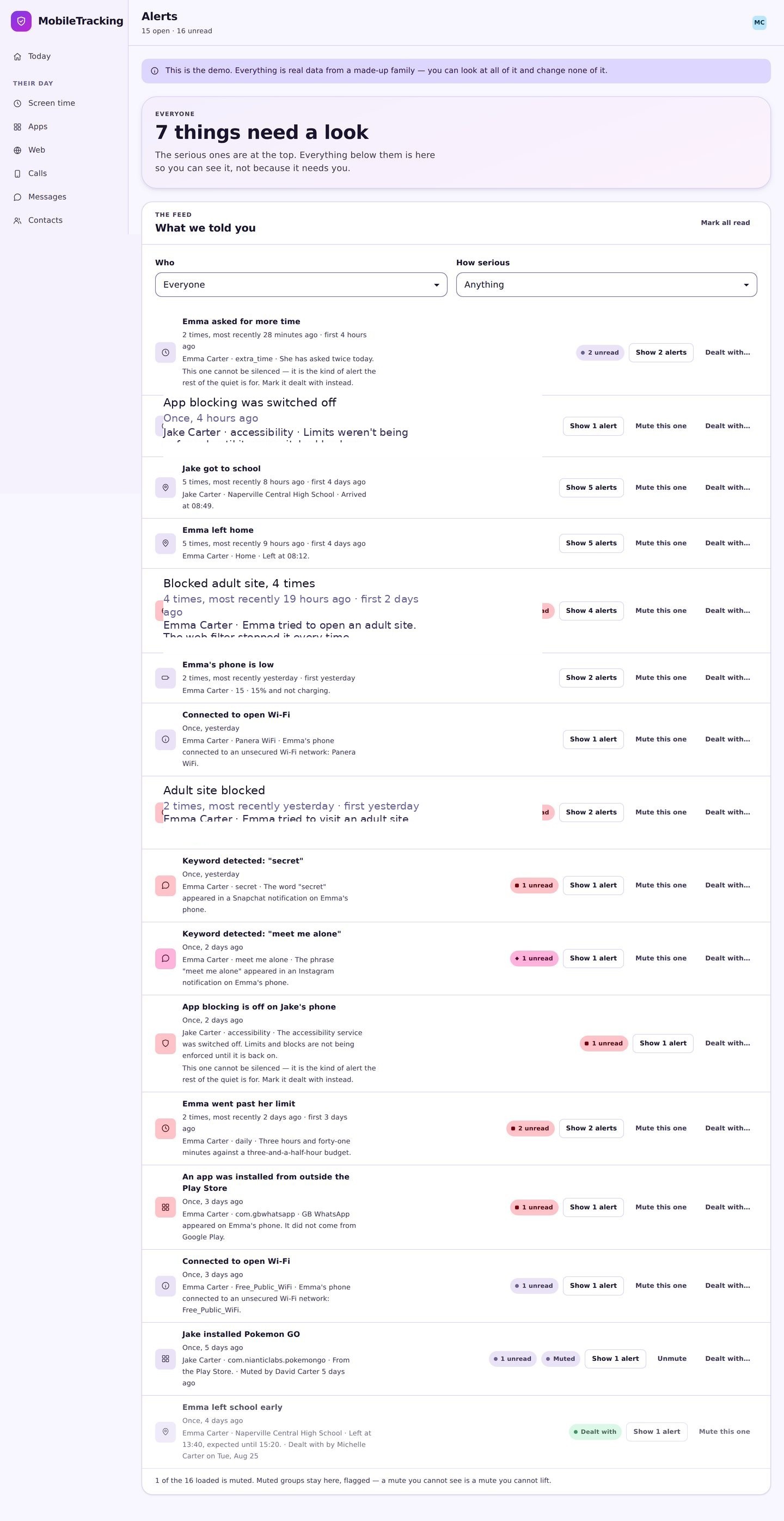
Grant usage access together
Android needs an explicit usage access permission before any app can report time per app, and notification access before previews can be matched. Both dialogs name what they do.
- Grant usage access for per app minutes.
- Grant notification access only if you want keyword alerts.
- Show them the transparency screen straight afterwards.
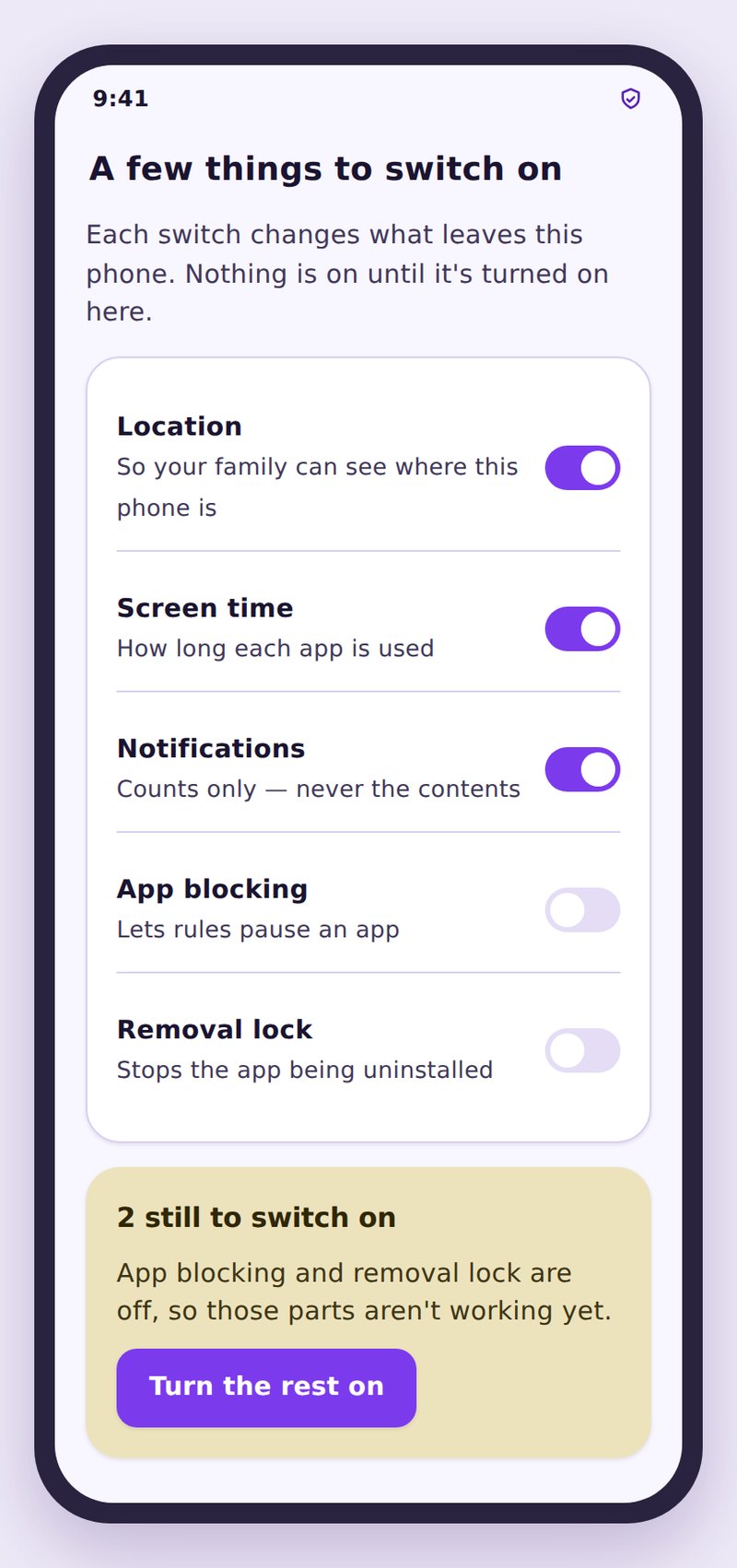
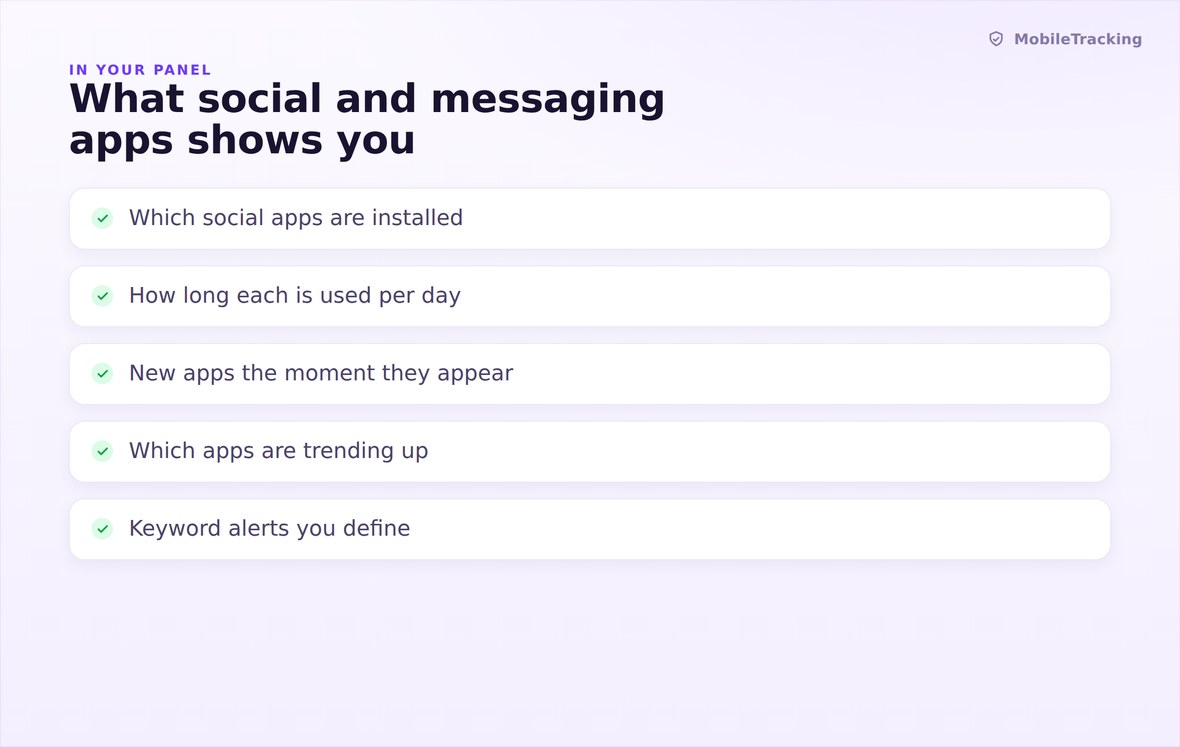
Installed apps, minutes per day, new installs, and anything trending upward.
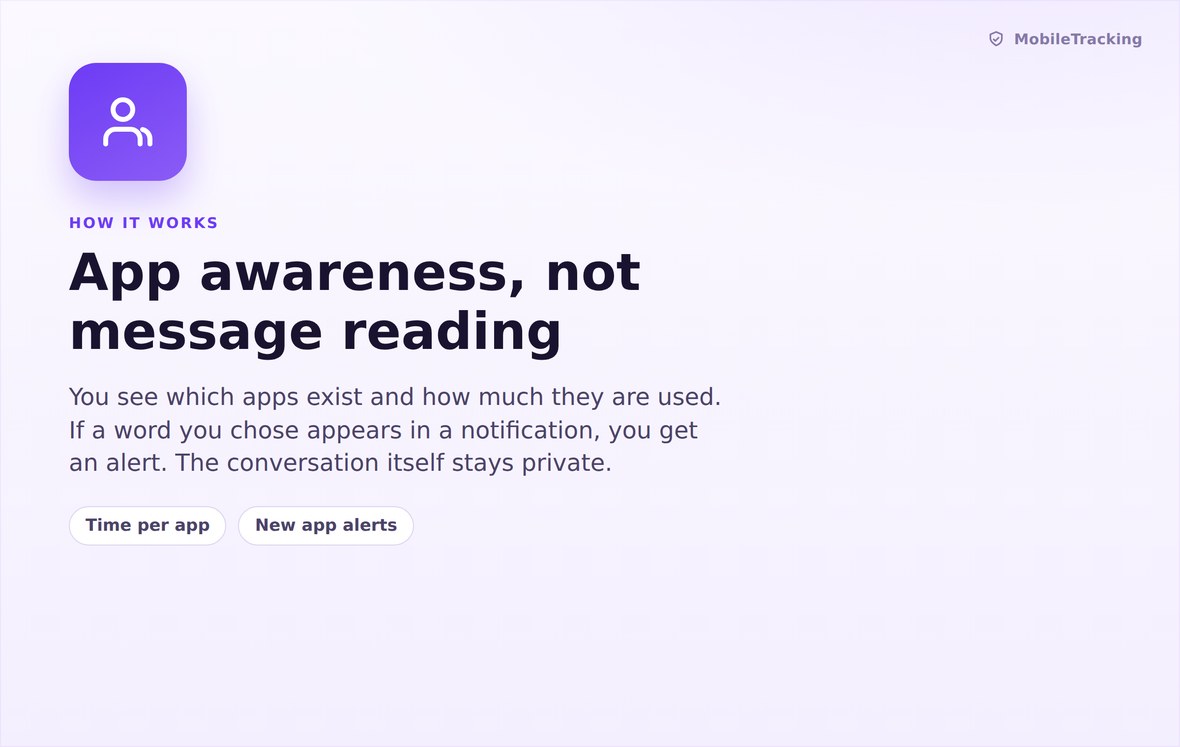
Android’s own usage statistics for time, the package list for inventory, previews for keywords.
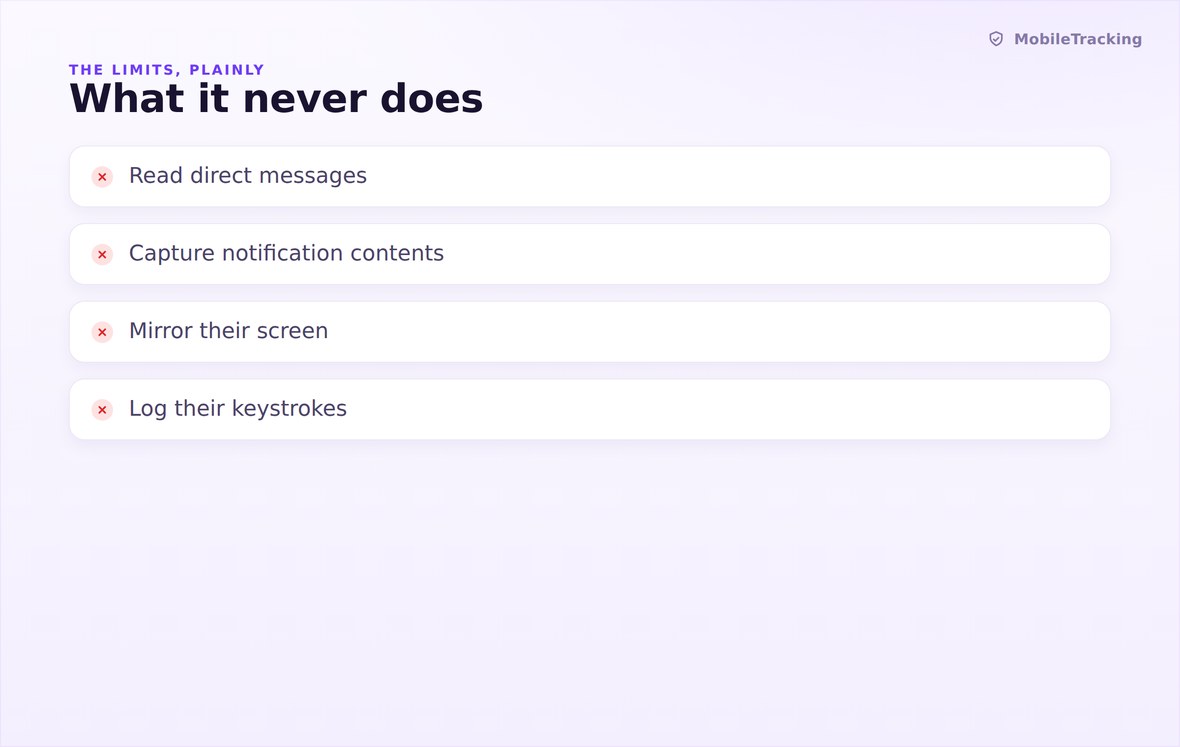
No message text, no chat history, no screen capture, no microphone, no keystroke logging.
What your child sees
The child app lists exactly what is reported from their apps and what is not, and it does so in the same words we use on this page. They can see that time per app is shared, that new installs are flagged, that a keyword list exists, and that nobody is reading their conversations. Consent for each permission is granted on their phone, by them, with Android’s own dialog explaining it.
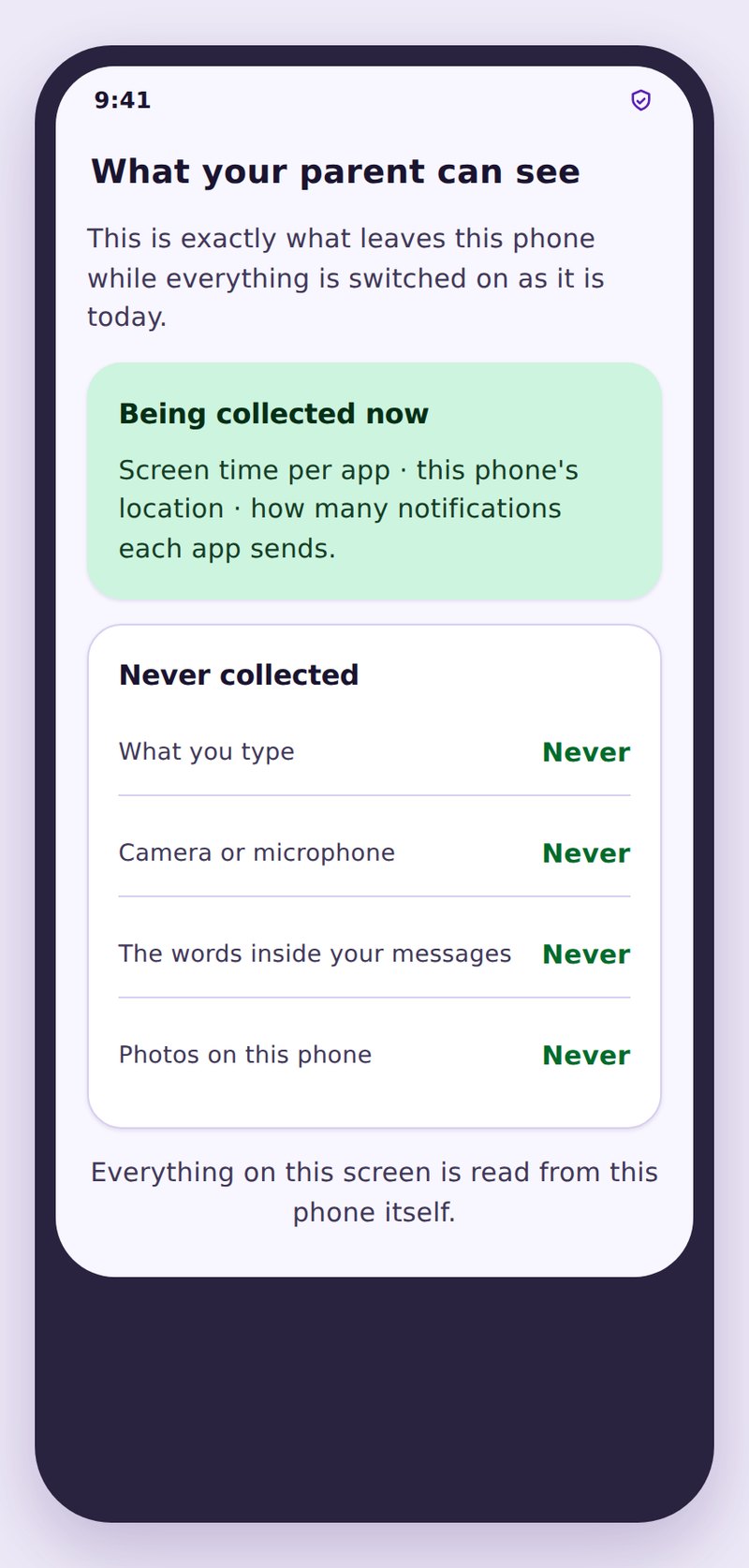
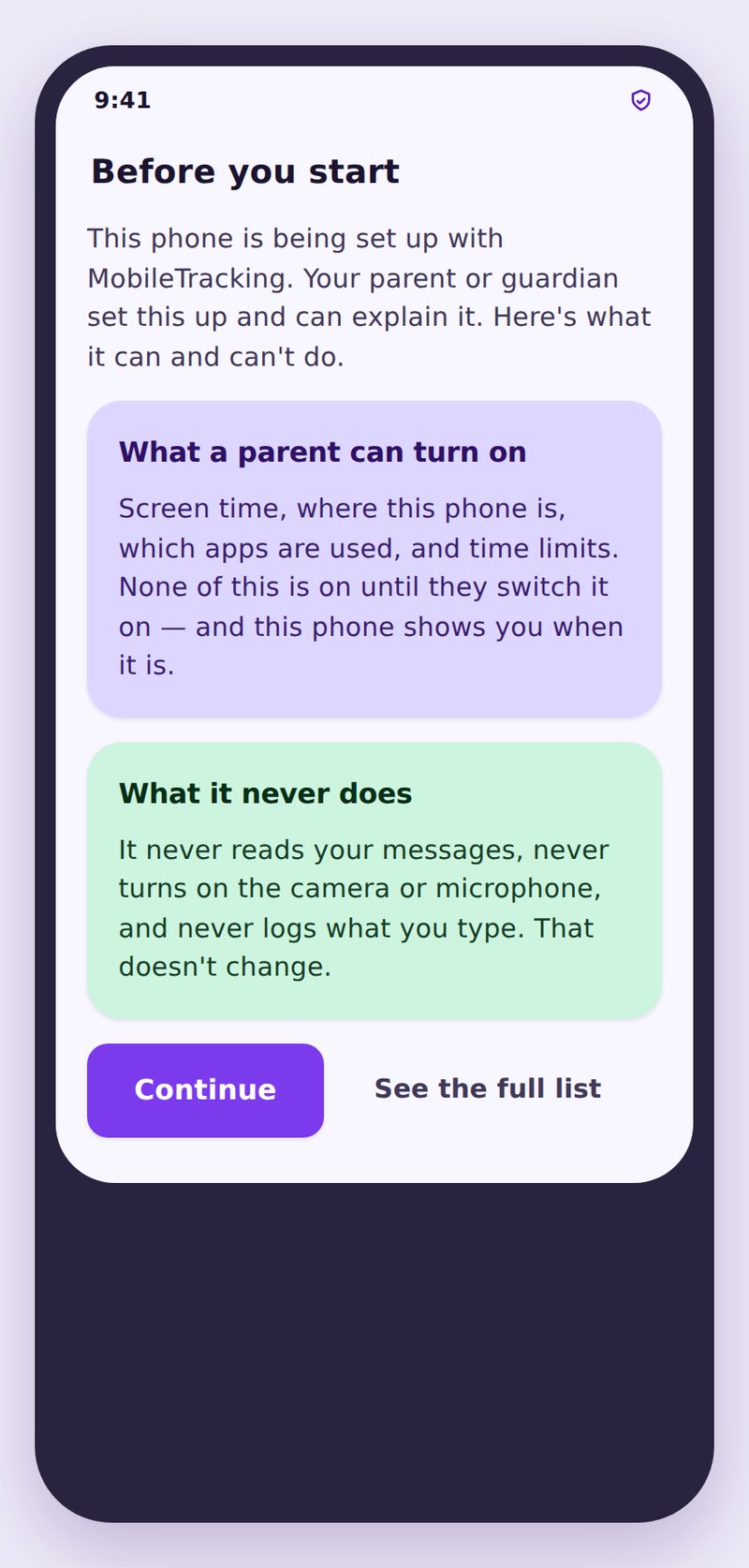
- The same numbers, both sidesYour child sees their own app times exactly as you do.
- The keyword list is disclosedThey are told a list exists and that only a match is ever reported.
- Conversations stay privateNo chat content is collected, so none can be read, shared or sold.
| Signal | What you can see | What you cannot see | A sensible response |
|---|---|---|---|
| Familiar app, heavy use | Minutes per day and the weekly trend | Anything posted, sent or watched | Agree a limit together rather than imposing one |
| New messaging app installed | App name and install date | Who is in it or what is said | Ask the same day, out of interest |
| App trending sharply up | The rise against its own average | The reason behind the rise | Mention it once and listen to the answer |
| Keyword matched in a preview | The word, the app, the time | The message, the sender, the context | Open a conversation, do not present it as proof |
| Encrypted chat app in daily use | That it exists and how long it is used | Every message inside it, permanently | Talk about who they talk to, not about reading it |
No. Those conversations are encrypted and are never collected. You can see that the app is installed and how long it is used, which is a different and much less invasive kind of knowing.
All of them, in the sense that the inventory and time reporting apply to whatever is installed. Social and messaging apps are grouped together for convenience, but nothing is limited to a fixed list of well known names.
The same day it is installed, usually within minutes of the phone next reporting in. New installs are one of the few things worth an immediate notification.
Only through notification previews, and only when previews are switched on and long enough to contain the word. Nothing is read from inside the app itself.
Never. There is no screen capture, no camera use, no microphone use and no keystroke logging anywhere in the product.
Yes. It is listed on the transparency screen on their phone, and each Android permission it relies on was granted by them, in a dialog that says what it allows.
See the apps, keep the trust
Turn on the app list and time reporting, set one alert for new installs, and use what you learn to start a conversation rather than to win one.
Related features: App Activity, Screen Time and App Limits, and Calls and SMS.