Calls & SMS
Calls and SMS reporting answers a short list of questions and deliberately refuses the rest: who contacted your child, how often, in which direction, for how long, and at what hour. You see numbers, the names your child has saved against them, and a flag on anything unknown. You never see a word of what was said, because the words belong to your child and taking them would break the very thing this tool is meant to protect.
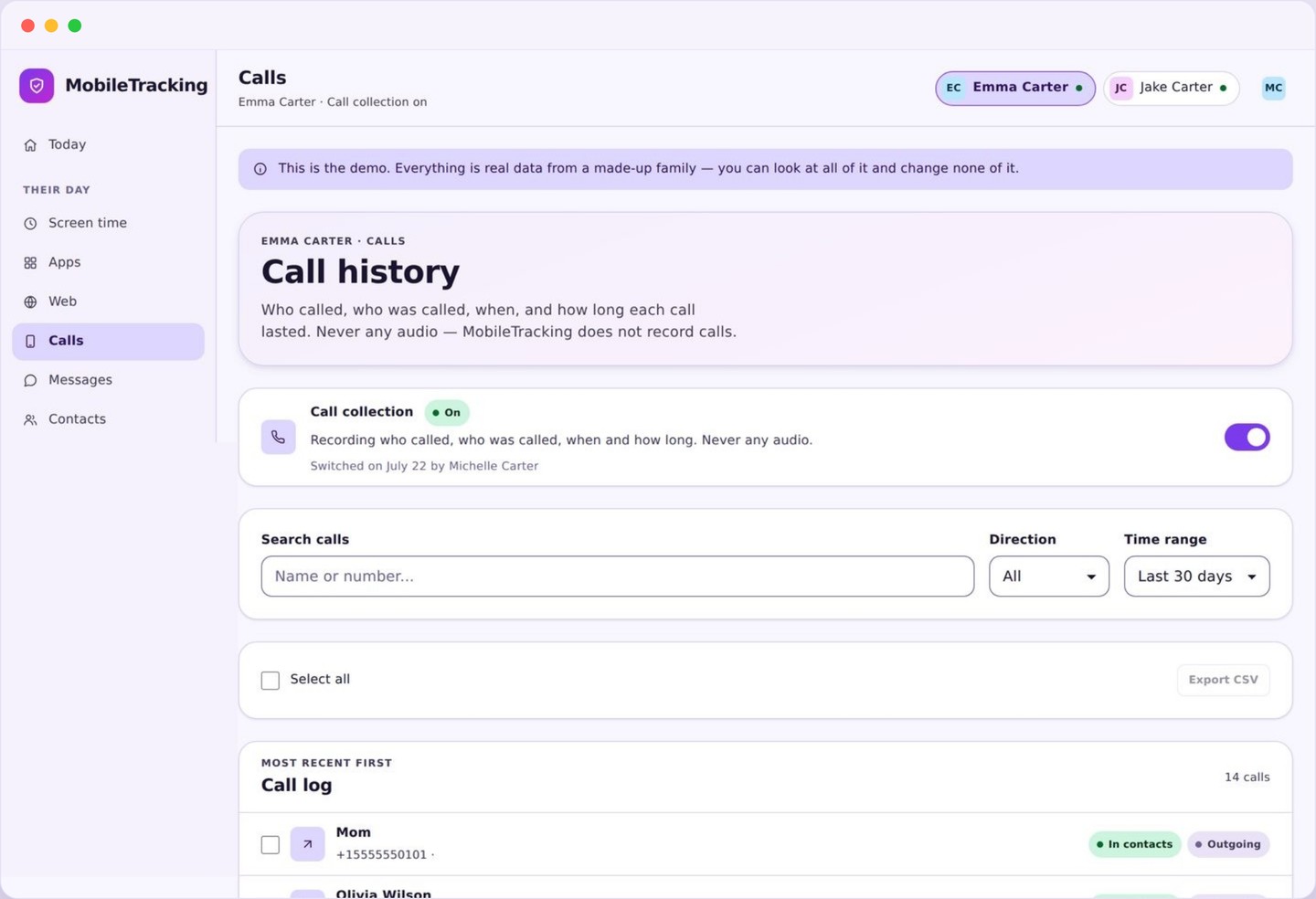
What the calls and SMS log actually shows
Five small facts per row, repeated a few hundred times, which together make a shape you can read in seconds.
Every entry in the log is one contact event. It carries the other party’s number, the name if that number is saved in your child’s contacts, whether it was incoming, outgoing or missed, how long a call lasted, and the date and time. Messages carry the same fields minus duration, plus a count when several were exchanged in a short burst, so a twenty message back and forth appears as one line rather than twenty.
Above the list sits a summary that most parents end up using far more than the list itself. It ranks the busiest contacts of the last week and separates the ones with saved names from the ones without. A number that has never had a name attached and has climbed into the top three would take an hour to notice by scrolling, and about two seconds to notice here.
You can filter by child, by date range, by direction, and by whether the number is known or unknown. The filter that earns its place is unknown numbers over the last seven days, because it turns a long log into a short one, and short lists get read. Everything is searchable by number too.
The log holds recent history rather than everything forever. Older entries roll off on a schedule shown in your account settings, and you can export or delete a child’s history at any time. Removing the child app ends collection immediately.
- Number, saved name if there is one, and an unknown flag if there is not.
- Direction: incoming, outgoing, or missed.
- Call duration, and a message count for short bursts.
- Date and time, with a weekly ranking of the most frequent contacts.
Why metadata is enough to spot trouble
The thing that worries a parent almost never lives inside one message. It lives in a rhythm.
Consider the example we hear most often. An unknown number calls a thirteen year old four times on a Tuesday evening, twice more on the Wednesday, and every call is short. You do not need a transcript to know something is going on. The shape alone tells you: repeated, one directional, from someone your child has not saved. That is a conversation to have tonight, and you can have it without having read anything at all.
The reverse is just as informative. A number that appears sixty times a week with a saved name, mostly outgoing, mostly between four and six in the afternoon, is a friendship. It looks nothing like harassment, and treating the two the same way would be both wrong and corrosive. Metadata is unusually good at exactly this distinction, and it makes it without anybody reading a private message.
Frequency, direction, duration and hour do most of the work. Bullying tends to look like many short incoming contacts from one or two numbers, clustered in the evening. An adult building a secret relationship with a child tends to move the conversation to a messaging app, which shows up here as phone contact stopping while a new app appears elsewhere in your panel. Scam dialling looks like many different unknown numbers, each appearing once. These are recognisable shapes, and none of them needs the content.
It is worth saying plainly what metadata cannot do. It cannot tell you that a message from a saved friend was cruel, and it cannot separate a supportive late night call from a frightening one. Anyone selling you the idea that an app removes the need to talk to your child is selling something that does not work. What this log does is tell you when to talk, and roughly what about.
Saved contacts, unknown numbers, and the line between them
One simple flag does most of the filtering, and it does it using your child’s own address book.
The unknown flag works exactly as it sounds: if a number does not match an entry in the phone’s contacts, it is marked. There is no external database, no reputation score, and no attempt to identify the person behind a number. We do not look anybody up. The only judgement involved is one your child has already made, by choosing to save a number or not to.
That simplicity has an obvious consequence, and we would rather you heard it from us than discovered it later. A child who saves a stranger’s number under a friendly name will not be flagged, and a teacher or a dentist calling for the first time will be. The flag is a sorting aid rather than a verdict. It moves the interesting rows to the top of a long list; it does not decide who is safe.
Where it becomes genuinely useful is in combination with repetition. One unknown number once a month is noise. One unknown number six times in two days is a signal, and that is what the weekly summary surfaces. You can also mark a number as known from your panel, which clears it from the unknown filter without adding it to your child’s contacts.
What calls and SMS monitoring never collects
This is the section we would want to read first if we were the parent, so here it is without hedging.
Call audio is never recorded. There is no recording feature sitting switched off by default, no premium tier that unlocks it, and no hidden setting. The app does not open the microphone during a call or at any other time, and it does not transcribe or analyse anything that was said. If a competing product offers call recording, be aware that in many places it is unlawful, and that a child who discovers it has learned something about you that takes years to repair.
Message text is never collected. The body of an SMS, an MMS attachment, a photo sent to your child, and anything typed into a messaging app all stay on the device. We store that a message event happened between two numbers at a given time, never what it said, and there is nothing in your panel that could show it to you.
There is also no keystroke logging, no screen recording, and no use of the camera. The app never captures what is on screen, never takes a picture, and never records what is typed. Those four techniques are the line between a safety tool and surveillance, and the product is built so that none of them exists in the code rather than so that they are merely turned off.
What you get instead is honest and, in our experience, sufficient: the pattern of contact, flagged where it is unfamiliar, visible to both of you. Your child can read the same policy on their own phone, in the same plain language.
Reading the log without turning it into an interrogation
The failure mode here is not missing something. It is checking constantly and then quoting the log at dinner.
Look weekly, not hourly. The summary is built for a Sunday evening glance: busiest contacts, unknown numbers of the last seven days, anything at an odd hour. If nothing stands out, close it. A parent who scrolls the full log nightly ends up reacting to ordinary teenage life, and the child quietly moves everything to an app that reports less.
When something does stand out, lead with the fact rather than the file. “An unknown number has called you a few times this week, is everything alright?” opens a door. “I have been through your call log” closes one. You hold the same information either way; only one version leaves your child willing to tell you the next thing.
Set one alert rather than five. Repeated contact from an unknown number is the alert worth having, and contact in the middle of the night is a reasonable second. Anything more and you will mute the whole category within a fortnight, which means the alert you actually wanted is the one you miss. Everything else can sit in the log for you to read on purpose.
And tell them the log exists before you ever use it. Not as a warning, but as a plain fact of the household: this app reports who calls, never what is said, and here is the screen that proves it. Families who have that conversation up front almost never argue about this feature later.
Open the log and set the filter
Start with the weekly summary rather than the full list. Switch the filter to unknown numbers over the last seven days and see whether anything repeats.
- Filter by child, direction, and known or unknown.
- Search a number to see its whole history.
- Mark a number as known once you recognise it.
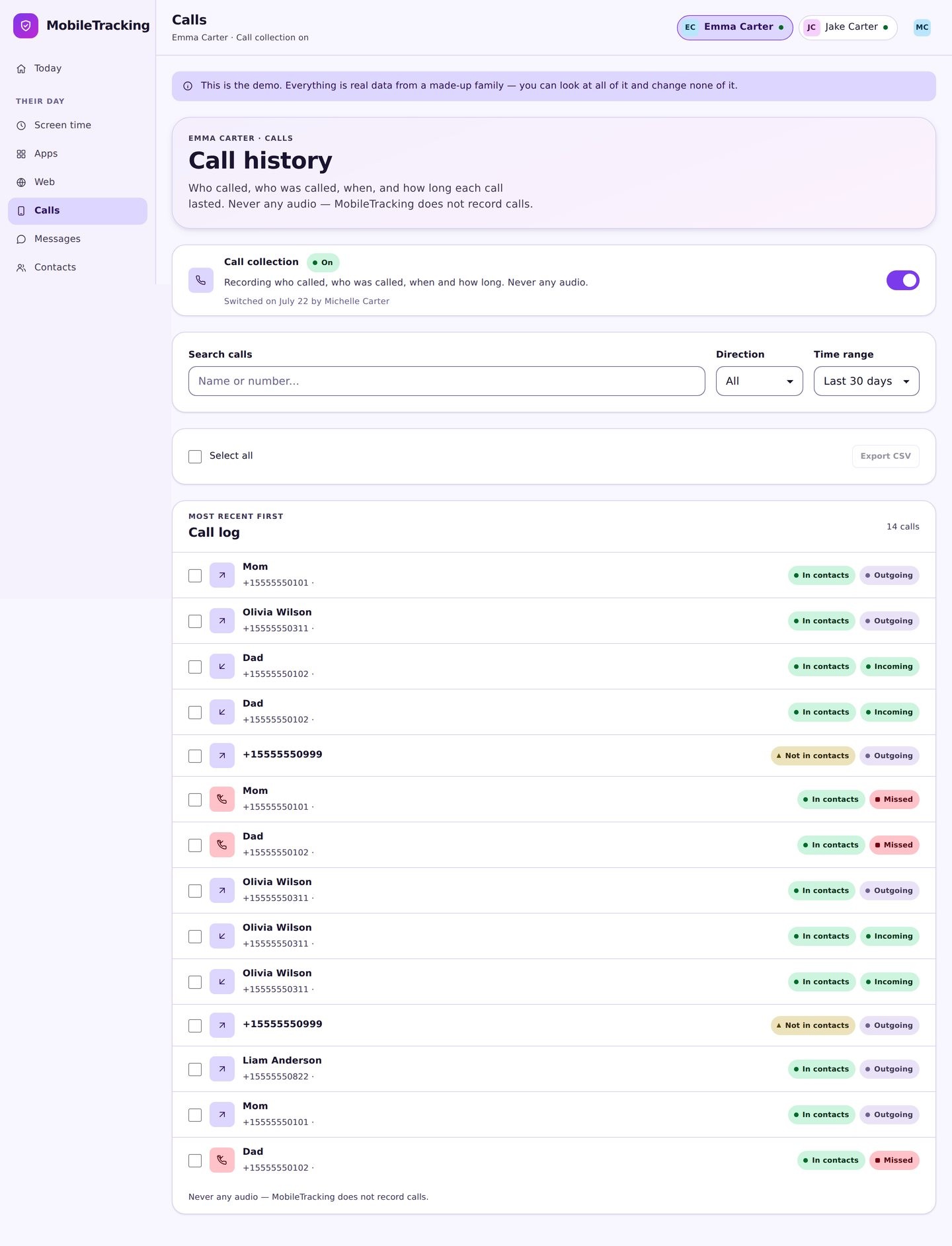
Turn on one alert, not five
Repeated contact from an unknown number is the alert worth having. Late night contact is a sensible second. Add a third and you will mute the lot inside a fortnight.
- Set a threshold, such as three times in two days.
- Add quiet hours so nothing buzzes needlessly.
- Alerts group, so a burst arrives as one line.
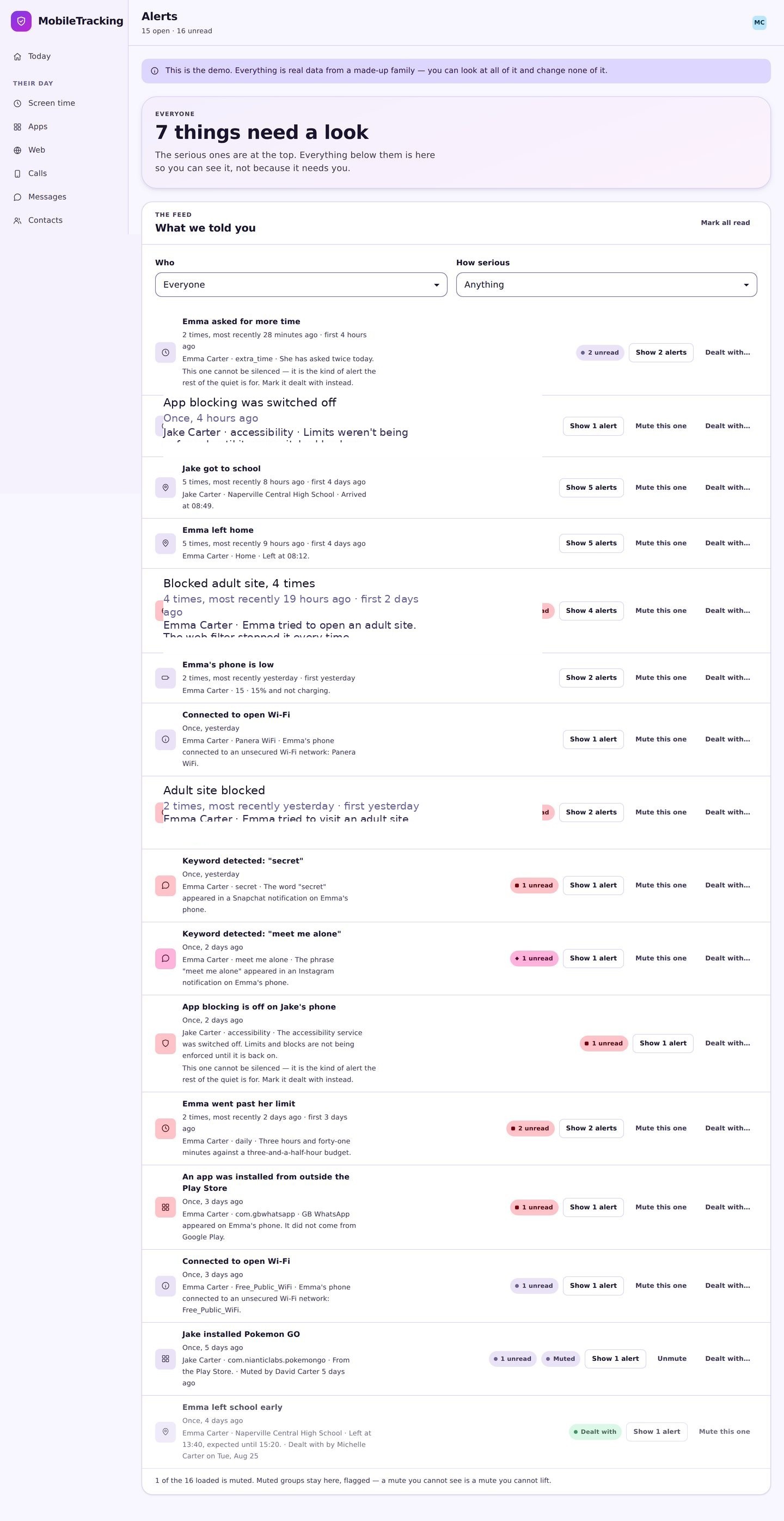
Grant the permissions together
Android asks for call log and message access explicitly, in a dialog that names exactly what is being shared. Do this in the same room and read it out loud.
- The dialog is Android’s, not ours, and it is honest.
- Show them the transparency screen straight afterwards.
- Either of you can check what is collected at any time.
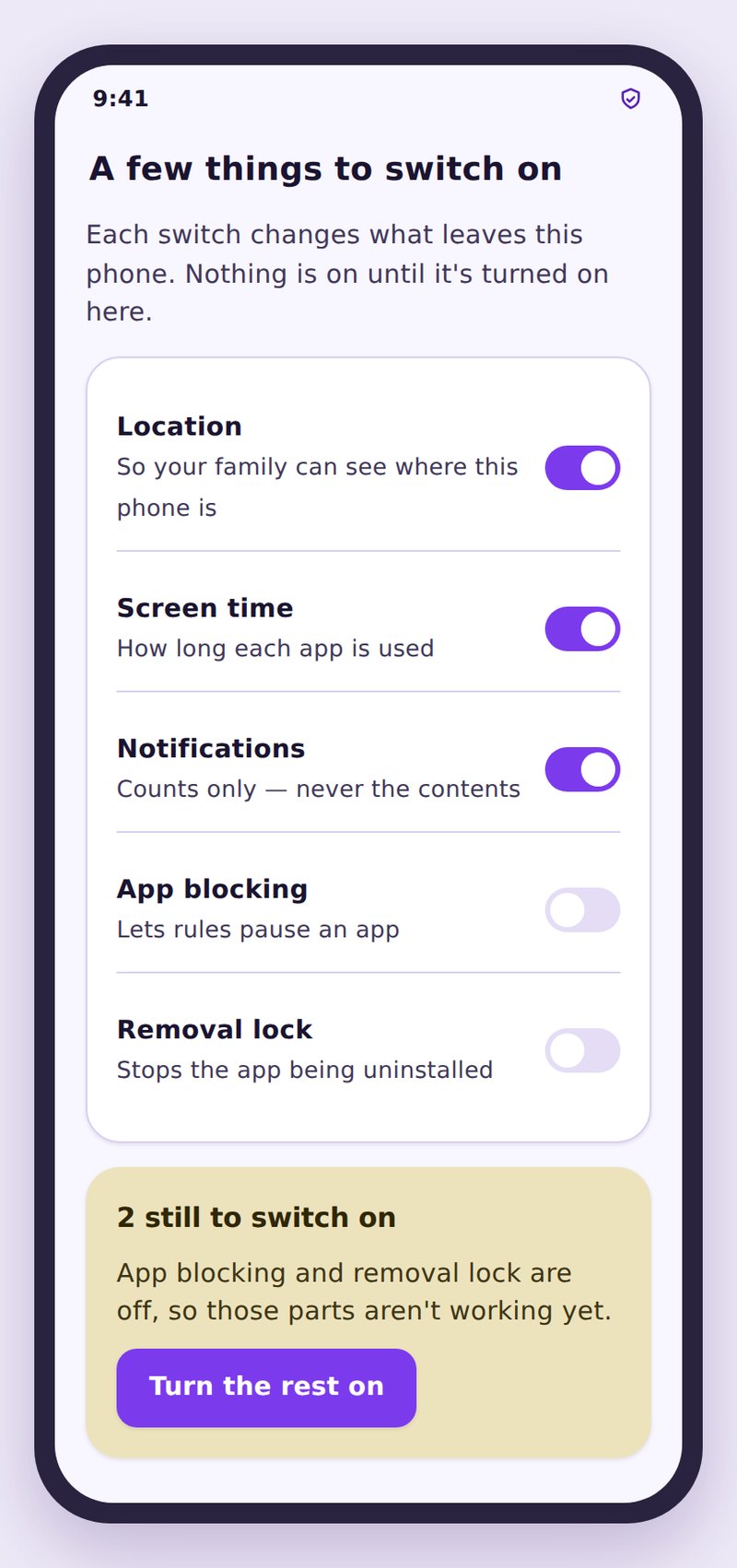
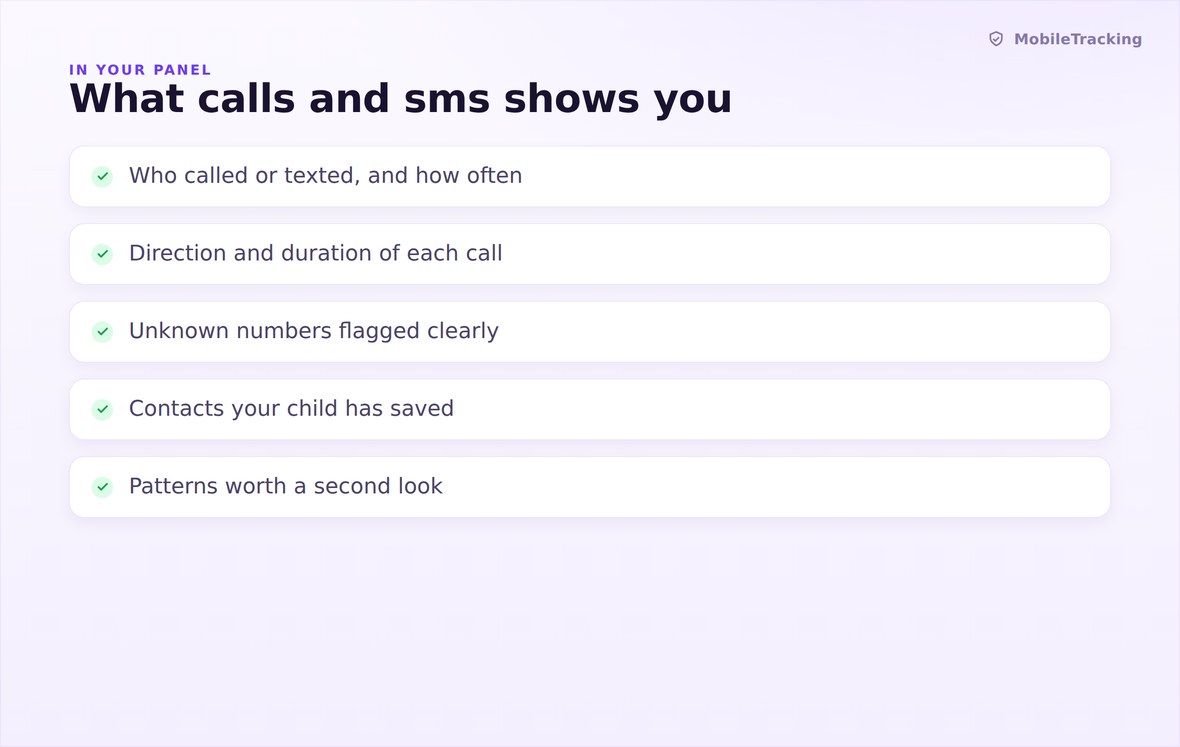
Numbers, saved names, direction, duration, time, and a weekly ranking of who appears most.
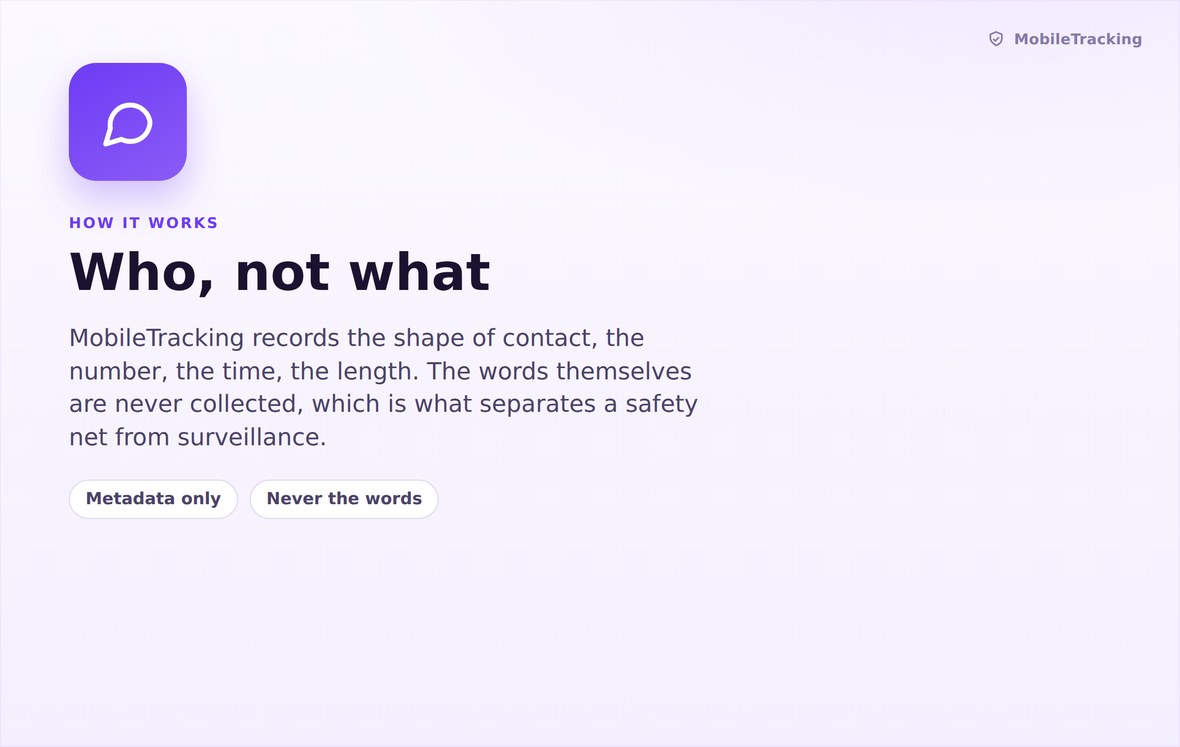
Events come from the phone’s own logs, are flagged against its contacts, and are grouped into patterns.
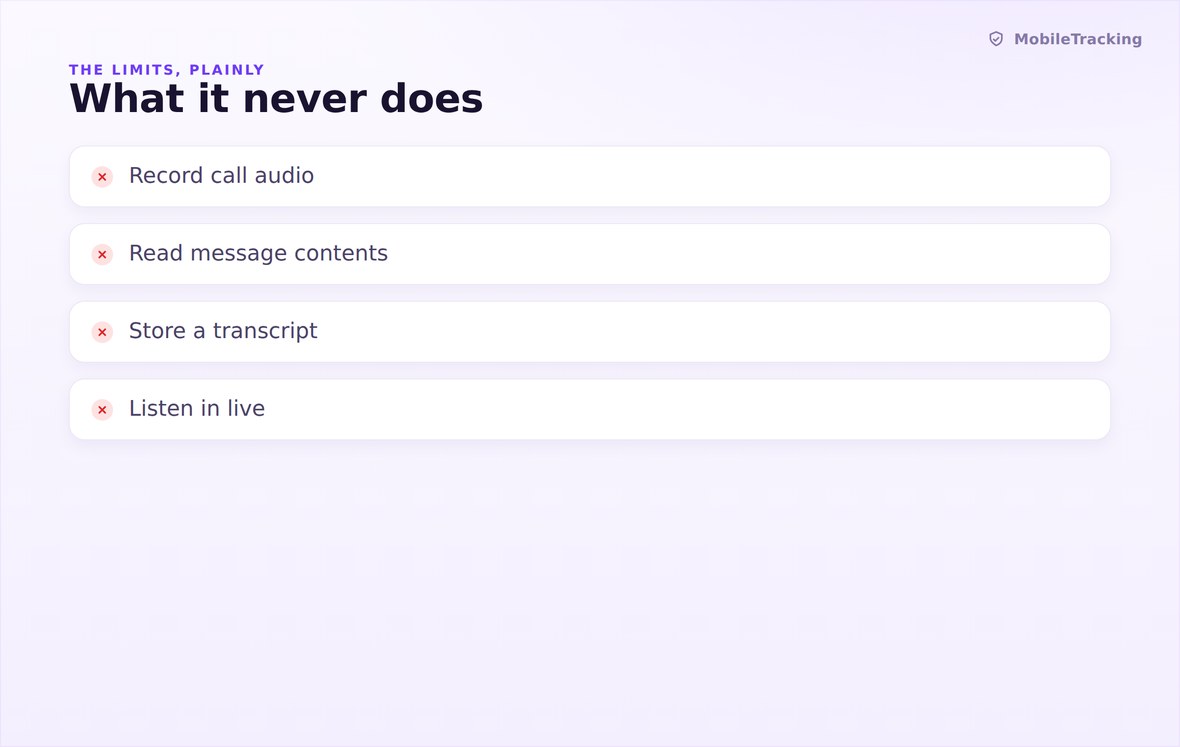
No call recording, no message text, no microphone, no camera, no keystroke logging.
What your child sees
The child app states exactly what is taken from the phone and messaging logs, in the same plain words we use here, and it states just as clearly what is not. There is no version of this feature that runs without the phone’s owner being able to read its terms, and consent is captured at setup rather than assumed.
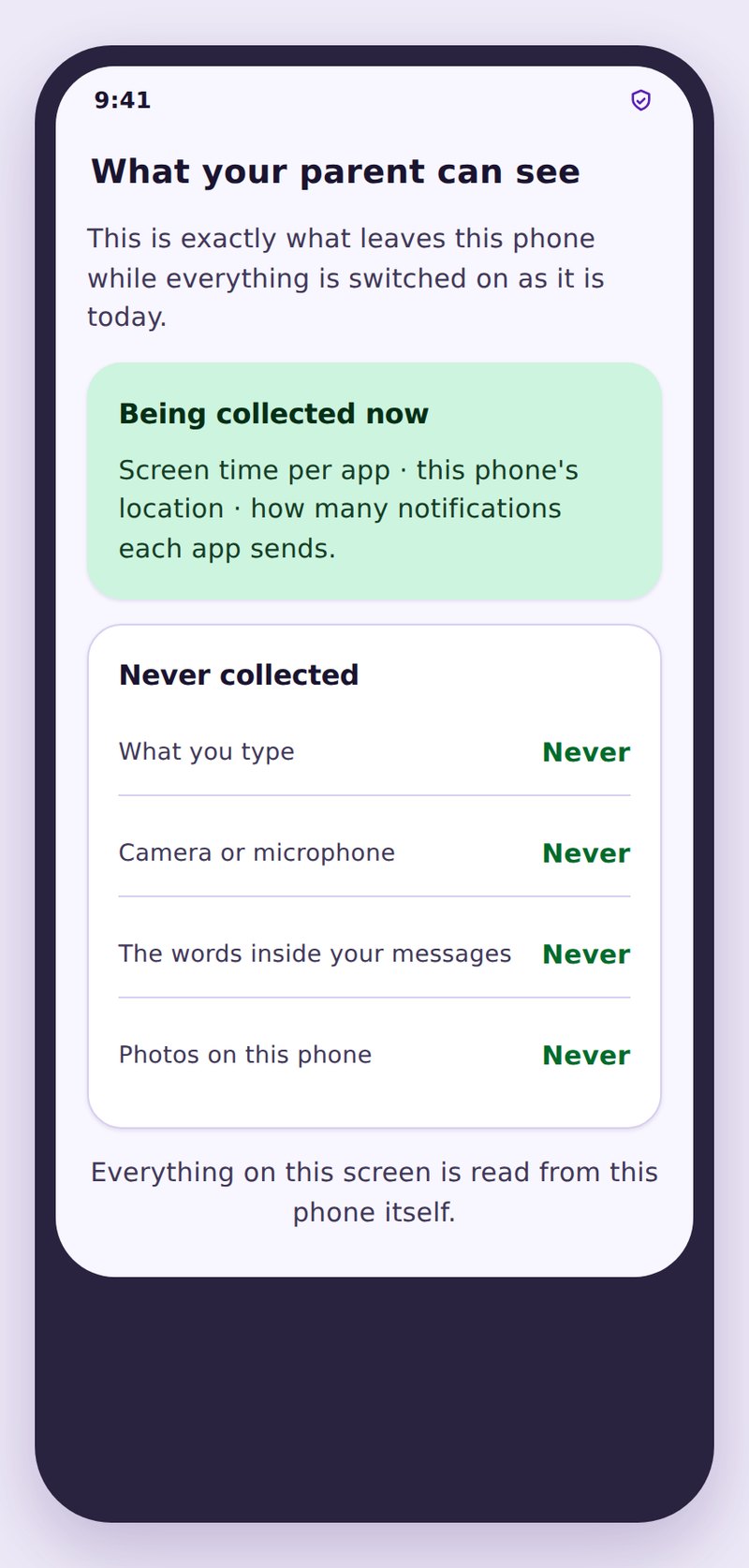
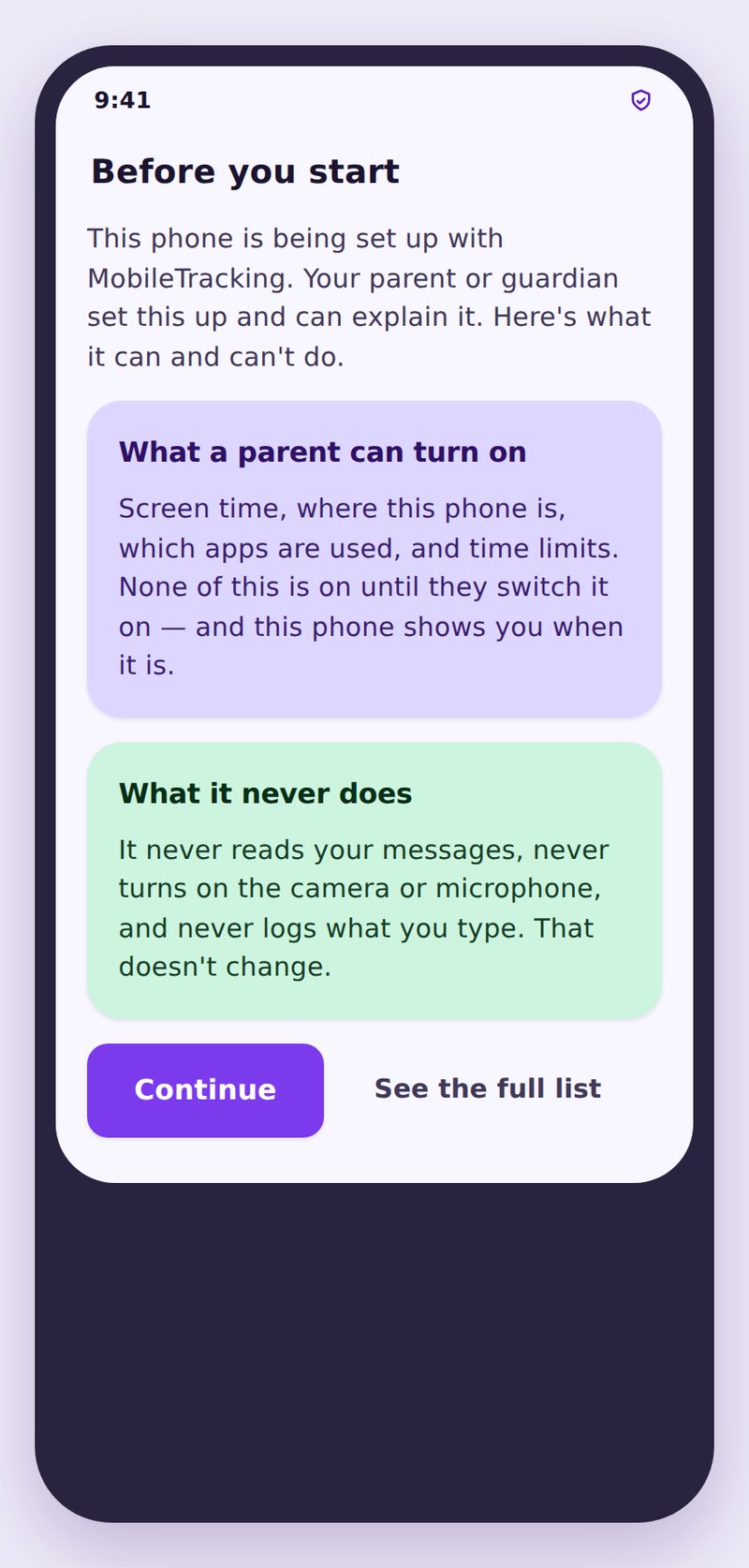
- They see the same fieldsNumbers, times and direction are listed on their side as well as yours.
- Content is off the tableThe screen says no audio and no message text, because there is none.
- Nothing leaves your accountNo sale, no sharing, no public link, and deletion whenever you ask.
| Pattern in the log | What you can see | What it might mean | A reasonable first step |
|---|---|---|---|
| One unknown number, four short calls in a day | Number, times, direction, duration | Someone persistent who your child has not saved | Ask tonight, openly, without quoting the log |
| Many different unknown numbers, once each | A spread of one off entries | Almost always spam or scam dialling | Block at the handset or with the carrier |
| Heavy contact with one saved name | High count, mixed direction | An ordinary friendship | Nothing at all |
| Contact clustered after midnight | Timestamps only | Sleep is being lost, whoever it is | Talk about phones and bedtime, not the person |
| Phone contact stops, a new app appears | Absence here, activity elsewhere | The conversation has moved to a chat app | Look at app activity, then ask |
No. Message content is never collected. You see that a message was exchanged with a given number at a given time, and nothing whatsoever about what it said.
No. There is no call recording in the product, disabled or otherwise, and the microphone is never opened by the app. You get the number, direction, duration and time.
Those are encrypted chats inside other apps, and their content is not readable by us or by anyone outside the conversation. What you can see is which apps exist and how heavily they are used, which lives in App Activity.
By comparison with the contacts saved on your child’s phone. Nothing is looked up externally, so a new dentist will be flagged and a stranger saved as “Sam” will not.
Yes. Android shows an explicit permission dialog at setup, and the child app lists what is collected on a screen they can open whenever they like.
Recent history only, on a retention window shown in your account settings. You can export or delete it at any time, and uninstalling the child app stops collection immediately.
See the pattern, not the private words
Turn on contact reporting, set one alert for repeated unknown numbers, and let the shape of the week tell you when it is time to talk.
Related features: Social Media Monitoring, App Activity, and Smart Alerts.