Keyword Alerts
Keyword alerts let you name a handful of words you would never want to miss, and be told the moment one of them appears in a notification on your child’s phone. What arrives is deliberately thin: the word that matched, the app it came from, and the time. Not the message, not the sender, not the sentence around it. This is a tripwire in the hallway, not a camera in the bedroom, and it works best when everyone in the house knows it is there.
Choosing the words that would actually worry you
The test for a good keyword is simple: if it fired at eleven at night, would you get out of bed?
Most parents start by writing far too many words. Forty terms covering drugs, swearing, dating, gaming and everything they half remember from a news article. That list generates alerts every day, the alerts become background noise within a fortnight, and the one that mattered arrives to a parent who has already stopped looking. A list of eight to twelve words that you would genuinely act on is worth more than a list of fifty you will learn to swipe away.
Four categories cover almost everything worth watching. The first is self harm and crisis language, which is the reason many families install a tool like this at all. The second is bullying and threat: the words a child would be called, or would be told to do to themselves, by someone trying to hurt them. The third is secrecy and meeting: the vocabulary of an adult persuading a child to keep something quiet or to come somewhere alone. The fourth is money, because requests for cash, gift cards or transfers are the fingerprint of both scams and sextortion.
Leave swearing off the list. It is the single most common mistake we see. Teenagers swear, in volume, and putting profanity on a watch list guarantees a stream of alerts that tell you nothing about safety while training you to ignore the ones that do. The same goes for ordinary slang and for brand names of things you merely disapprove of.
Write the words the way people actually type them. Add the abbreviation as well as the full phrase, add the common misspelling, and remember that matching is case insensitive so there is no need to add capitalised variants. Review the list every few months, because both the risks and the vocabulary change as a child gets older.
What a keyword alert contains, and what it does not
Three fields. We have been asked many times to add a fourth, and the answer is still no.
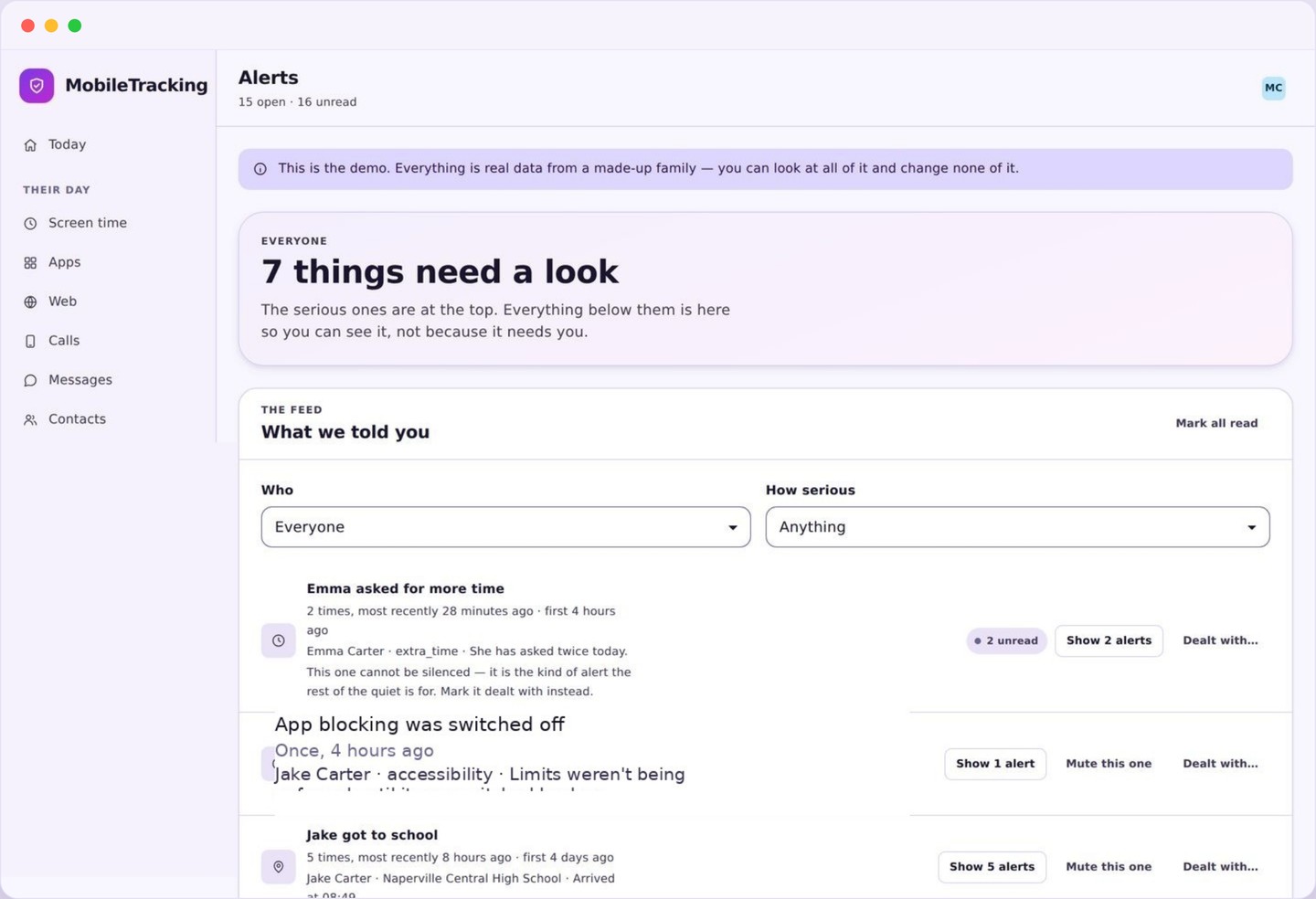
An alert reads roughly like this: the word “hurt myself” matched, in a messaging app, at 22:14 last night. That is the whole payload. You are not sent the notification text, the message body, the name or handle of whoever sent it, the surrounding sentence, or a screenshot. None of that is collected, so none of it can be delivered to you, leaked in a breach, or handed to anybody who asks.
This is a deliberate design decision rather than a technical shortcut. The purpose of an alert is to tell you that a conversation may need to happen, and the three facts do that job completely. Adding the message content would change the product into something that reads private conversations, which is exactly the thing we have built it not to do, and it would give a child a genuine reason to work around the tool.
It also changes what you can do with an alert, and that is a feature. You cannot confront someone with a quote, because you do not have one. You can only go and ask. In our experience that constraint produces better conversations, because it removes the temptation to arrive already convinced and lets your child explain something you may well have misread.
Alerts group in the same way the rest of the app groups things. Four matches on the same word within a short window arrive as one line with a count, and repeated matches from one app do not turn into a stream of separate buzzes. Everything is kept in the alert history whether or not it notified you, so a category you have muted still builds a record you can read on purpose.
Where keyword alerts match, and the honest limits of that
Understanding where the matching happens tells you exactly what it can and cannot catch.
Matching runs on notification previews only. When a message arrives, Android may show a short line of text on the lock screen or in the shade, and that line is what is compared against your list. It is never the conversation itself. The app is not opened, the chat is not read, and nothing inside an encrypted messenger is accessible to us or to anybody outside the conversation.
That has consequences you should know before you rely on it. If your child has previews turned off, if an app shows only “New message”, or if the preview truncates before your word appears, nothing will match. Some apps deliberately hide content in notifications. A conversation held entirely in a video call, a voice note, or an image will produce no text to match at all.
So treat keyword alerts as one layer among several rather than as a net. They will catch a word sitting in plain sight on a lock screen, which is more often than you might think, and they will catch nothing at all in a determined conversation that has moved somewhere quiet. Pair them with the app list, so you notice a new messaging app appearing, and with a household habit of actually talking.
Tuning keyword alerts so they stay worth reading
Every watch list starts noisy. The fix takes about ten minutes across the first fortnight.
A false positive is a match that is technically correct and completely uninteresting. A song title, a game mechanic, a group chat quoting a film, a news headline in a headlines app. They are unavoidable, because a word list has no idea what a sentence means, and they are the main reason people abandon this feature.
Deal with them one at a time as they arrive. If a word fires three times in a week and every match was harmless, either delete it or make it more specific. “kill” is hopeless in a house with a teenager who plays games. “kill myself” is a different word entirely, and it will sit quietly for months. Longer phrases are almost always better than single words.
You can also exclude an app. If a news reader or a football app is producing every match, muting that app for keyword purposes removes the noise without weakening the list anywhere it matters. And you can mute a specific match if it is a running joke in a group chat, which stops the same harmless line arriving every evening.
What you should not do is turn the whole feature off in frustration. A list that produces one alert a month is doing its job, and the quiet is the point. If your list is producing several a day after tuning, it is still too broad, and shortening it will make it more useful rather than less.
Telling your child the keyword alerts list exists
Not the individual words necessarily, but certainly the fact of the list and what it can see.
The child app already discloses that keyword matching is active, and that only the word, the app and the time are ever reported. So the question is not whether your child will find out; it is whether they hear it from you first or read it on a settings screen and wonder what else they have not been told.
How much detail to share depends on age. With a younger child, reading the list aloud is often the best approach: these are the words that would make me worried, and if one comes up I will ask you about it. With a teenager, the categories usually work better than the exact terms, partly because a precise list invites creative spelling and partly because the categories are the honest description anyway.
Frame it as a smoke alarm and not a listening device. A smoke alarm does not know what you are cooking, it does not report your dinner to anybody, and nobody in the house resents it, because everyone understands what it does and why it is there. Keyword alerts should occupy exactly the same emotional space in a home.
And say what you will do with a match. “If one of these comes up I will ask you about it, that same evening, and I am not going to be able to read your messages” is a promise you can actually keep, because the product makes it impossible to break. Being able to make a promise like that is worth more than any amount of extra data.
Write a short list
Open the alerts panel and add eight to twelve terms across the four categories. Prefer short phrases over single words, and leave swearing out.
- Matching is case insensitive, so lower case is enough.
- Add abbreviations and common misspellings.
- Set the list per child, not once for the family.
Check which apps can produce a match
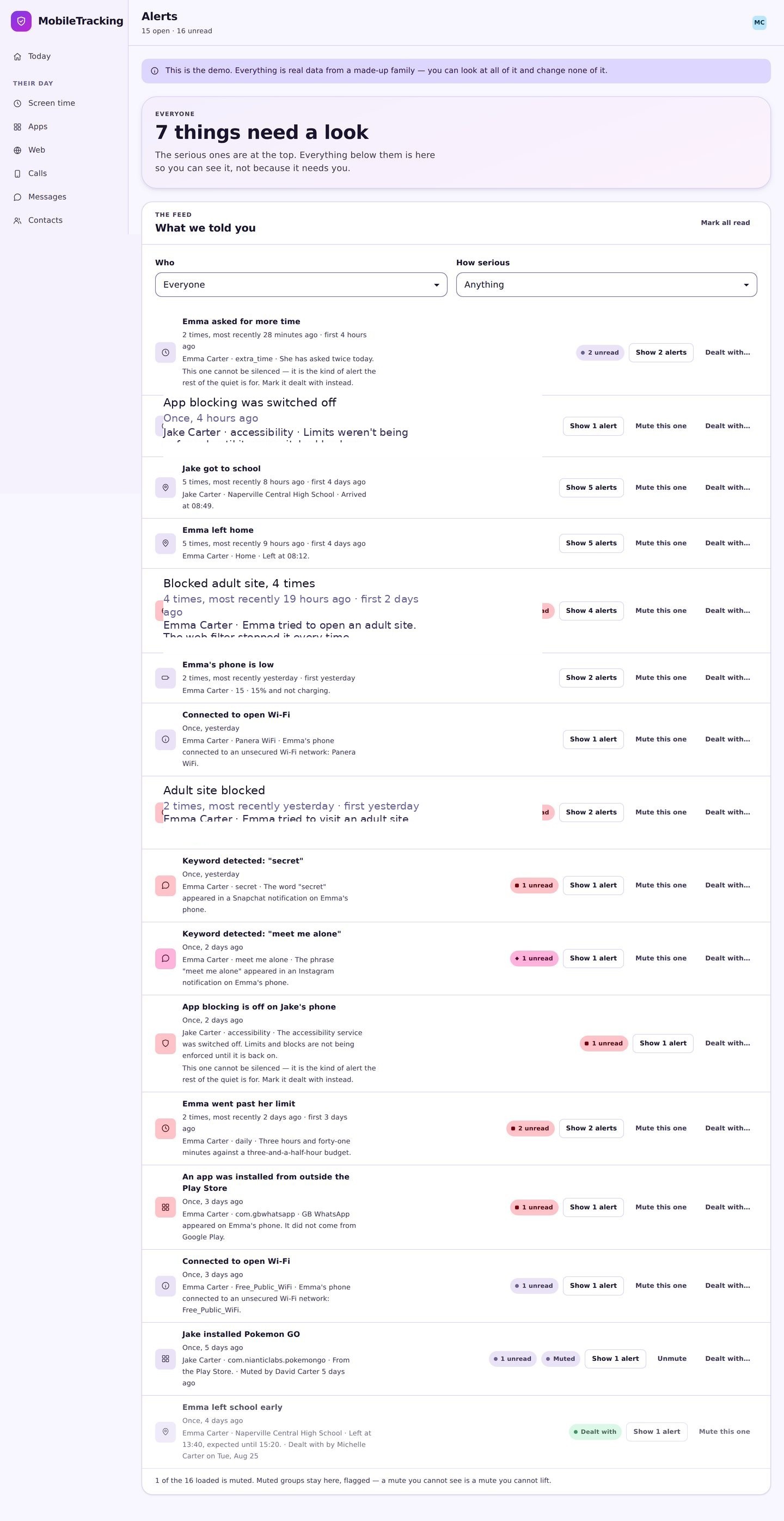
Only apps that show preview text can ever match. The app panel tells you what is installed, which is the other half of the picture.
- Exclude noisy apps like news readers.
- Watch for a new messaging app appearing.
- Remember that hidden previews mean no matches.
Grant notification access, openly
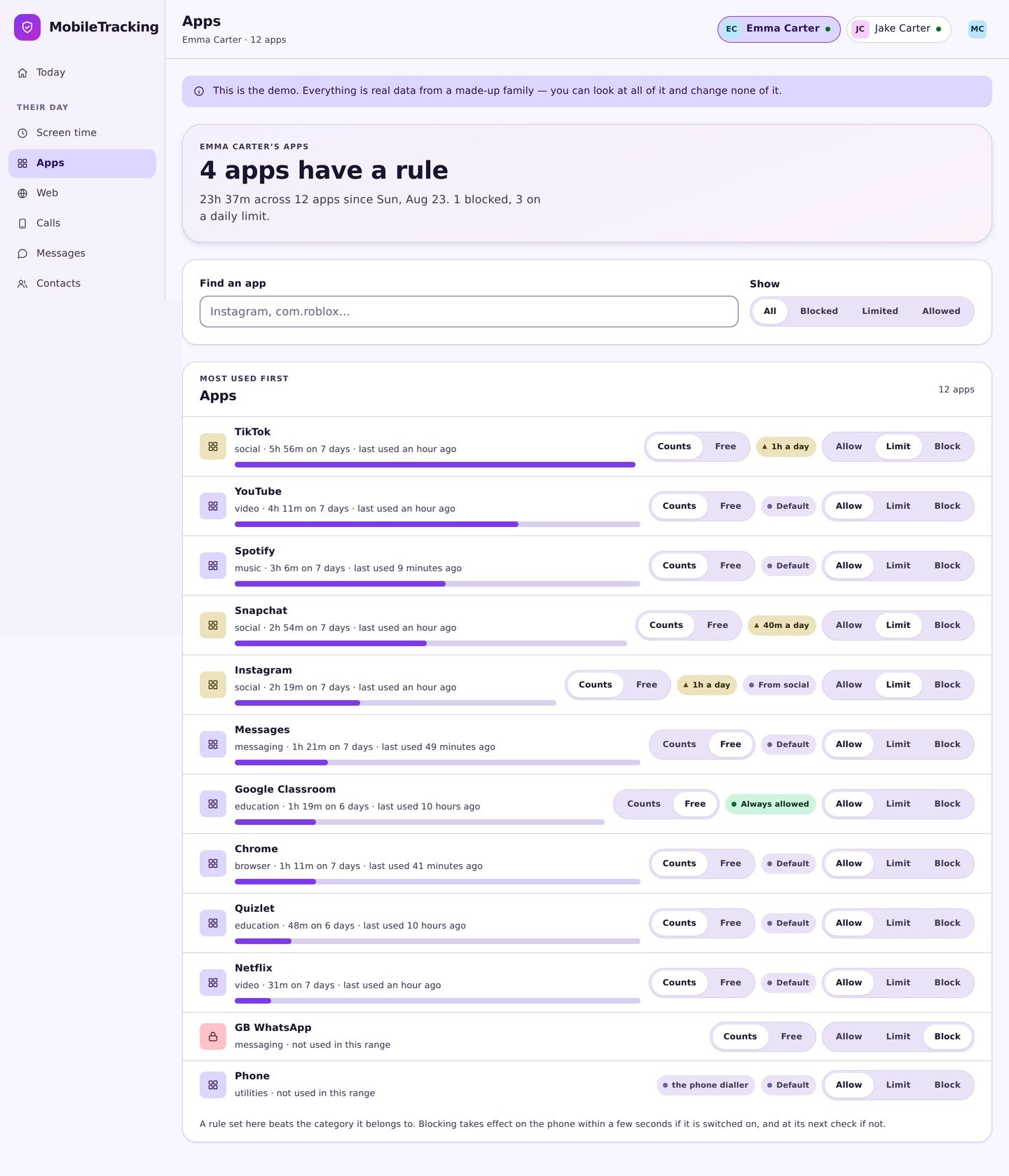
Android requires an explicit notification access permission, and its dialog is blunt about what that allows. Grant it together and explain the limits in the same breath.
- The permission is theirs to grant and to see.
- Show them the transparency screen afterwards.
- Say plainly that messages are not collected.
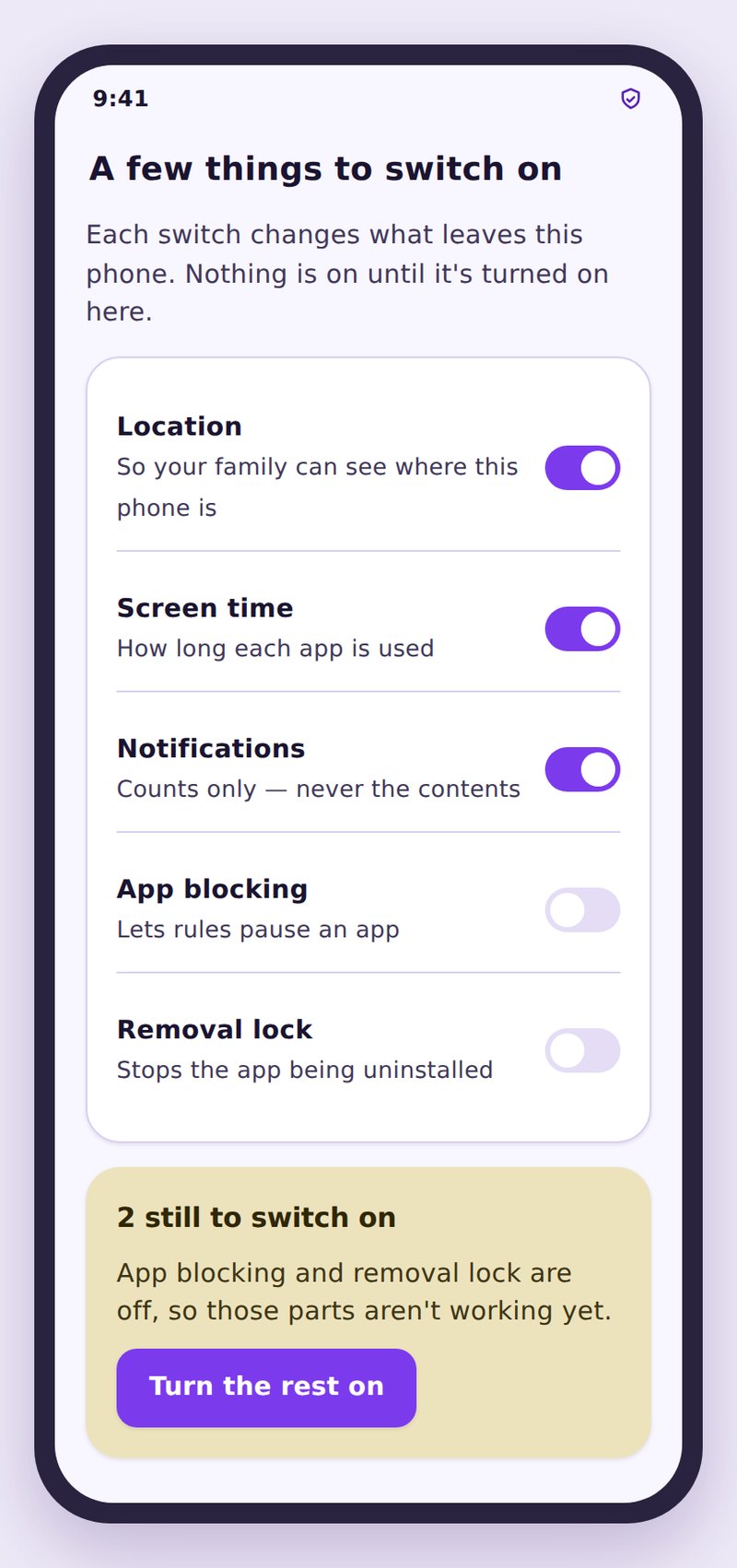
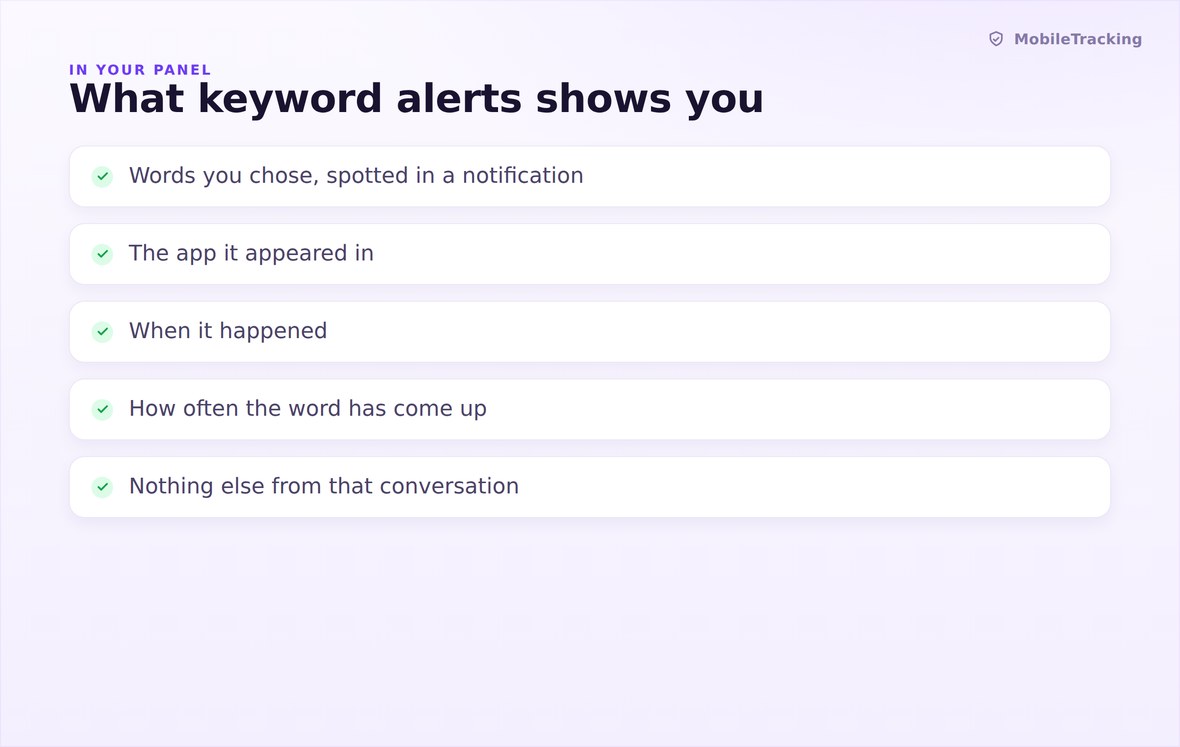
The word that matched, the app it came from, and when. Three fields, every time.
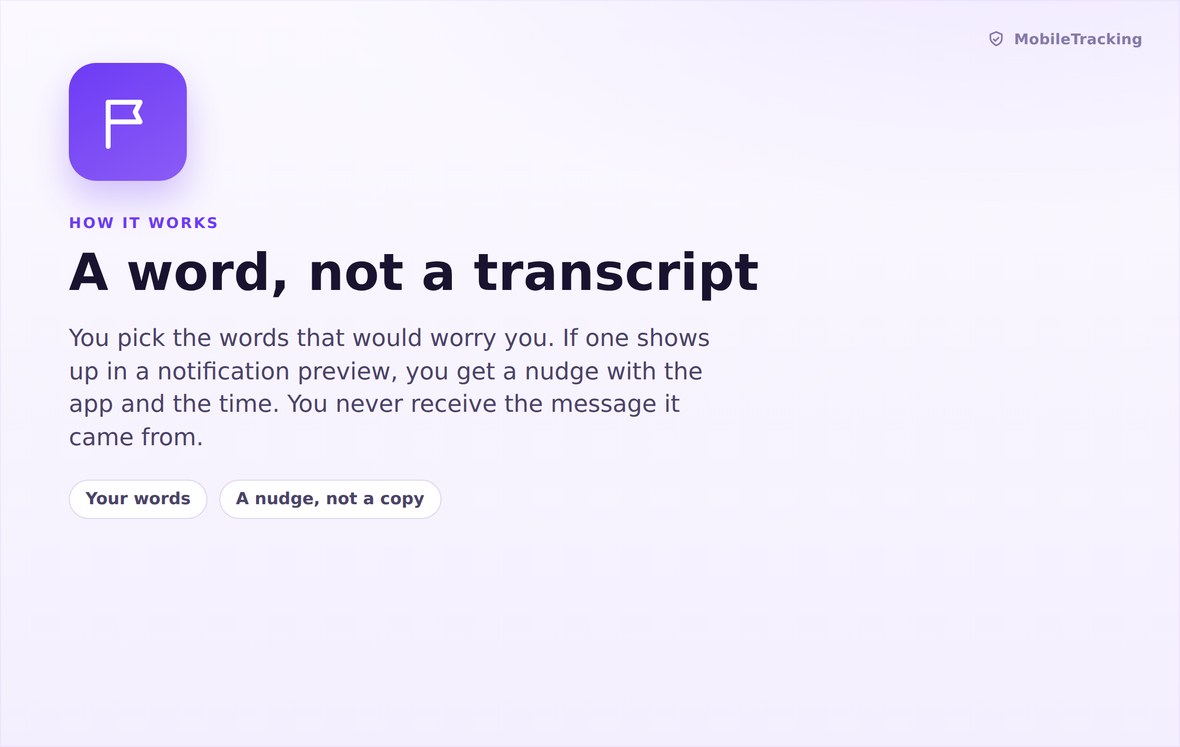
Preview text is compared against your list on the device, and only a match is reported.
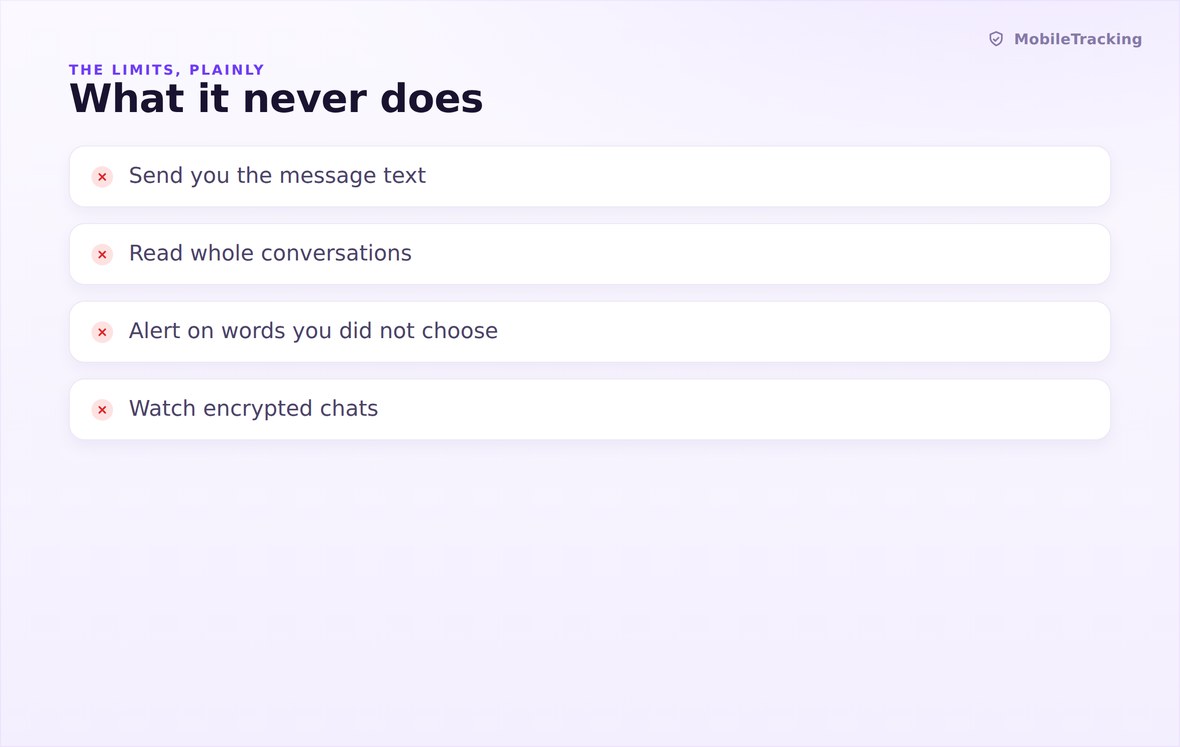
No message body, no sender, no screenshot, no keystrokes, no microphone, no camera.
What your child sees
Keyword matching is named on the child app’s transparency screen, along with the exact three fields an alert can contain and a plain statement that message content is not collected. The notification access it depends on was granted on their phone, by them, in Android’s own dialog. Nothing about this feature is capable of running quietly in the background of a household that has not been told.
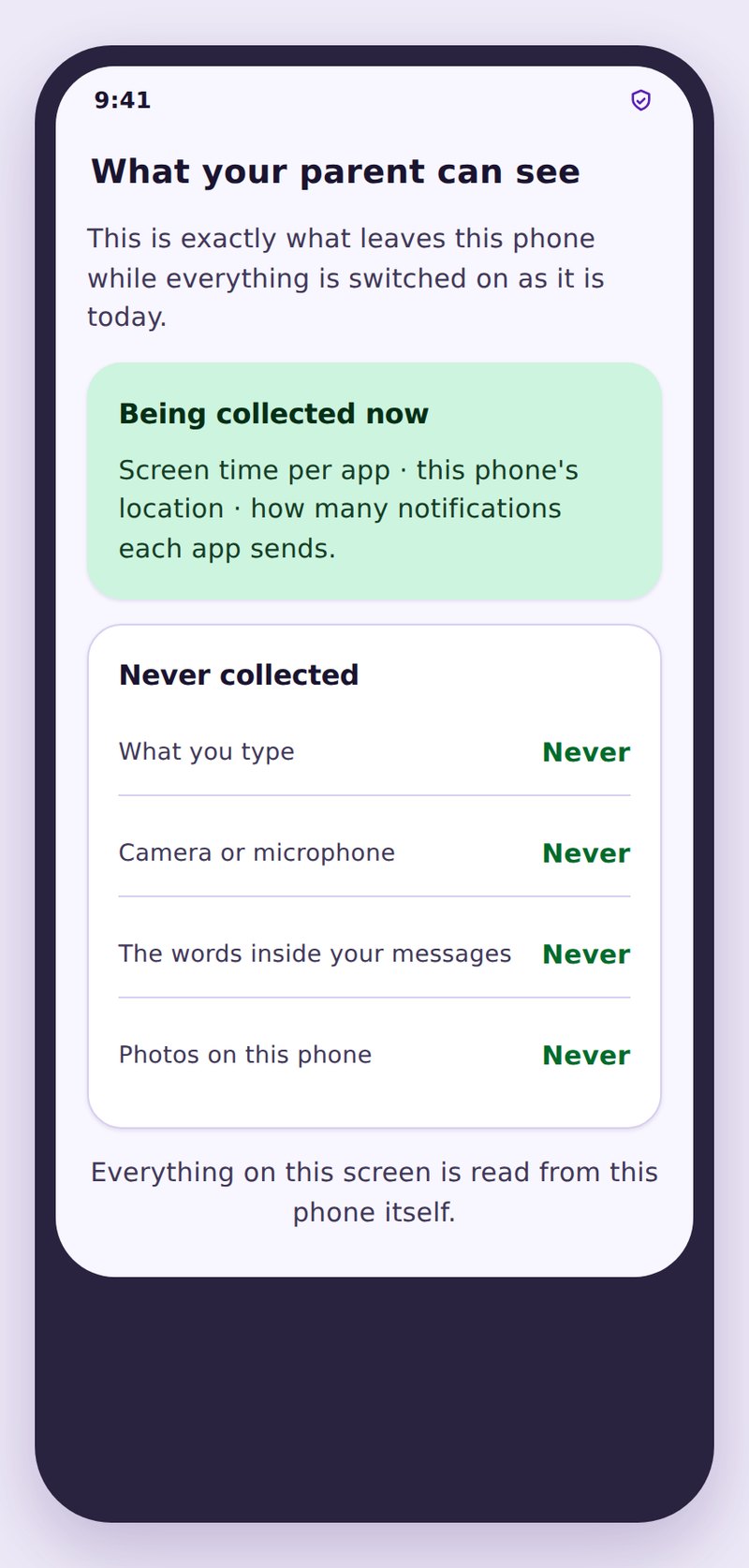
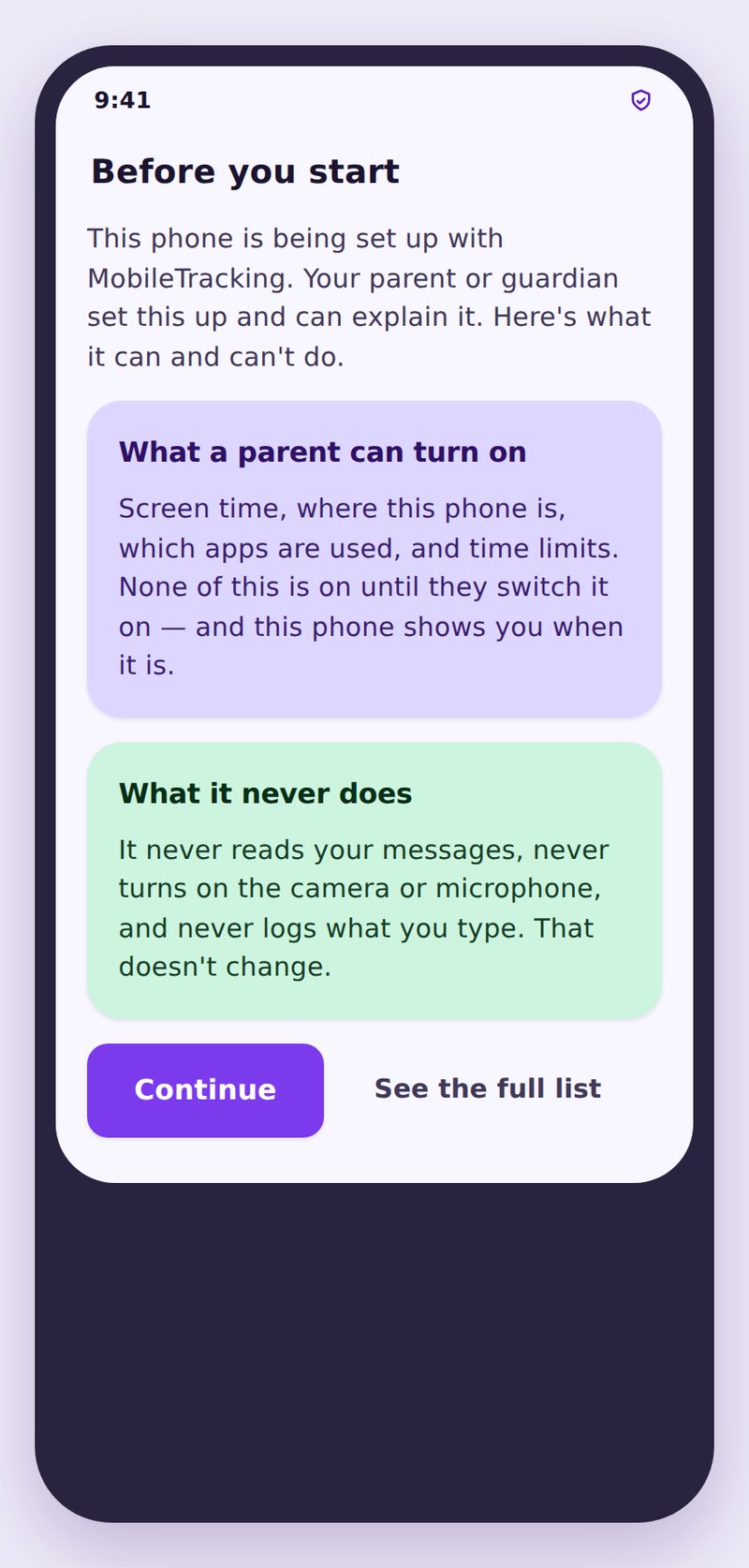
- They know a list existsThe feature is disclosed by name, whether or not you share the words.
- The limits are statedTheir screen says the message itself is never sent to you.
- Matches stay in your accountNothing is sold, shared or published, and you can delete it all.
| Age | Starter categories | Example terms | Leave off the list |
|---|---|---|---|
| 8 to 10 | Secrecy, meeting, scary content | “do not tell your mum”, “meet me”, “our secret” | Anything about dating or drugs |
| 11 to 13 | Bullying, secrecy, self harm, money | “kill myself”, “nobody likes you”, “send money”, “keep this quiet” | Swearing, gaming slang, brand names |
| 14 to 16 | Self harm, coercion, money, substances | “hurt myself”, “send a pic”, “gift card”, “do not screenshot” | Ordinary swearing and romantic language |
| 17 plus | Crisis and coercion only | “end it all”, “blackmail”, “wire the money” | Almost everything else, by this age |
| Any age | Financial pressure | “gift card”, “bank details”, “do not tell anyone” | Single common words with many meanings |
No, and there is no setting that changes this. You receive the word that matched, the app, and the time. The message body is never collected, so it cannot be shown to you.
Only through notification previews. If the app shows preview text on the lock screen, that line can be matched. Nothing inside an encrypted conversation is read.
Eight to twelve is the sweet spot. Longer lists produce more noise than signal, and the alert you actually needed gets lost among matches you have already learned to dismiss.
It is probably too short or too common. Replace it with a longer phrase, or exclude the app producing the matches. “kill myself” behaves very differently from “kill”.
Tell them the list exists, always, because their phone already says so. Whether you read out the exact terms is a judgement call, and with teenagers the categories usually land better.
Then nothing can be matched, and you should assume no coverage from this feature. It is one layer, not a guarantee, which is why we say so plainly rather than letting you find out later.
Pick ten words and forget about them
Write a short watch list for each child, tune it once over the first fortnight, and let a quiet screen do the reassuring for the rest of the year.
Related features: Social Media Monitoring, Smart Alerts, and Web Filtering.