Monitor Snapchat use without reading your child's snaps
Updated
Monitor Snapchat use on your child’s phone: when it arrived, how many minutes it takes, and at what hours. It’s set up in the open, so your child knows, and the Snapchat tracker doesn’t recover snaps or chats. Many teenagers do their talking on Snapchat, which is built so nothing sticks around. The panel covers what sits outside that content, and used as a reason to talk, it does more than any claim to save snaps.
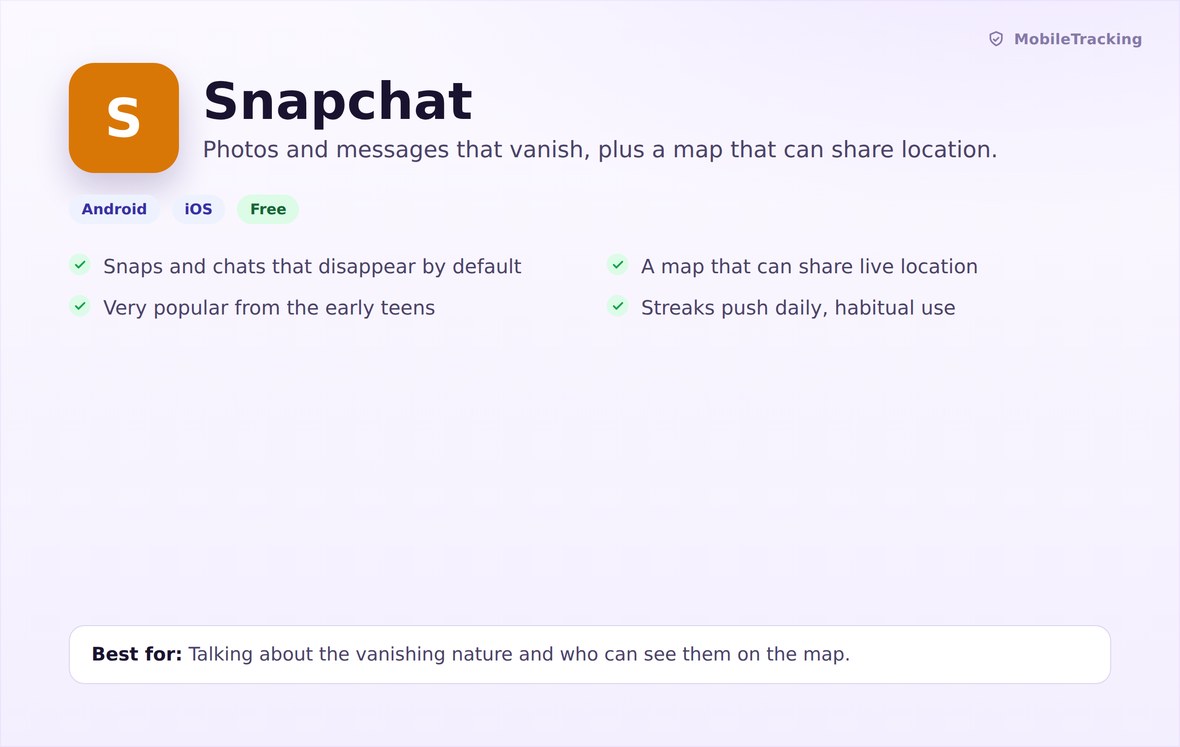
Can any app monitor Snapchat messages?
No. Snaps delete after viewing, chats clear by default and stories expire after 24 hours. No archive exists for a parental app to open.
Snapchat works the opposite way to most messaging apps. A snap is viewed once, or twice if replayed, then removed from Snapchat’s servers. Chats delete by default once both people have read them, unless someone saves one. Stories last a day, and “Memories” holds only what the user keeps.
Some products say they can view Snapchat messages or capture every snap. They screenshot each time the screen changes, which drains the battery, trips Snapchat’s screenshot detection, and hands a parent images of a child’s private life. Others log in with the child’s password, which breaks Snapchat’s terms and gets the account locked or banned. MobileTracking does neither.
Android lets an app with usage access see which apps are open and for how long. With the notification-listener permission, it can also read the notification shade. The Snapchat tracker stops at that level: Snapchat as a block of time and a source of notifications.
What the Snapchat tracker shows on your panel
Install date, minutes by day and by hour, share of social time, and any keyword match.
Snapchat’s minimum age is 13, and its settings treat 13- to 17-year-olds differently from adults, limiting who can contact them. Whether your child is ready is your call. If it’s “not yet”, a new-app alert flags the day Snapchat is installed.
Once it’s installed, watch the minutes and especially the hourly view in Screen Time. Snapchat use clusters: a burst before school, a longer run after, and often a late stretch in bed. Ninety minutes spread across the day differs from ninety minutes between eleven and half past midnight. The second deserves a gentle question about sleep.
Share of social time shows whether Snapchat has become the main place your child talks. For many teenagers it has, which isn’t alarming by itself. It does mean Snapchat’s safety settings, covered below, deserve a few minutes together.
With the optional keyword alert, a listed word in a Snapchat notification is logged with the time, but never the sender or the snap. Snapchat’s default notifications often say only “New Snap from” a name, so matches are rarer than in text-heavy apps. Don’t read a lack of alerts as reassurance.
- Install status and the date Snapchat arrived.
- Minutes per day, with an hourly breakdown in Screen Time.
- Share of total social and messaging time.
- A new-app alert at install.
- An optional word match from a notification, without the snap or chat.
Snap Map: the location feature many parents miss
Snap Map can share your child’s live position with every Snapchat friend, and children add friends freely.
Snap Map is a full-screen map inside Snapchat showing where friends are, updated whenever they open the app. On first use, Snapchat asks whether to share with all friends, selected friends or nobody (“Ghost Mode”). Many children tap “all friends”, yet their list often includes people met once and accounts with familiar-looking usernames.
MobileTracking’s location features show you where the phone is, with your child’s knowledge. They can’t show who else sees it on Snapchat, which matters more. Open Settings, then “See My Location”, together. Ghost Mode suits anyone under 16. For a few close friends, use “Only These Friends” and review the list every few months.
Check Snap Map the day Snapchat is installed, and again when your child mentions a new friend group.
Streaks, Quick Add and Snapchat parental controls
Streaks push daily use. Quick Add pushes new contacts. Explain both before they take hold.
A Snapstreak counts the days in a row two people snap each other and resets to zero after a missed day. A flame and number sit by the friend’s name, with an hourglass when time is running out. With a dozen streaks going, upkeep becomes a chore. A short burst of Snapchat at the same time every day usually means streaks.
Be direct: a streak keeps people coming back to the app and says nothing about how much a friend cares. Some families let streaks lapse over holidays with no hard feelings. Others let the child decide, as long as they know it’s a choice.
Quick Add suggests friends from mutual contacts and phone-book matches. It’s the main route for strangers and near-strangers onto a child’s friend list, and so onto Snap Map. For under-16s, turning off “See Me in Quick Add” in Settings is a small change with a real effect. Snapchat’s teen settings limit contact from non-mutual friends, but a bloated friend list weakens that.
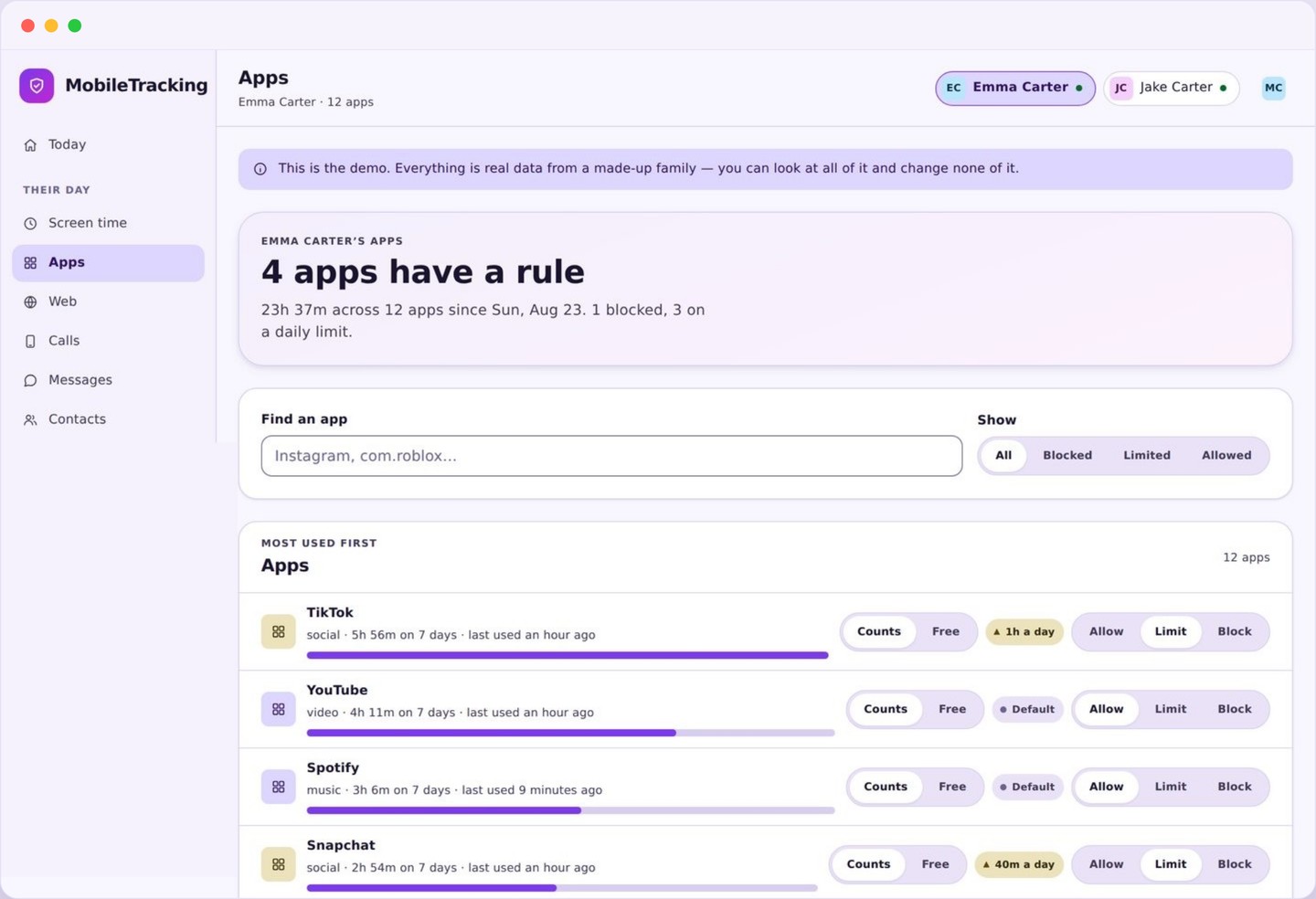
Look at Snapchat’s timing, not just its total
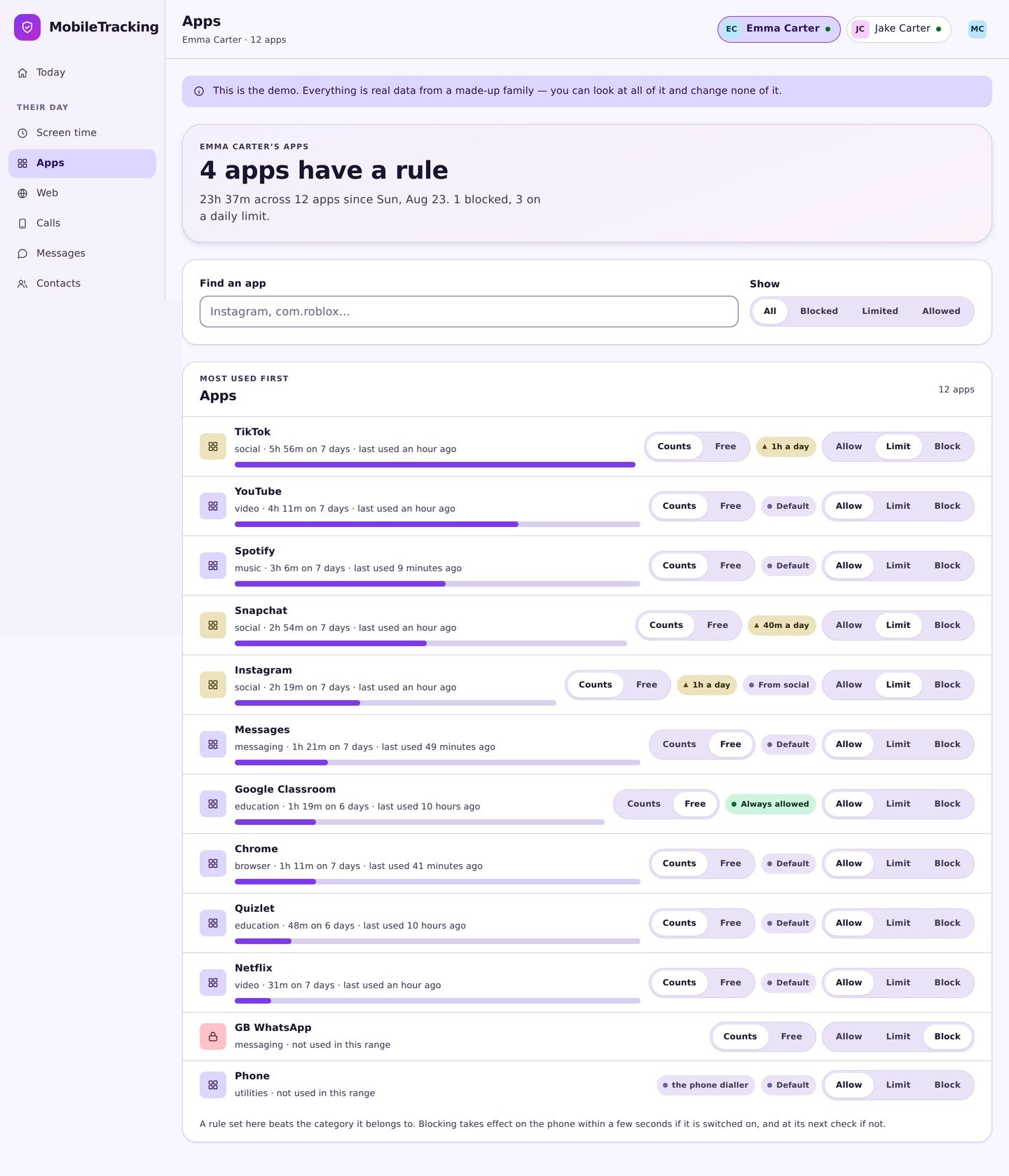
Find Snapchat in App Activity, then open Screen Time for the hourly view. Regular late-evening use is the pattern most worth discussing.
- Note when Snapchat first appeared.
- Compare weekday and weekend patterns.
- Look for a nightly cluster after bedtime.
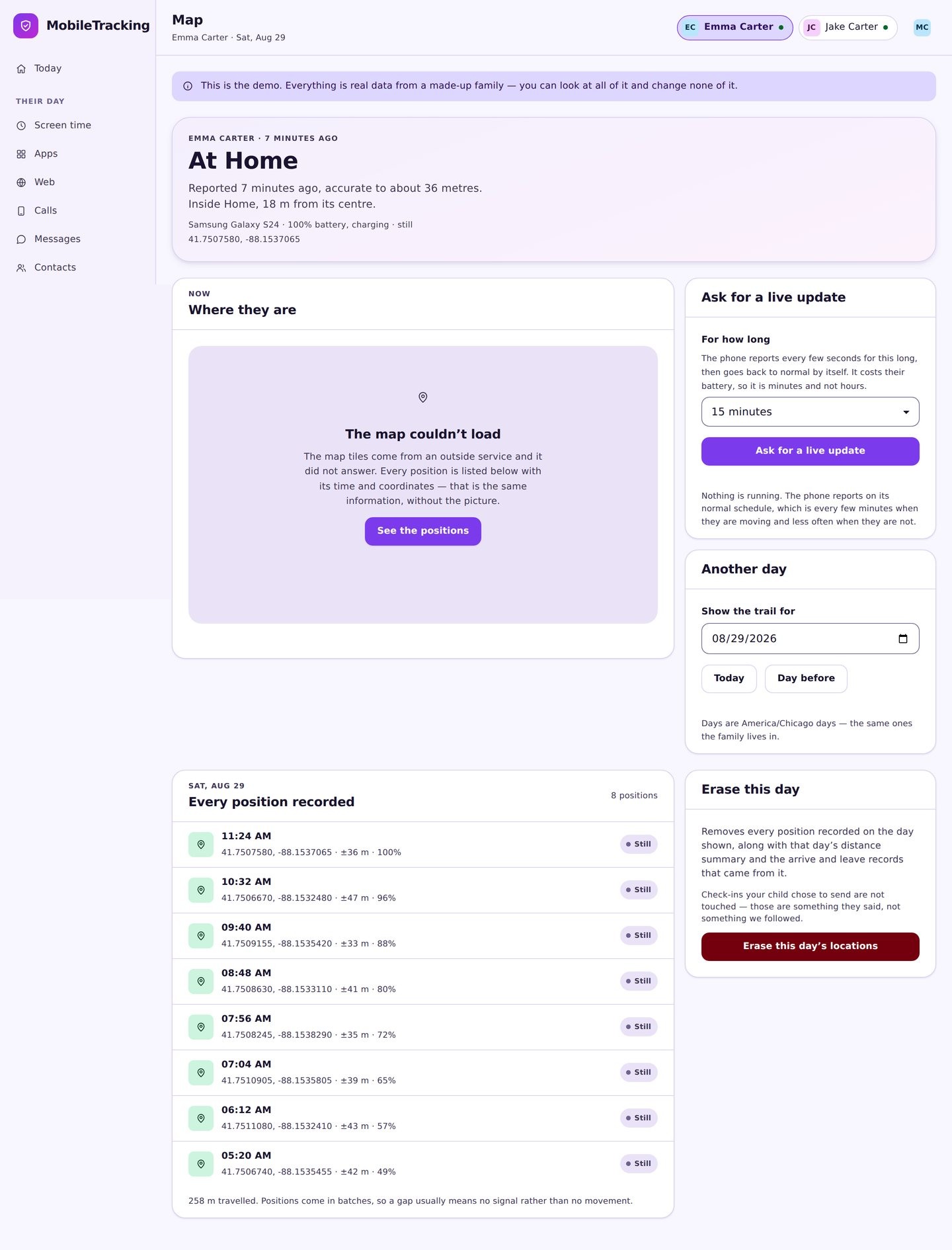
Use the map view as a Snap Map reminder
Your location view shows where the phone is, with your child’s knowledge. Let it remind you to ask who can see the same thing in Snapchat, and to check Ghost Mode together.
- Open Snapchat’s “See My Location” setting with your child.
- Pick Ghost Mode, or a short “Only These Friends” list.
- Revisit the list when their friend group changes.
Grant usage access together
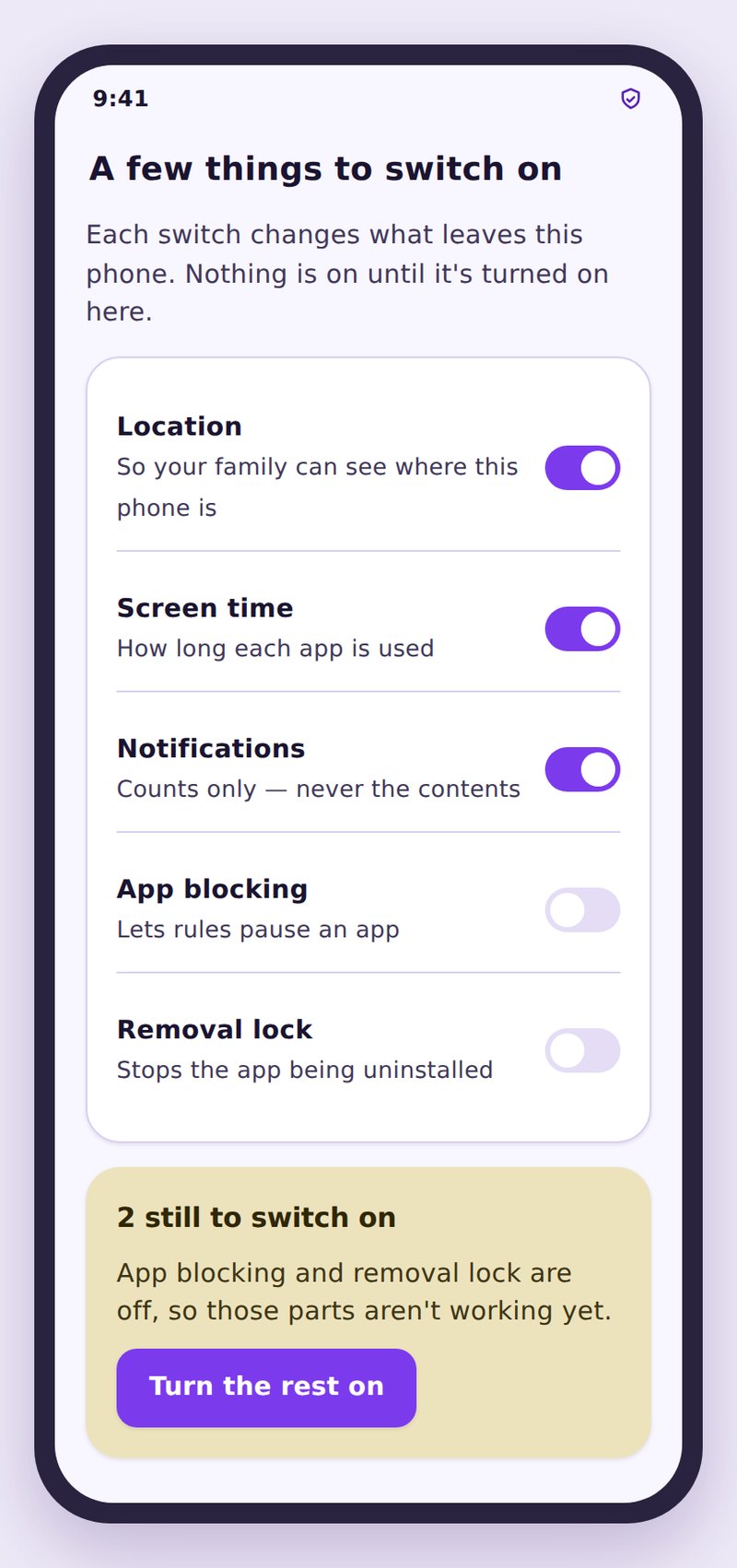
Before Android’s permission screen, your child reads what’s covered: app usage and notification words, nothing inside Snapchat. Your child grants the permission, not you.
- Snaps, chats, stories and Memories aren’t accessible.
- No screenshots, no password, no second login.
- If the permission is removed, the signal stops.

Installed since, minutes today, hourly pattern, share of social time, word matches.

Android usage statistics and notification text. Snapchat’s own data is never opened.

Snaps, chats, stories, Memories, friend list, Snap Map position, call audio.
How this looks from your child’s phone
The child app’s status screen lists Snapchat usage as shared, and snaps and chats as private. A teenager who knows exactly what you see has no reason to move conversations to a friend’s phone, as they do when monitoring is covert or overstated.
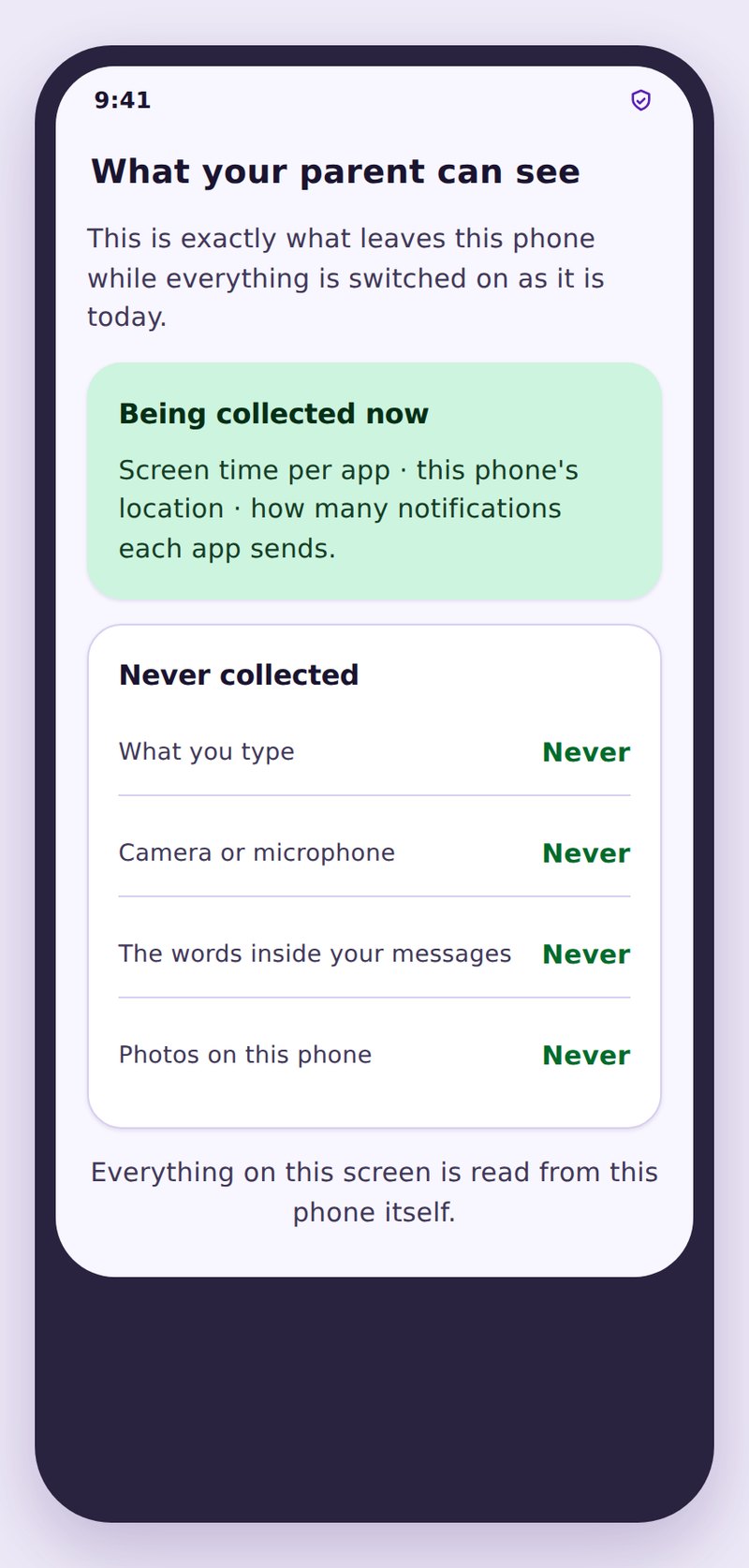
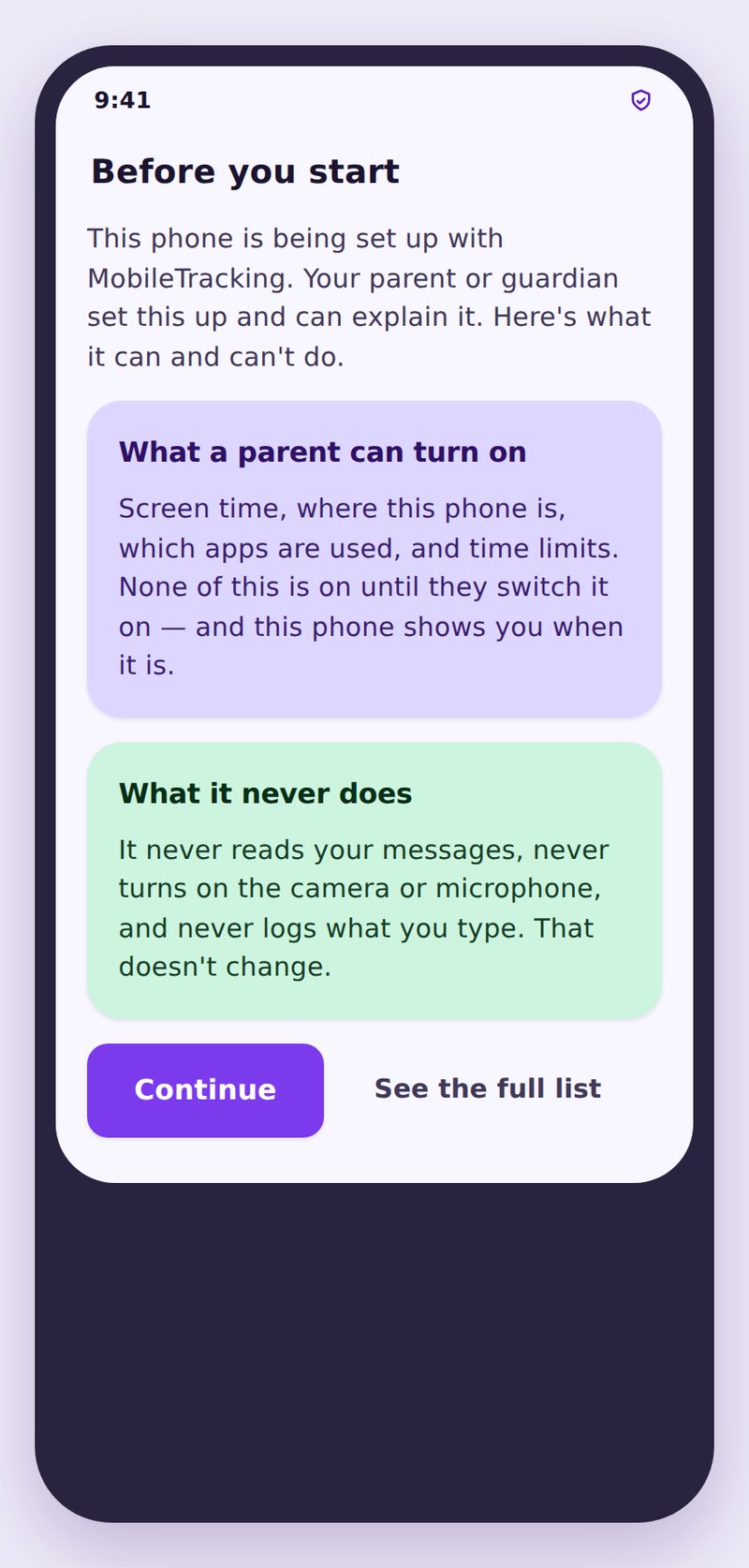
- Listed openlySnapchat time is named on the child app’s list of shared data.
- Snaps untouchedNo content leaves Snapchat, and its disappearing design is left alone.
- Your account onlyTime figures live in your panel, are never sold, and have no shareable link.
| On the panel | What you get | What stays private | What it’s good for |
|---|---|---|---|
| Installed status | Snapchat present, and the install date | Username, friend list, settings | Supports your age rule |
| New-app alert | That Snapchat has just been installed | Anything inside the app | Tells you the Snap Map talk is due |
| Time by hour | Minutes per day and when they fall | Who was snapped or what was sent | Shows late-night clusters and streak habits |
| Keyword alert | The word, Snapchat as source, the time | The snap, chat or sender | A reason to ask, not a record |
| Snaps, chats, stories, map | Nothing | All content and location inside Snapchat | Out of scope by design |
No. Snaps are removed from Snapchat’s servers after viewing, and no copy stays on the phone for another app to read. Products that claim to capture them rely on constant screenshots, which Snapchat detects. MobileTracking takes no screenshots.
No, the friend list lives inside the app. Review it together, and turn off Quick Add visibility so the list stops filling up with strangers.
No. MobileTracking’s location features show the phone’s position to you, openly. Snap Map is a separate Snapchat setting controlling what other Snapchat users see. Set it to Ghost Mode together.
Snapchat notifications often show only the sender’s name and “sent you a Snap”, with no message text to match. A quiet alert list doesn’t mean everything is fine.
There’s no universal number. Watch for use after bedtime and a sharp rise over a week or two. A daily burst at the same hour points to streak upkeep more than conversation.
Yes. Snapchat time is on the child app’s list of shared signals, and your child taps Allow on the Android permission during setup.
Watch the hours, not the snaps
Monitor Snapchat openly. Learn the day it arrives, how long it runs and which hours it fills, with no pretence of saving snaps.
Related features: Social Monitoring, Places and Geofencing, and Screen Time.