An SMS tracker that shows texting patterns, not messages
Updated
The SMS tracker in MobileTracking shows your child’s texting activity: who they message, how often, when, and whether a sender is a stranger. The full text of a message is never collected or shown. Optional keyword alerts name a worrying word, the app it appeared in and the time, and nothing more.

What SMS tracking shows you, and what it holds back
Activity and patterns, plus optional keyword alerts. The contents stay out, on purpose.
The activity view lists who your child texts with, the message count each way, and when the last exchange happened. Each sender is marked as saved or unknown. You might see a dozen messages a day with three friends, the odd one with family, and then a new, unfamiliar number in the mix.
It never shows the body of a message. That text isn’t collected in the first place, so there’s no thread for you to open.
We built it this way for trust. A child who knows you can read every text moves the conversation somewhere you can’t see, and you trade a little visibility now for none later. A child who knows you see the pattern but not the words is far more likely to keep texting openly, and that keeps them safer.
- The contact or number, and whether it’s saved or unknown.
- How many messages have been exchanged, and in which direction.
- When the most recent message happened.
- Optional keyword alerts, with no message body.
How the SMS tracker reads a changing texting pattern
The story is in the volume, the timing and the people, not the sentences.
Healthy texting has a rhythm: a few regular friends, family in the mix, bursts after school and in the evening, quiet overnight. After a week or two, you know that rhythm by feel, and a change in it stands out.
A worrying change needs no content to spot. A new unknown number suddenly makes up most of the day’s messages. Overnight texting jumps when there used to be none. A contact your child won’t name messages them far more than they reply. A friend who used to be constant goes silent. Each deserves a gentle question, not a search of their phone.
The same logic makes the call log useful. A stranger working hard to reach your child looks the same by call or by text, and you don’t need the words to see it. Your next step is a conversation that starts from noticing, not accusing.
Keep it in proportion. A single new number isn’t a crisis. Watch whether the unfamiliar sender becomes a regular, and raise it calmly if they do. The activity view prompts your parenting. It doesn’t replace it.
How a keyword alert works, and what it leaves out
The alert gives you the word, the app and the time, and nothing else.
Alongside the activity view, you can set a short list of words you’d want to know about. When one appears in a message notification on your child’s phone, the app raises an alert. It tells you three things only: which word matched, which app the notification came from, and when.
The alert is triggered from the notification preview, the short flash of text Android shows on the lock screen. Only the fact of a match leaves the phone. You learn that the word “drugs”, say, appeared in a message today at half past four. You don’t learn who wrote it, what else the message said, or how the exchange went.
A keyword alert is meant to start a conversation. Knowing a charged word appeared is enough to check in warmly. It also guards against confronting your child over half a sentence taken out of context. You get the nudge. Your child keeps the conversation.
Can parents see text messages? Not the words
The full text of a message is never collected or shown.
MobileTracking doesn’t collect the contents of your child’s texts. There’s no screen for reading their conversations, no stored copy, and no way to rebuild a thread. By SMS tracking we mean the activity around messages, plus word alerts if you turn them on. We say this clearly because many products in this space blur the point.
Keyword alerts don’t open a back door either. They report that a word matched, never the message it came from, so the message body stays on the phone.
The same limits apply across the app. It never records call audio, turns on the microphone, uses the camera or logs keystrokes. Message content is off limits in the same way, permanently.
We hold this line because a tool that reads private messages teaches a child to hide, and a child who hides is harder to protect. The pattern and a warning about a serious word give you something to act on, without reading your child’s private life.
Open the messaging activity
See who your child texts, how many messages go each way, and when. Unknown senders are flagged.
- Sort to bring unknown senders to the top.
- Tap a contact to see the count and timing.
- Names come from the phone’s own contacts.

Add a short keyword list
Choose a handful of serious words. An alert names the word, the app and the time, never the message.
- Keep the list short so the signal stays clear.
- Alerts carry the word, the app and the time only.
- No message body ever travels with an alert.

Grant the permission together
Your child grants the permission in the open. Show them the screen and the notice of what is and isn’t shared.
- Only activity and word matches are shared.
- The text of messages is never read or sent.
- Turn it off and the feature stops.
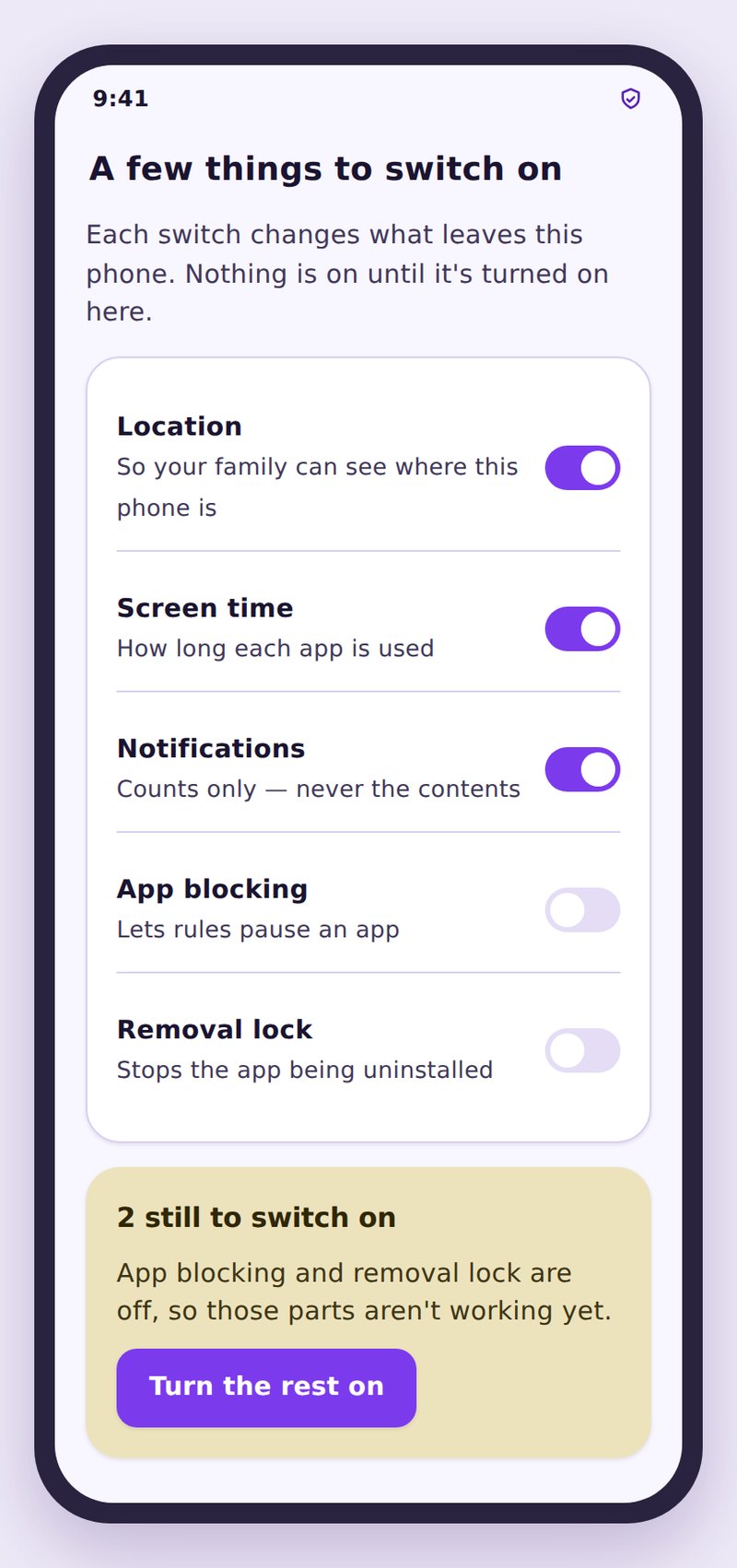
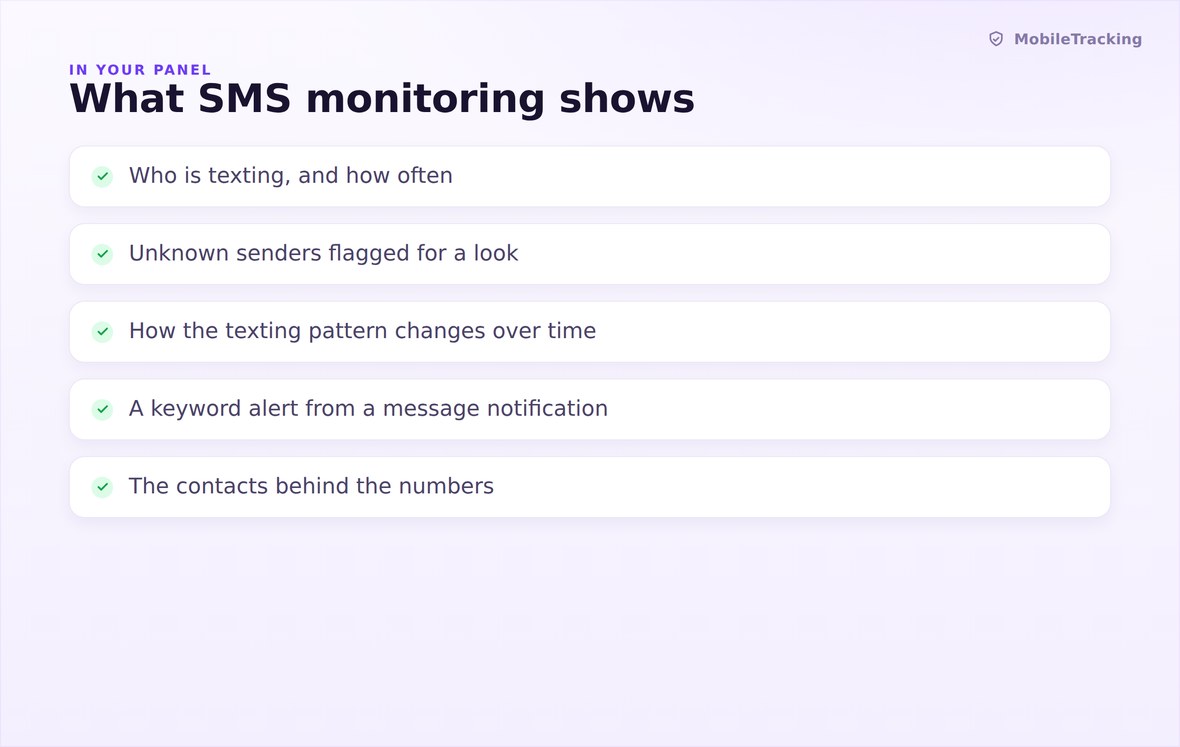
Who is texting, how often, when, and whether the sender is a stranger.
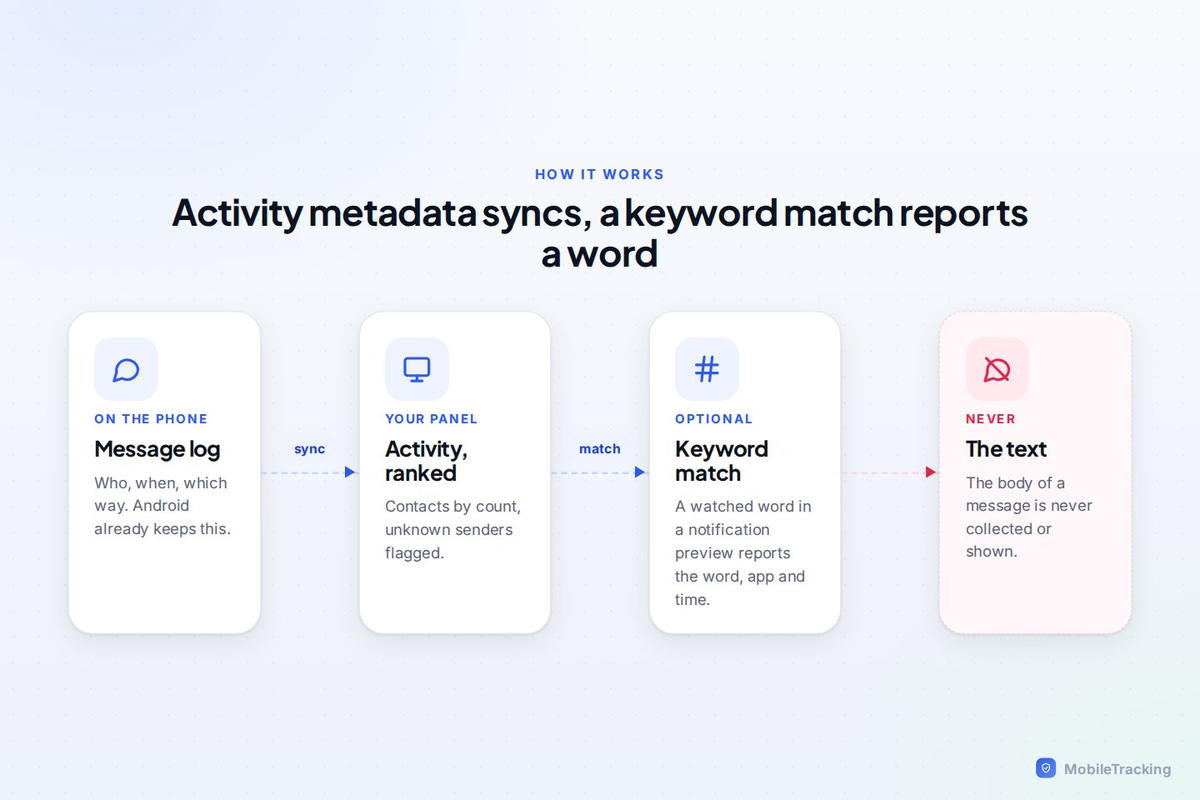
Activity metadata syncs to your panel, and a keyword match reports the word, app and time.

No message reading. The full text of a message is never collected or shown.
What your child sees
Your child agreed to this, and the app tells them what it does. It shares who they text and how often, can flag a serious word, and never sends the words of their messages. Knowing where the line sits lets a teenager keep texting in the open.
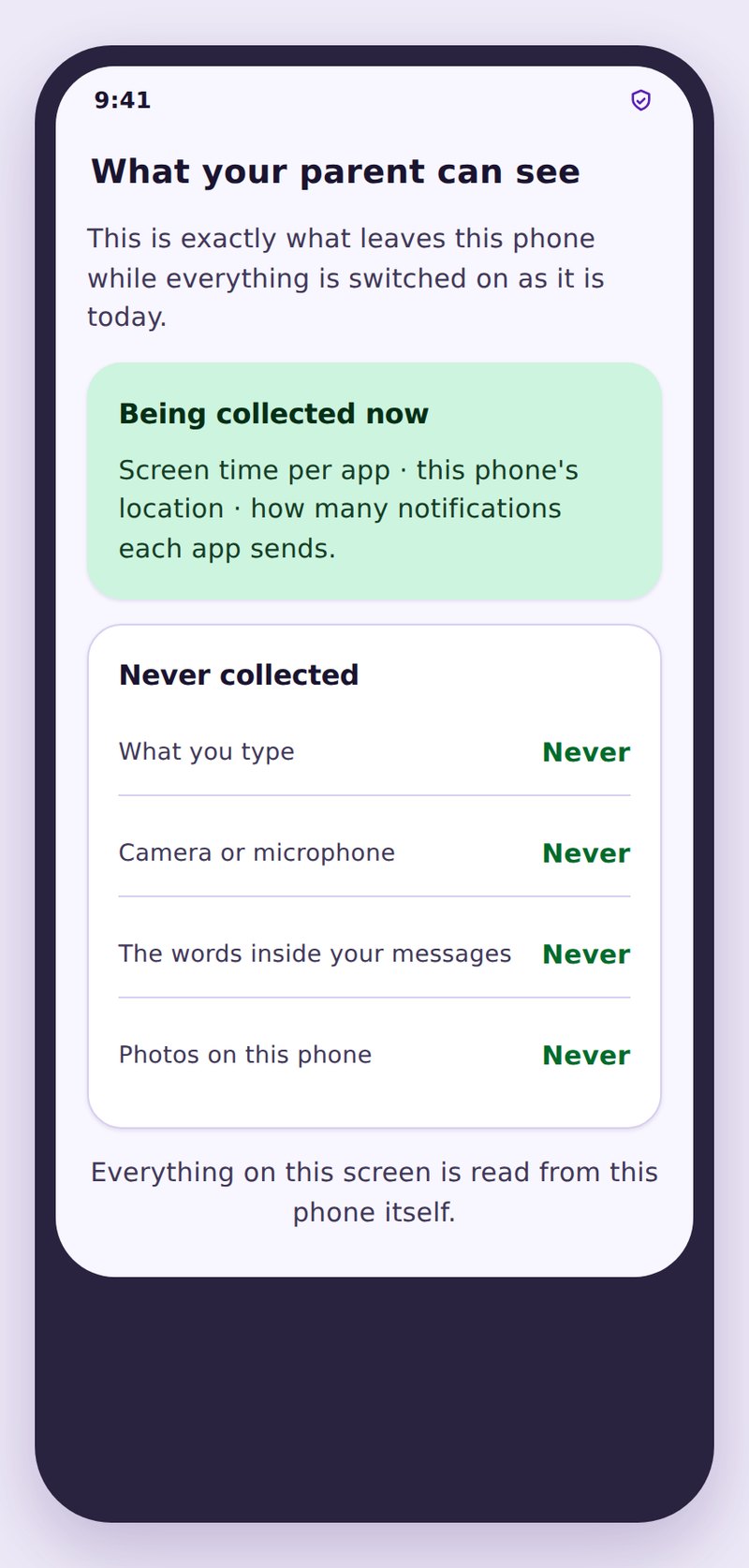
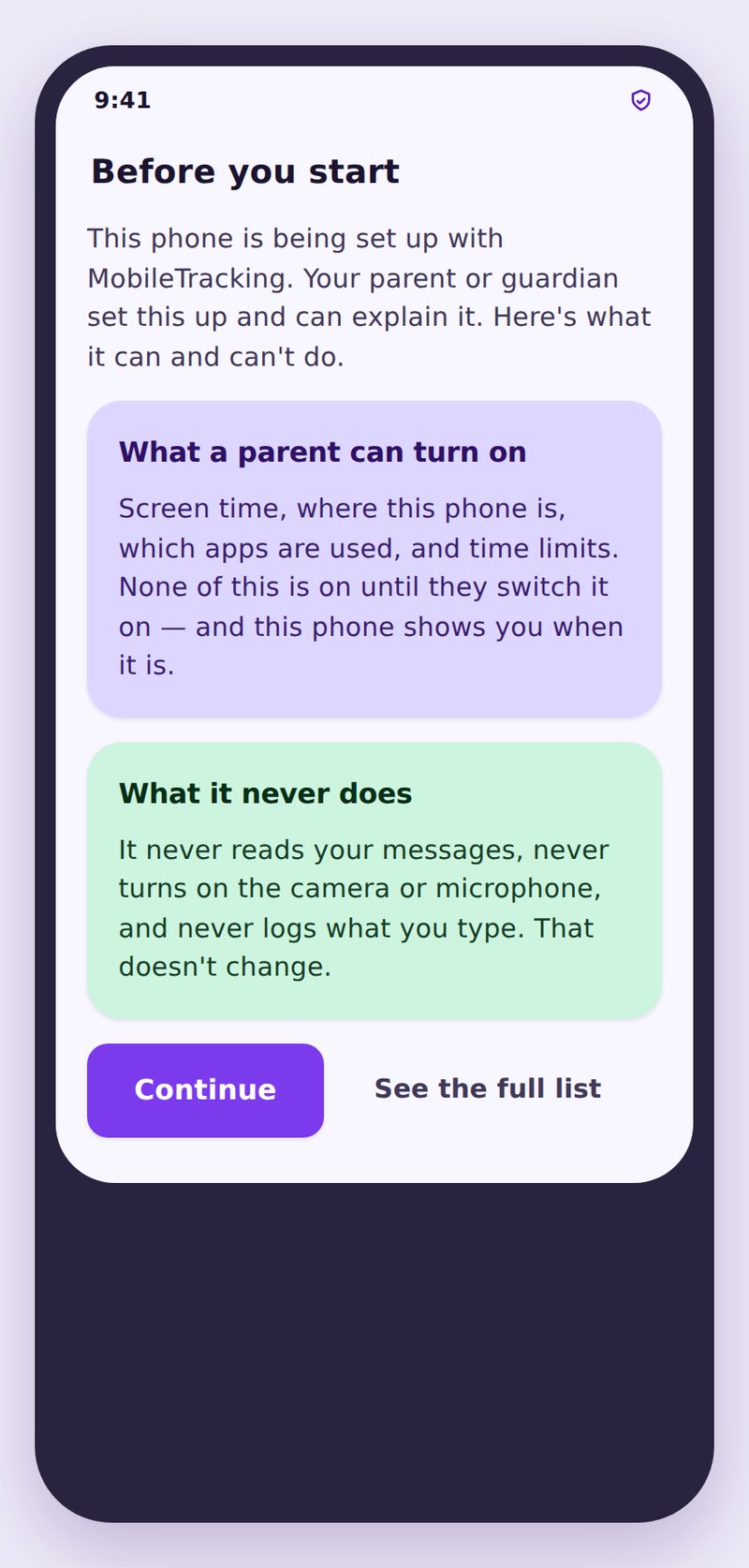
- They know it’s onThe app tells them that texting activity is shared.
- No message bodiesThe words of a message are never read, stored, or sent anywhere.
- Kept in your accountActivity lives in your panel only, with no public link and no data sale.
| Signal | What is shared | What is never shared | Why it’s useful |
|---|---|---|---|
| Who they text | Contact or number, saved or unknown | Nothing hidden here | Shows who is in their circle |
| How often | Message counts each way | The words in any message | Reveals a pattern changing |
| When | Time of the latest exchange | The content of that exchange | Flags odd hours or bursts |
| Unknown senders | A flag that a number is not saved | What the stranger said | Makes strangers stand out |
| Keyword alert | The word, the app, the time | The message the word came from | A nudge to check in, not to read |
No. The SMS tracker shows activity and can flag a keyword, but the full text of a message is never collected or shown. You see who your child texts, how many messages go each way, when the last exchange happened, and whether a sender is unknown.
Yes, you can track SMS history as activity. The activity view lists each contact or number your child texts with, the message count each way, and the time of the latest exchange, with unknown senders flagged. After a week or two you know their normal rhythm, so a change stands out. The messages themselves are never included.
Three things: the word that matched, the app the notification came from, and the time. Only the fact of a match leaves the phone. The message itself, and the sentence around the word, are never included.
Partly. The activity view covers standard texting. Keyword alerts can also be raised from notification previews in other messaging apps. Even then, only the word, the app and the time are reported.
Yes. Your child agreed at setup and granted the permission in the open. The app shows them what is shared and what isn’t. There’s no hidden collection of their messages.
Yes. Keyword alerts are optional and separate from the activity view. You can turn them on or off at any time, and your child can see the current state.
See the texting pattern, not the private words
See who your child texts and how often, with unknown senders flagged. Message text is never collected or shown.
Related features: Call Log Monitoring, Keyword Alerts, and Calls and SMS.