Bedtime and Routines
A bedtime routine in MobileTracking is a time, a set of apps, and one rule about what happens to them. You name the hour the evening should wind down, choose which apps that applies to, and the phone does the rest every night without you having to say it again. The same routine appears on your child’s phone with its start time on display, so the hour arrives as something expected rather than as an argument.
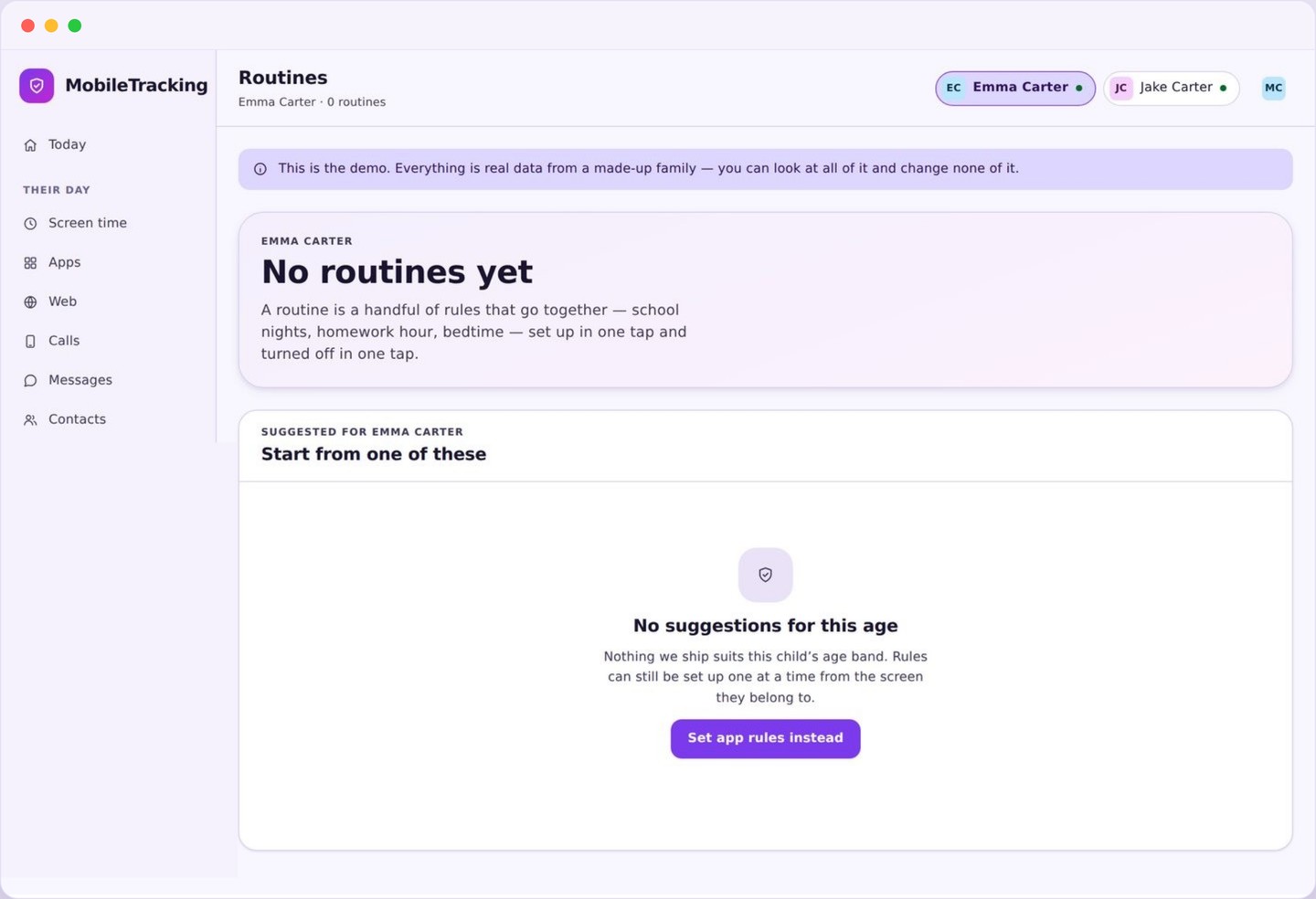
What a bedtime routine bundles together
Three ingredients, always the same three, so nothing about the evening is a mystery.
The first ingredient is a window. Not a moment but a stretch of time with a start and an end, such as half past nine until seven in the morning. Using a window rather than a single instant matters, because it means the rule keeps holding at two in the morning when a phone wakes up, instead of firing once and then forgetting.
The second is a set of apps. You choose what the window covers, and almost every family lands in the same place: games, video, and social apps in, with messages, calls, maps, the alarm clock and music left out. A routine that swallows the whole phone gets resented within a week. A routine that takes away the things that keep somebody scrolling at midnight barely gets mentioned.
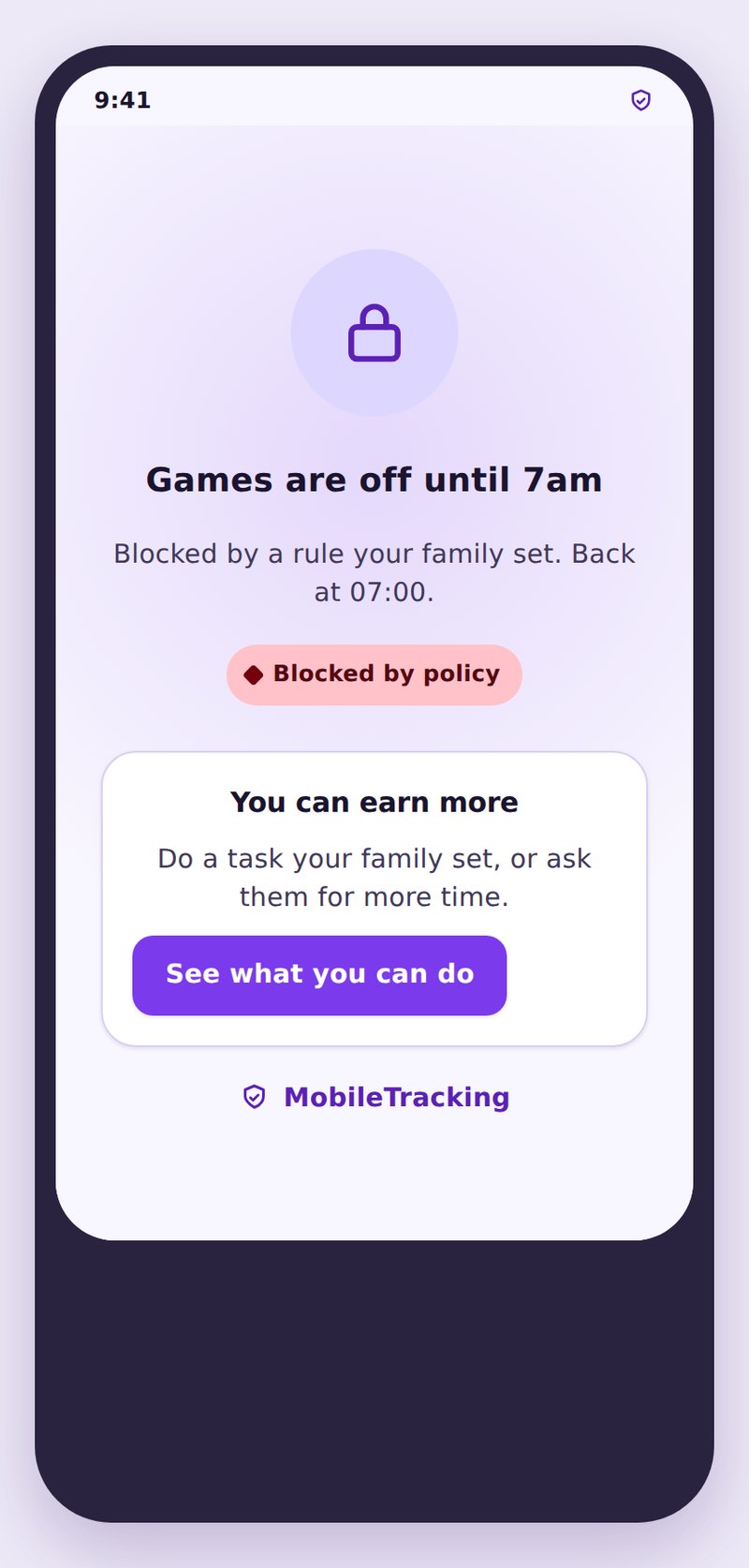
The third is the rule itself, which is the least interesting part on purpose. Inside the window the covered apps go behind a block screen that names the routine and gives the time it ends. There is no lock code, no forced shutdown, and no punishment queued up for the morning. The phone simply becomes less interesting for a few hours.
- A start time and an end time, not a single moment.
- The apps the window covers, chosen by you.
- The days of the week it runs on.
- A warning before it begins, and a plain message while it holds.
How a bedtime routine runs on the phone
The schedule lives on the device, so it holds without signal, without a server, and without you.
When you save a routine it is sent to the child app and stored there. From that point the phone enforces it locally using its own clock, which is why a routine still works on a train with no signal, in aeroplane mode, or when your own phone is switched off. Nothing has to be fetched at half past nine for the wind-down to happen.
Enforcement uses the same foreground signal as every other limit. The child app watches which app has come to the front, and if that app is inside the routine’s list while the window is open, it places a full screen message over it. The app underneath keeps running, is not uninstalled, and is not reached into. It is covered, and the cover lifts when the window ends.
Changes take effect immediately rather than tomorrow. Push a new start time at nine and it applies that night, and if the phone is offline the change queues and lands as soon as it reconnects. Time zones follow the phone, which is the sensible choice on holiday: a routine set for half past nine means half past nine where your child actually is.
One thing is never covered, at any hour, in any routine. Dialling works, emergency calls work, and incoming calls ring. There is no configuration that turns that off, because a bedtime rule that could stop a child phoning you at one in the morning would be a worse thing than the problem it was solving.
School nights, weekends and the homework hour
Most families end up with three routines, and three is usually enough forever.
The school night routine is the one that earns its keep. Sunday through Thursday, starting somewhere between half past eight and half past nine depending on age, ending at the alarm. It is worth setting the start about half an hour before you actually want sleep to happen, because the gap between putting the phone down and falling asleep is real and everybody underestimates it.
The weekend routine exists so the school night one stays credible. Friday and Saturday can run an hour or ninety minutes later without damaging anything, and giving that ground willingly is what buys you the weeknight without a fight. A single rule applied identically to Tuesday and Saturday is the fastest way to teach a child that the rule is arbitrary.
The third is the homework hour, which is a routine in every sense except the name. Pick the stretch when work actually happens, cover games and short form video, and leave the browser, notes and messages alone so the phone can still be a tool. An hour a night of no notifications from the loudest apps does more for finished homework than any amount of reminding from the next room.
The warning, and skipping a night
Ten minutes of notice, and a deliberate way to make an exception without breaking the rule.
Ten minutes before the window opens, the phone gives notice: a notification and a small banner saying which routine is about to start and when. That warning is the most important part of the whole feature. Being cut off mid-match or mid-conversation feels like something done to you, while ten minutes of notice is just a fact about the evening, and children treat the two completely differently.
Sometimes the evening genuinely is different. A film that runs long, a group call for a school project, a cousin visiting. Your child can ask to skip or shorten tonight from the block screen, with a reason attached, and you can grant a delay or a full skip in one tap. It applies to tonight only and the routine returns tomorrow with nothing altered, which is what makes it safe to say yes.
Keep the skips rare and they stay valuable. If you find yourself granting one four nights out of seven, the routine is set at the wrong hour and everybody already knows it. Move it later by half an hour, say out loud that you are moving it and why, and let the exception go back to being an exception. A rule that bends on purpose survives. A rule that quietly stops being enforced does not.
Why a bedtime routine is the one worth setting first
Of everything in this app, this is the setting with the strongest evidence behind it.
Sleep is not one benefit among several. Teenagers need something close to nine hours and most get considerably less, and the shortfall shows up in mood, concentration, illness and school results before it shows up anywhere a parent would think to look. If you only ever configure one thing in this entire app, a bedtime routine is the one that will do the most good.
The mechanism is not mysterious either. It is not mainly about blue light. It is that engaging apps have no natural ending: the video queue refills, the match restarts, the feed keeps producing. Left alone, a phone will happily occupy the hour a child intended to use for sleeping, not because anybody decided to stay up but because nothing ever said stop.
A routine is the thing that says stop, and it says it in the same voice every night. That consistency is what a person actually adapts to. Within a fortnight most children stop noticing the wind-down at all, which is the sign it is working, and the argument you were having every evening turns into a notification nobody comments on.
What routines deliberately do not do
Boundaries we have drawn on purpose, and a couple of honest failure modes.
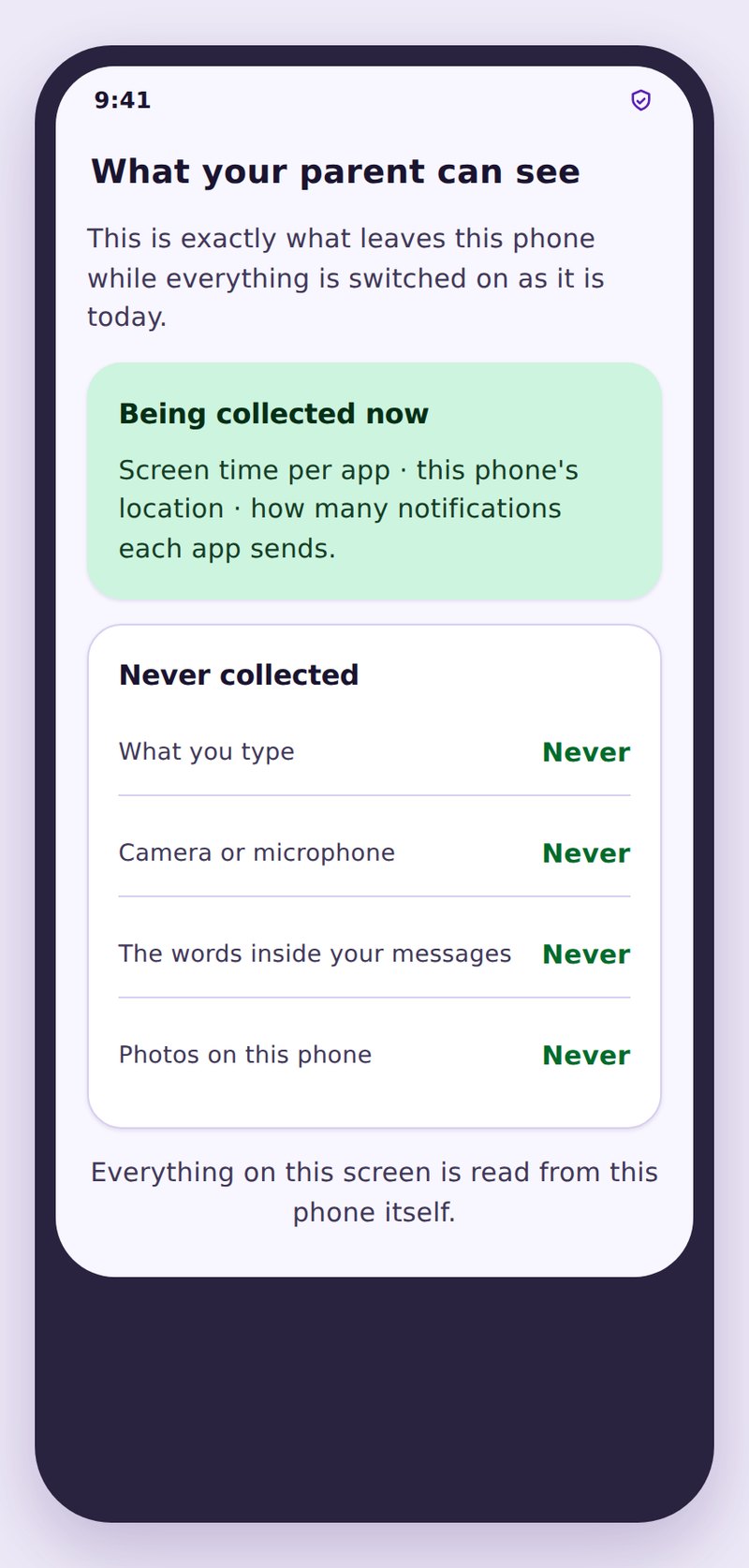
A routine never reads anything. It knows which app came to the foreground and whether the window was open. It does not know what was typed, sent, watched or read, and it does not touch the camera, the microphone or the keyboard. Blocking an app is not the same as looking inside it, and we do not do the second thing anywhere in this product.
A routine is not a lock on the device. Your child can still use the phone for everything the routine does not cover, and they can still see exactly which apps it does cover. It also cannot stop somebody using a laptop, a tablet, or a games console in the same room, so treat it as one part of an evening rather than the whole of it.
A routine is not secret and is not a trap. Every routine you create is listed on their phone with its hours and its app list, before it ever fires for the first time. If you want a tool that enforces rules a child has not been told about, that is not what this is, and we would argue that is not a tool worth having in a family.
Name the window and the days
Set a start and an end, then choose which days it runs. Begin with school nights only and add the weekend version once the first one is settled.
- Start half an hour before sleep should happen.
- End at the morning alarm, not at midnight.
- Sunday to Thursday is the usual school night set.
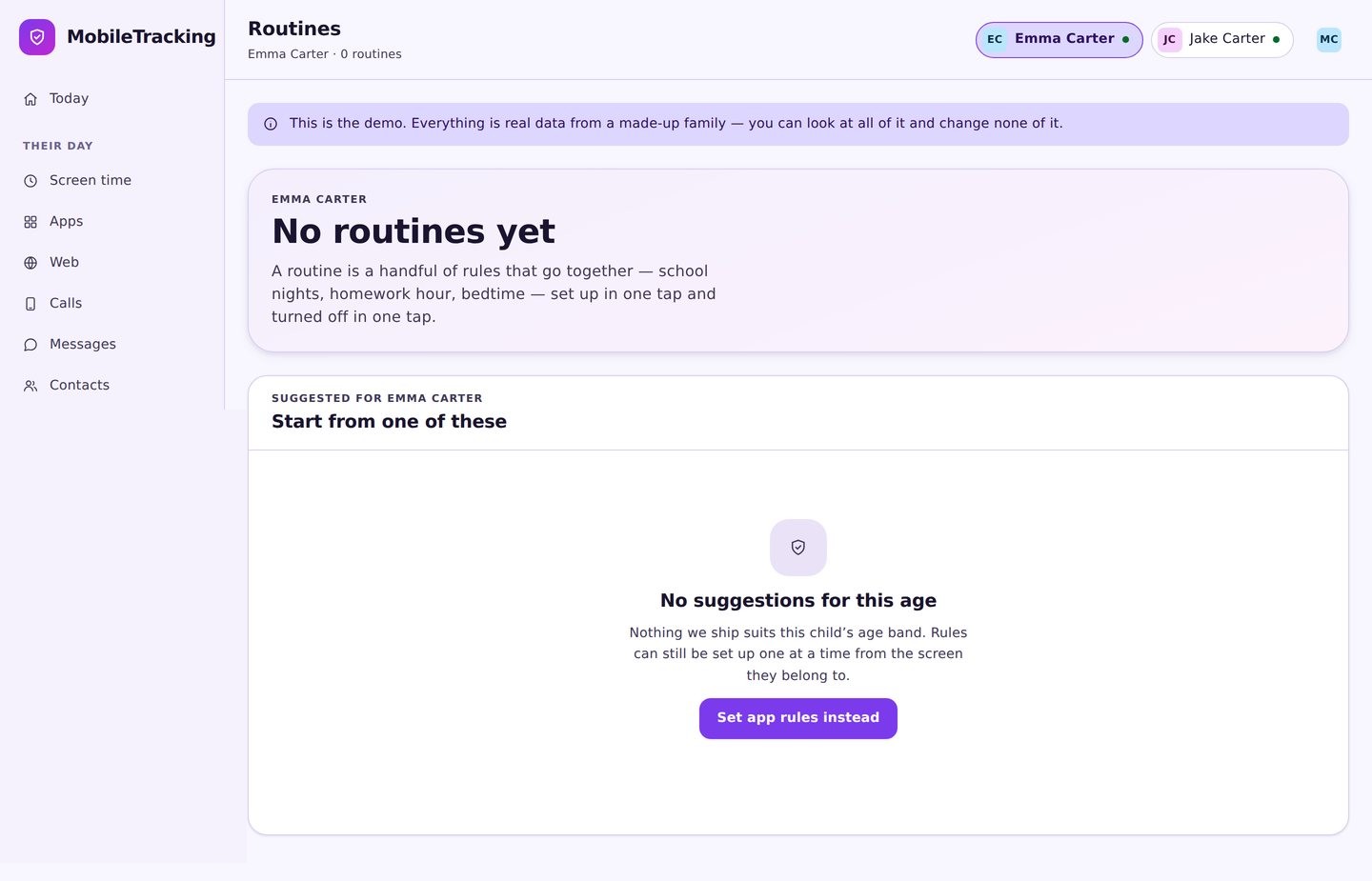
Choose what it covers
Add games, video and social apps. Leave calls, messages, maps, music and the alarm out of it, so the phone stays useful while it stops being entertaining.
- Cover the apps with no natural ending.
- Leave the tools alone.
- Calls and emergency dialling always work.
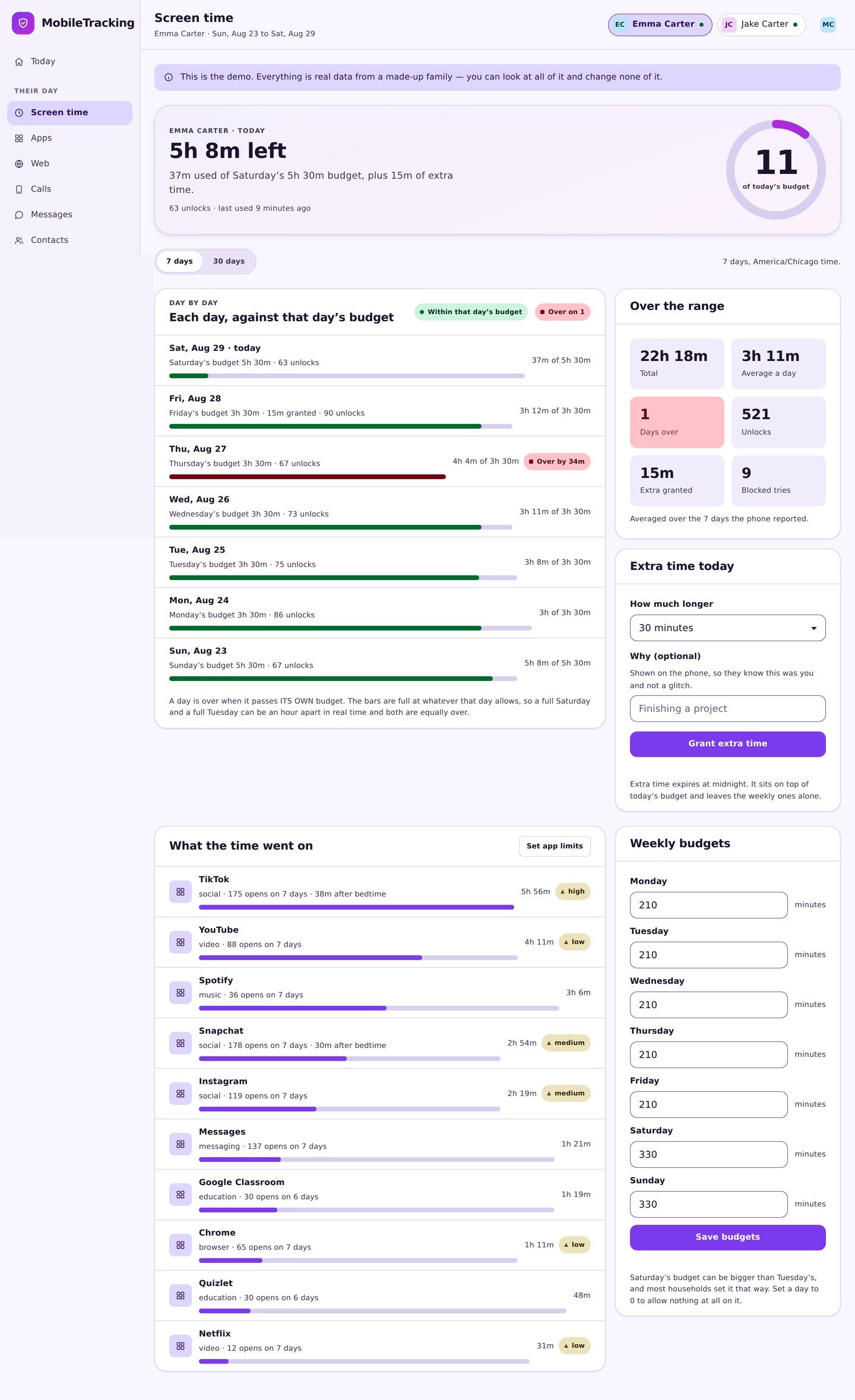
Walk through it together
Show your child the routine on their own screen, including the warning, the block message and the button that asks to skip a night. Agree what a good reason sounds like.
- The hours are visible on their side.
- Show the ten minute warning before it happens.
- Explain how skipping one night works.
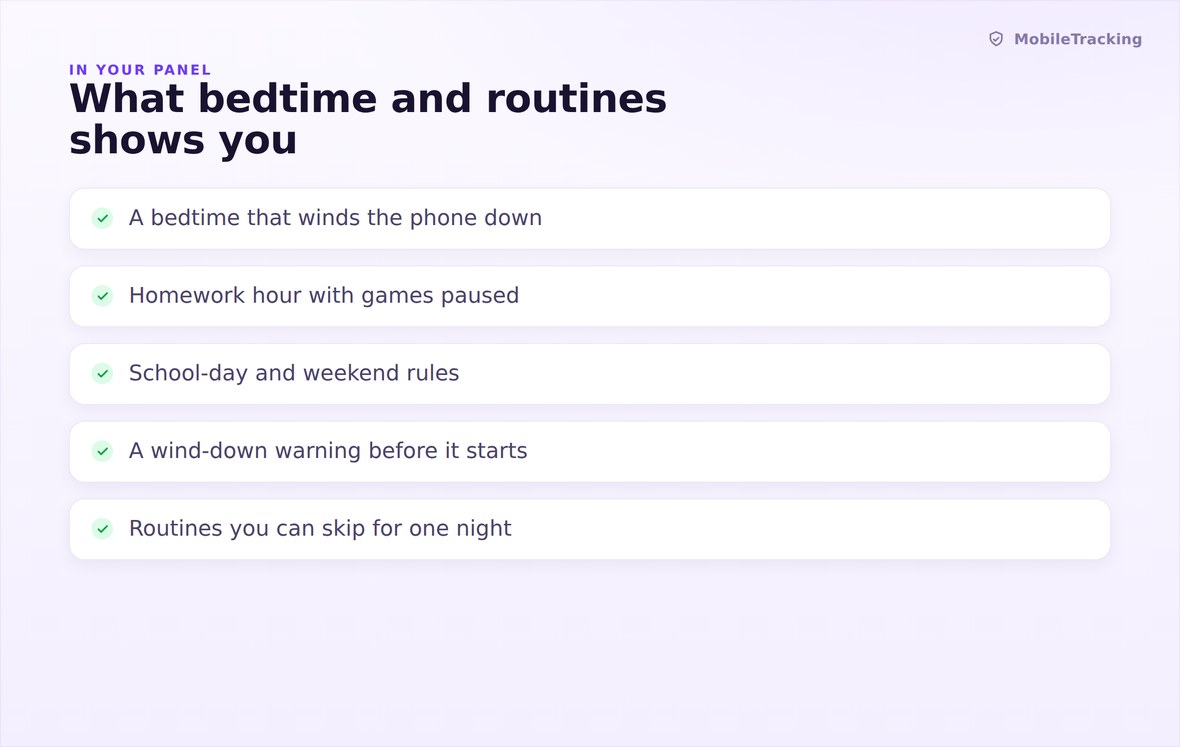
Hours, days, covered apps, and any skips granted this week.
The schedule lives on the device, so it holds offline and on its own clock.
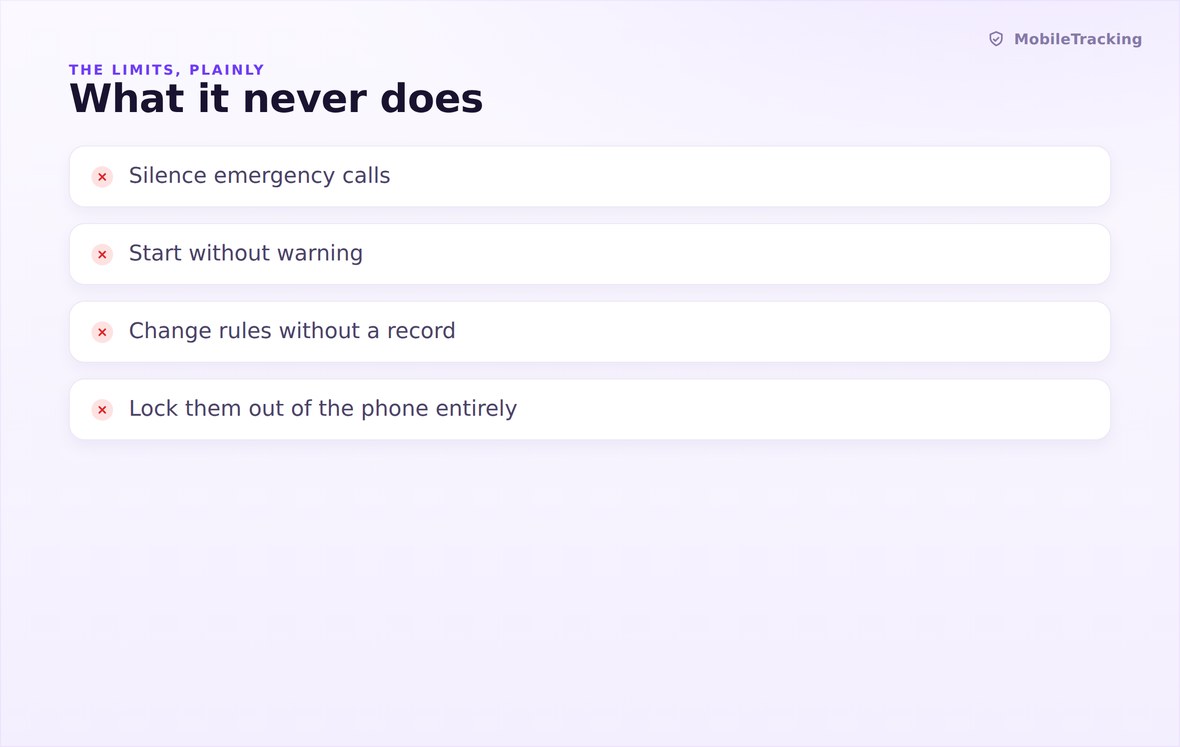
Never blocks calls, never reads messages, never runs as a secret rule.
What your child sees
Every routine appears on your child’s phone before it ever runs: its hours, its days, the exact list of apps it covers, and the button to ask for tonight off. When the window opens, the block message names the routine and gives the time it ends. Nothing about the evening is a surprise, which is precisely why the wind-down stops being a fight after the first fortnight.
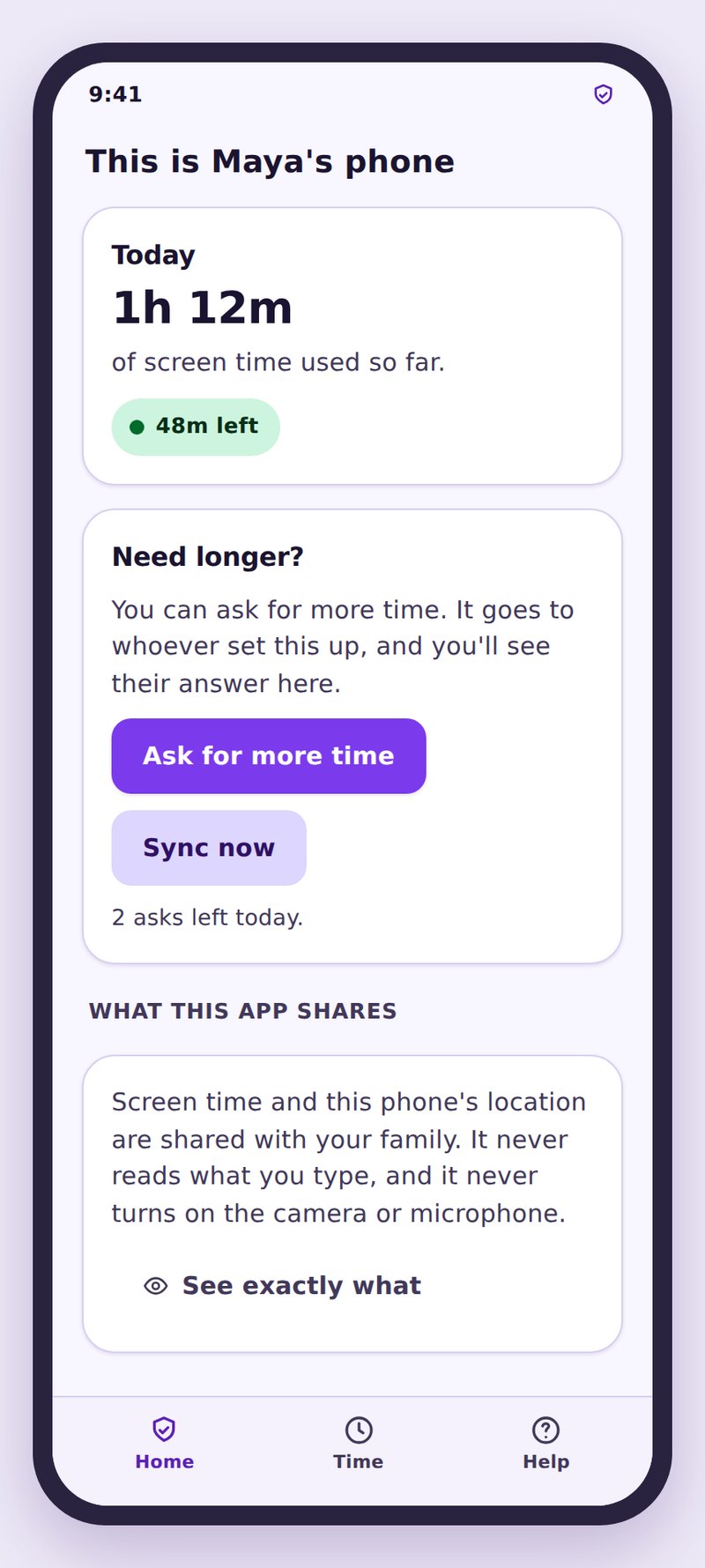
- The hours are publishedStart, end, days and covered apps are all readable on their side.
- They can ask for tonightOne tap with a reason, answered on your phone, applying to tonight only.
- Calls are never touchedDialling, emergency calls and incoming rings work at every hour.
| Routine | Typical hours | Covers | Leaves alone |
|---|---|---|---|
| School night | 21:00 to 07:00, Sunday to Thursday | Games, video, social apps | Calls, messages, alarm, music, maps |
| Weekend | 22:30 to 08:30, Friday and Saturday | The same apps, an hour or two later | The same tools |
| Homework hour | 17:30 to 18:30 on school days | Games and short form video | Browser, notes, messages, calls |
| Dinner | 18:30 to 19:15, every day | Everything entertaining | Calls and emergency dialling |
| Holiday | 23:00 to 09:00 for a set week | Video and games only | Everything else, on purpose |
Never. Dialling, emergency calls and incoming calls work at every hour inside every routine, and there is no setting that changes that.
Yes. The schedule is stored on the device and enforced by the phone’s own clock, so aeroplane mode and dead spots make no difference.
They can ask, with a reason, and you can grant a delay or a full skip in one tap. It applies to that night only and the routine returns unchanged the next day.
The warning comes ten minutes earlier, then a block message covers the app. Nothing is force closed, deleted or lost.
As many as you need, and they can overlap. Where two routines cover the same app at the same time, the stricter one applies.
Yes, using the phone’s own time zone, so a routine set for half past nine happens at half past nine wherever your child actually is.
Set one bedtime routine tonight
Pick an hour, cover games and video, leave calls and the alarm alone, and let the same quiet warning arrive every evening instead of the same argument.
Related features: Screen Time and App Limits, Tasks and Rewards, and App Activity.