Tasks and Rewards
Earned screen time is a simple trade: a chore or a stretch of reading carries a number of minutes, your child marks it done, you approve it, and the minutes land in their allowance. That is the whole mechanism. What it changes is not the amount of time on the phone but the conversation about it, because the question stops being whether you will give way and becomes whether the work got done.
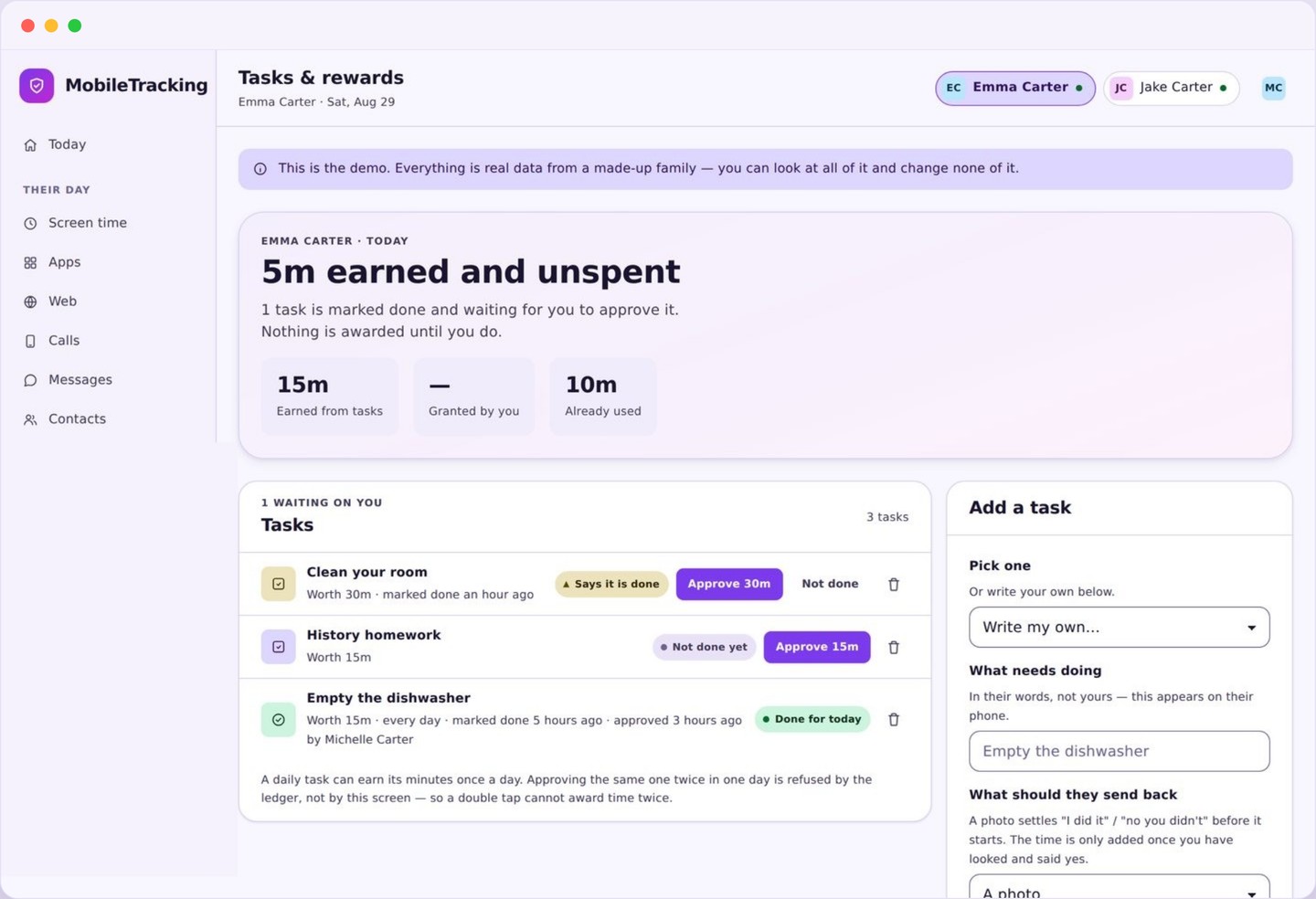
What earned screen time looks like on the panel
A short list of jobs, a number beside each, and a queue of things waiting for your nod.
Each task is a line: a name your child would recognise, the minutes it pays, whether it repeats daily or weekly, and which child it belongs to. The names matter more than they sound like they should. “Tidy your room” invites a debate about what tidy means. “Clothes off the floor, bed made” does not, and a task nobody can argue about is a task that gets done.
Underneath sits the approval queue, which is where most of your interaction happens. When a job is marked done it appears here with the time it was marked, and you approve or send it back. Approving takes a tap and the minutes move immediately. Sending it back is not a punishment, it is a note that half the job is still on the floor, and it should read that way.
The panel also keeps a plain record of what has been earned. You can see this week’s total, which tasks are actually being done and which have been ignored since the day you made them. That record is genuinely useful: a task nobody has touched in three weeks is not a discipline problem, it is a task that is worth too little, too vague, or simply not worth having.
- Task name, minutes paid, and how often it repeats.
- Which child each task belongs to.
- An approval queue with the time each job was marked done.
- Totals earned this week, per child and per task.
How earned screen time reaches the allowance
Four steps, one of which is a human being deciding, which is on purpose.
The first step is yours: you create a task, attach the minutes, and assign it. The second is your child’s: they tap done from their own phone when the job is finished. The third is yours again: an approval request arrives with the task name and the timestamp, and you either confirm it or send it back with a short note. The fourth happens by itself, when the approved minutes are added to that day’s budget.
Approval is a human step and it always will be. No phone can tell whether a bin was actually emptied, and pretending otherwise would either mean trusting a tap blindly or inventing some grim verification with the camera, which we will not do. A parent looking at a room and pressing a button is the only honest sensor available, and it takes about two seconds.
Once minutes land they behave exactly like the rest of the budget. They spend on the same apps, they still sit under any per-app cap, and they do not open a door through a bedtime routine, because sleep is not for sale. Earned minutes expire with the day unless you have set them to bank, which keeps a big Saturday from becoming a five hour Sunday.
Both phones show the change the moment it happens. Your child sees the approval, the minutes added, and the new total, so there is never a version of the story where a parent forgot and a child cannot prove it. If the phone is offline the approval queues and lands as soon as it reconnects, with the original time preserved.
Keeping payday consistent
The single behaviour that decides whether this works, and it is entirely on your side of the deal.
A reward system is a promise, and a promise that arrives late stops being one. If a job marked done on Tuesday evening is still sitting unapproved on Thursday, your child has learned something quite reasonable: that the effort is real and the payment is optional. Nothing else in this feature matters as much as clearing the queue.
Pick a moment and keep it. After dinner works for most families, because you are in the same room and the day is done. Two minutes, every evening, approving what is genuinely finished and sending back what is not. Where a weekly task is involved, name the day it pays and pay it on that day even when the week has been difficult, because the point of a fixed payday is that it survives a difficult week.
Being consistent also means being consistent about no. If the job is half done, send it back and say why, in one short sentence. Approving something you both know is unfinished is more corrosive than refusing it, since it quietly reprices every other task on the list. Children work out the real exchange rate very quickly, and they work it out from what you approve rather than from what you said.
Start with three tasks, not fifteen
Nearly every system that collapses in the first month collapsed under its own weight.
The temptation on day one is to write down every job in the house, price it, and switch it all on. Two weeks later there is a queue nobody clears, a child who has stopped bothering, and a feature everyone quietly avoids. Three tasks is the right number to begin with. You can always add a fourth once the first three have been running smoothly for a fortnight.
Choose them for clarity. One daily job with an unarguable finish line, such as the dishwasher emptied or the bin out. One piece of reading or practice, since attaching minutes to twenty minutes of a book is the highest value trade in this entire feature. One weekly job worth noticeably more, which teaches that bigger effort pays better and gives the week a shape.
Price them together, out loud, before anything goes live. Ten to fifteen minutes for a daily job and twenty to thirty for reading is a sane starting point, but the exact numbers matter far less than the fact that your child helped set them. A rate they agreed to is a rate they will not spend the next month litigating, and if it turns out to be wrong you can change it, openly, once.
Why earned screen time changes the argument
The same twenty minutes feels completely different depending on where it came from.
Before you set anything up, extra time is something a parent grants or refuses, which makes every request a small test of who gives way. After, it is something a child produces. That is a genuine shift, not a trick: the phone stops being the thing you control and becomes the thing they can affect, and the nightly negotiation loses most of its heat because the answer is on the list rather than in your mood.
It also teaches a real accounting. Twenty minutes of reading buys twenty five minutes of a game, and that is a trade a nine year old can hold in their head and reason about. Children who use this for a few months start budgeting without being asked, choosing to bank a Saturday task for something they want later, which is a considerably more useful habit than obedience.
The trap is worth naming, though. If the only thing you ever say is “that is another fifteen minutes”, you have taught your child that jobs are worth exactly their price and nothing more. Say the other thing too, and say it first: that the room looks good, that they stuck with the reading when it was dull, that you noticed they did it without being asked. Praise the effort, then approve the minutes.
Finally, keep some things off the list. Basic decency, kindness to a sibling, and the ordinary duties of living in a house should not carry a price, because putting a number on them tells a child they are optional at the right price. Tasks and rewards work best on top of a household that already expects things, not as a replacement for one.
What tasks and rewards deliberately do not do
What we refuse to build, and the edges you should know about before relying on it.
Nothing is verified by the phone. There is no camera check, no photo requirement, no location proof that a child was in the kitchen. The system trusts a tap and then asks a human to confirm it, and we think a slightly loose system that respects everyone is better than a tight one built on surveillance of a bedroom.
Minutes are never taken away as a punishment. There is no docking, no negative balance, and no way for a bad afternoon to remove time that was already earned. Reward systems that can go backwards stop being rewards very quickly and turn into a threat with a spreadsheet, and the effect on effort is exactly what you would expect.
Earned time does not override the rules that exist for safety or sleep. It cannot unlock a bedtime routine, it does not bypass a per-app cap, and it does not remove a block on an app you have not allowed. It adds to the ordinary allowance, inside the ordinary rules, which is the only way the rest of the system stays believable.
Write three tasks and price them
Name each job so plainly that finishing it is not a matter of opinion, then attach the minutes. Agree the rates with your child before any of it goes live.
- One daily job, one reading task, one weekly job.
- Ten to thirty minutes is the usual range.
- Set the rate together, once.
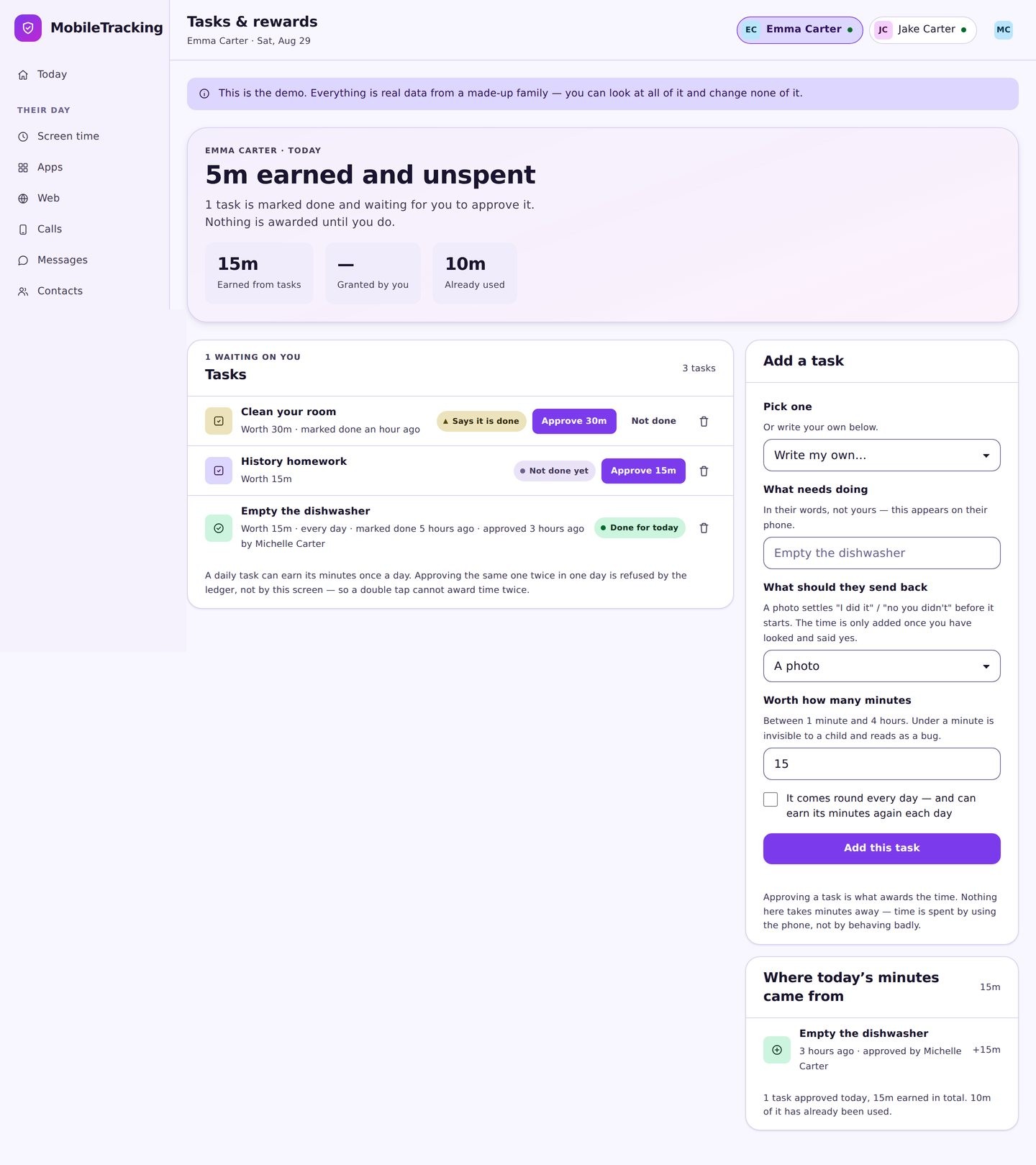
Assign per child and pick a payday
Different ages carry different jobs and different rates. Choose the moment you will clear the approval queue and treat it as fixed.
- Tasks and rates are set per child.
- After dinner is the usual approval slot.
- Weekly tasks pay on a named day.
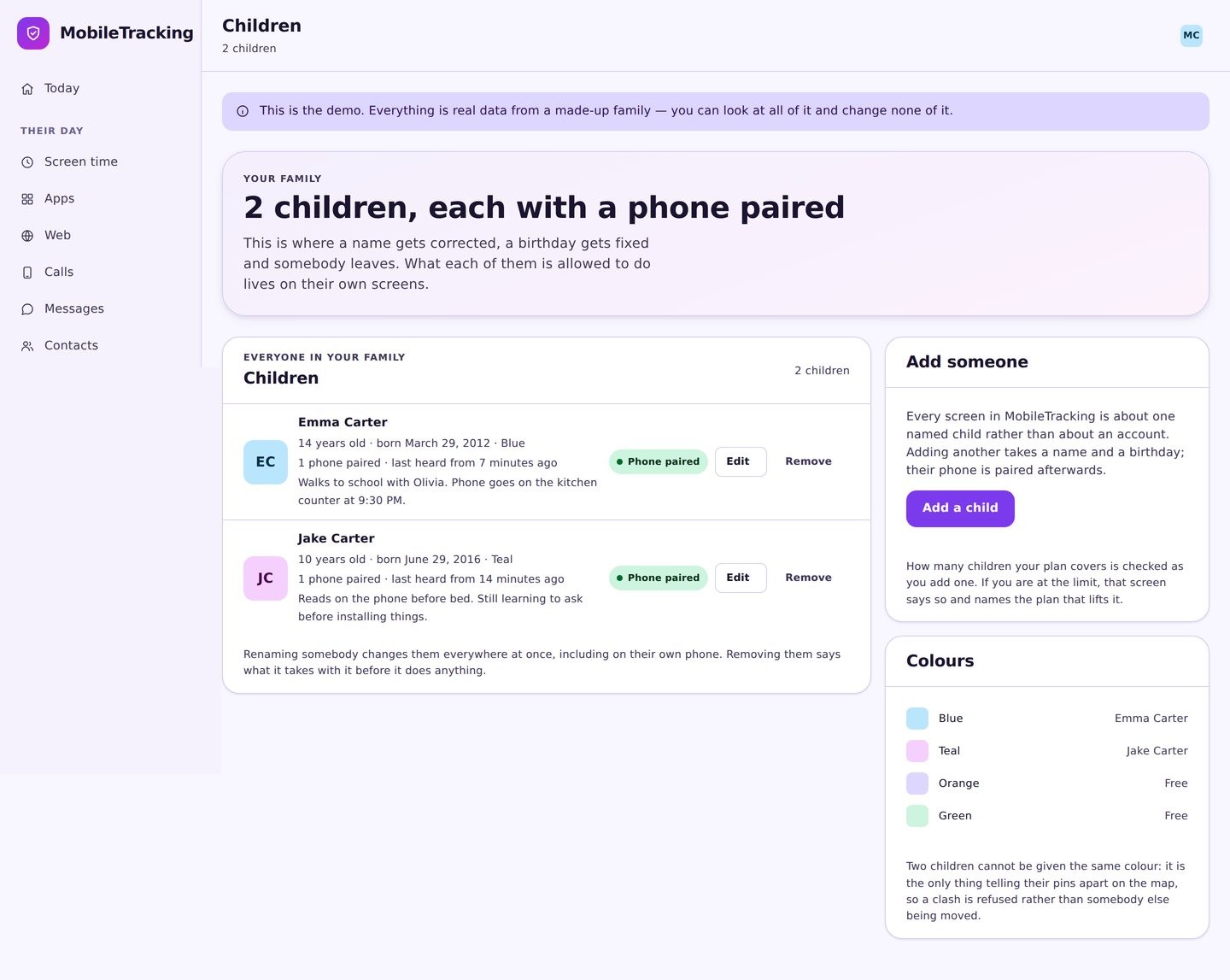
Let them mark jobs done
Your child sees their own list with the minutes each job pays and taps done when it is finished. Approved minutes appear in the day’s allowance straight away.
- They see the rate before they start.
- Marking done sends you a request, not the minutes.
- Approvals and refusals both show on their side.
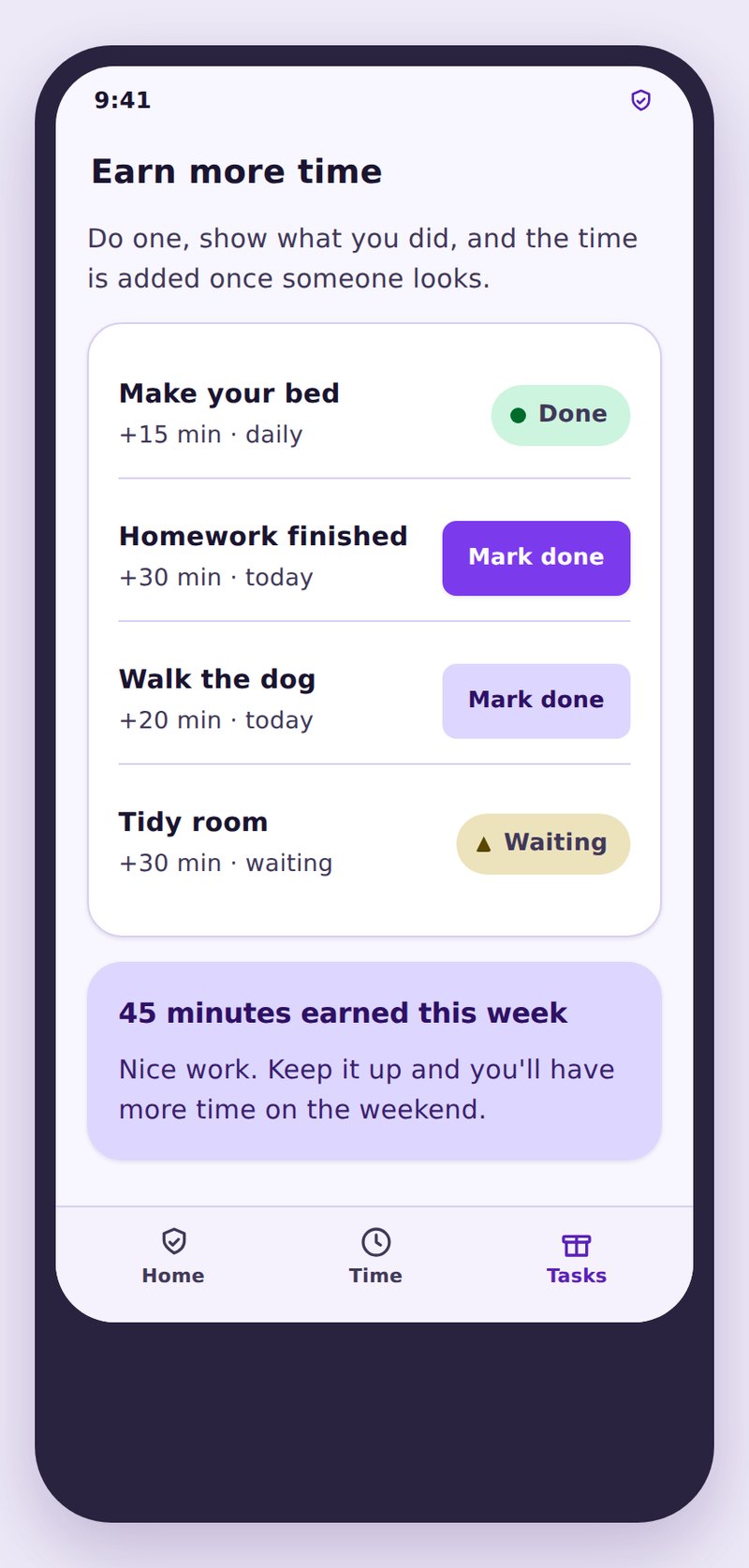
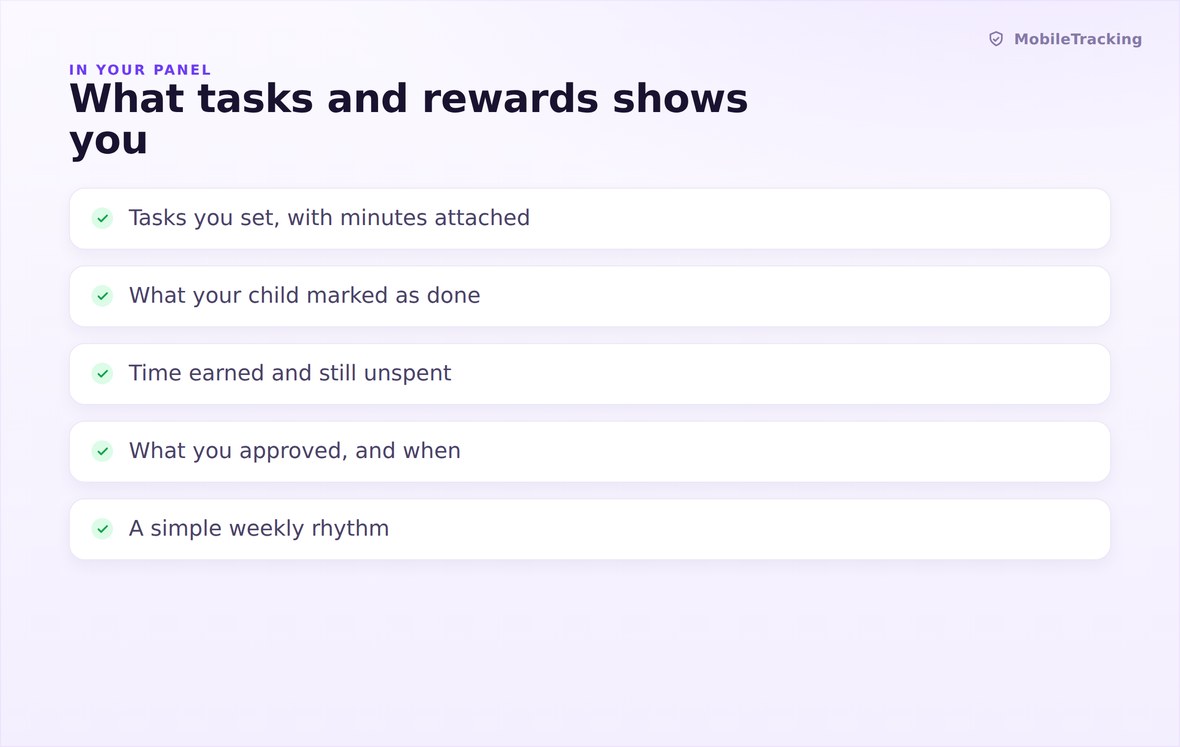
Jobs, rates, what is waiting for approval, and totals earned this week.

Marked done, approved by a person, then added to the day’s budget.
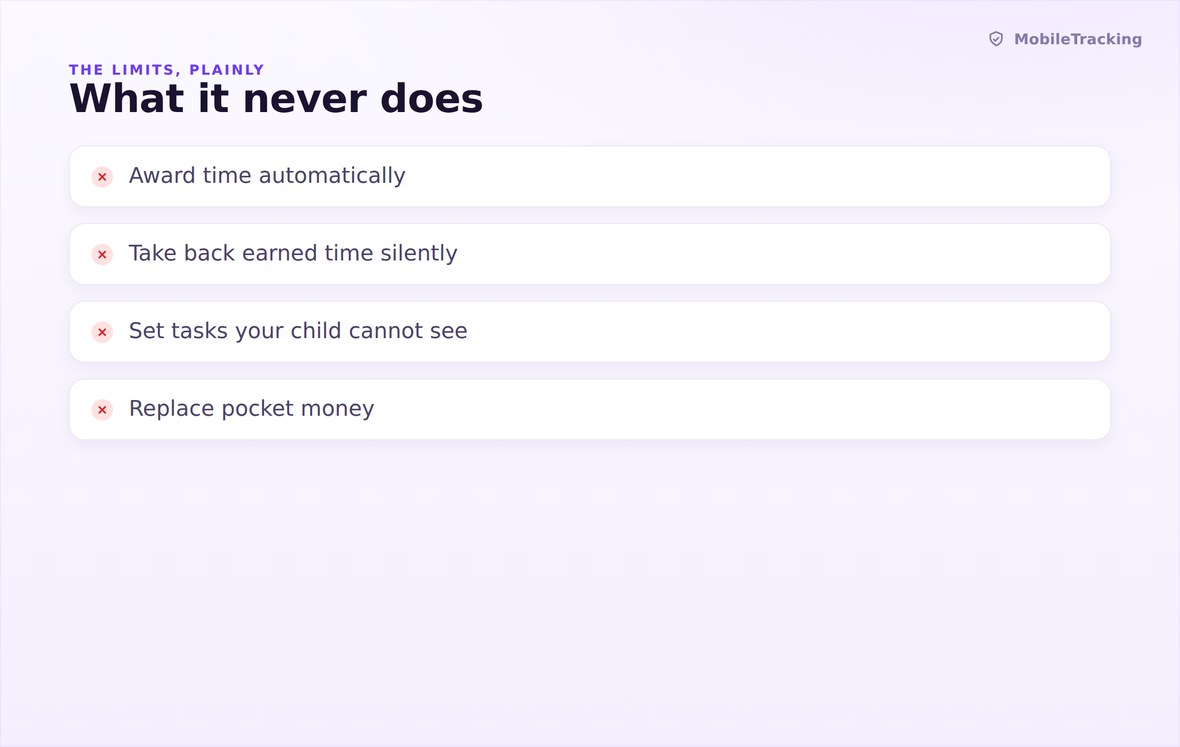
No docking minutes, no camera proof, no unlocking bedtime.
What your child sees
Your child’s phone carries the same list you do: every task, the minutes it pays, what they have marked done, and what is still waiting on you. Approvals and refusals both appear on their side with a timestamp, so the deal is auditable from both directions. Nothing about the arrangement is known only to the parent, which is what makes it a deal rather than a scheme.
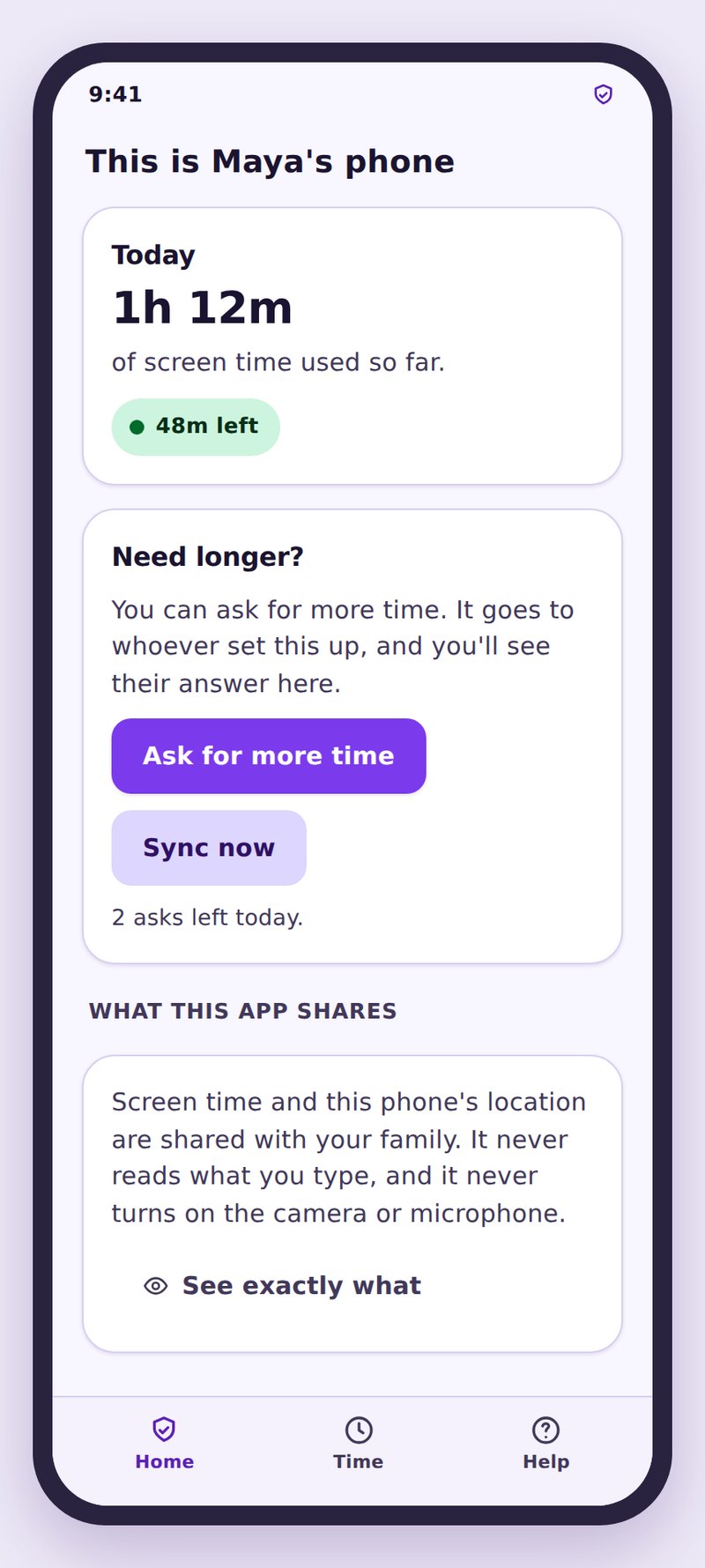
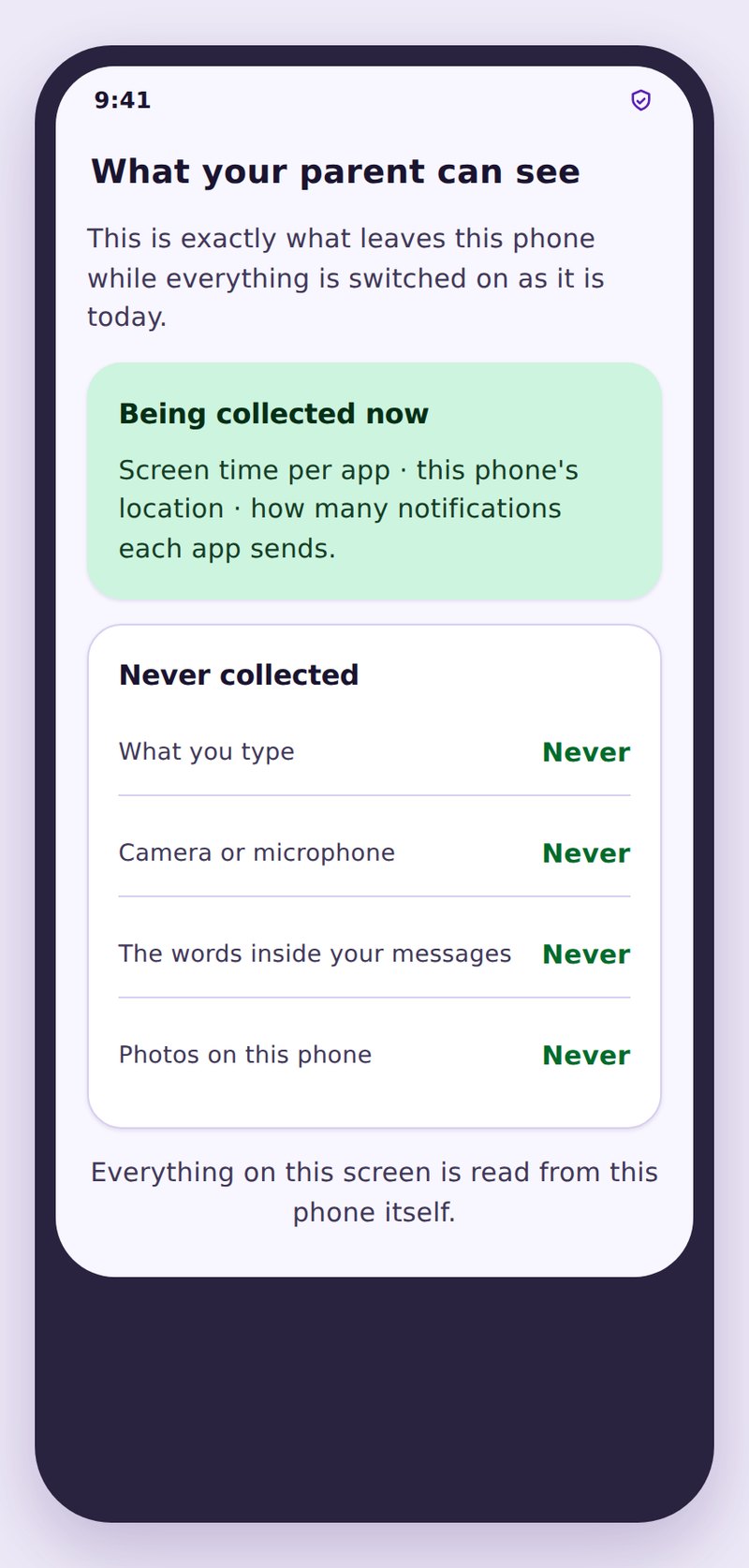
- Rates are publishedThey know what a job pays before they decide to do it.
- Nothing is taken backApproved minutes cannot be docked later for unrelated reasons.
- No proof is demandedNo photos, no camera, no location check that a chore happened.
| Task | Repeats | Suggested minutes | Why it works |
|---|---|---|---|
| Empty the dishwasher | Daily | 10 | Unarguable finish line, takes five minutes |
| Read for twenty minutes | Daily | 25 | Pays slightly more than it costs, on purpose |
| Homework finished before dinner | School days | 15 | Rewards the timing, not just the work |
| Bins out and back in | Weekly | 30 | A bigger job with a bigger payment gives the week shape |
| Instrument practice | Three times a week | 20 | Turns a nightly argument into a listed trade |
No. Marking a task done sends you an approval request. Minutes only move when a parent confirms it, and both phones show the approval.
No. Earned screen time adds to the daily budget but never opens a bedtime routine or bypasses a per-app cap.
Not through this feature. Approved minutes stay approved. You can lower a budget or change a task’s rate, but nothing goes negative.
By default it expires with the day, which keeps a busy Saturday from becoming an enormous Sunday. Banking can be switched on per task.
It does not, and it does not try. There is no camera check or location proof. A person approves it, which is the only honest way to do this.
Usually the rate is wrong or the list is too long. Cut back to three jobs, raise the ones that matter, and clear the approval queue every single evening.
Write three tasks and one payday
Name three jobs with unarguable finish lines, agree what each one pays, and clear the approval queue after dinner every evening. That is the entire system.
Related features: Screen Time and App Limits, Bedtime and Routines, and App Activity.