
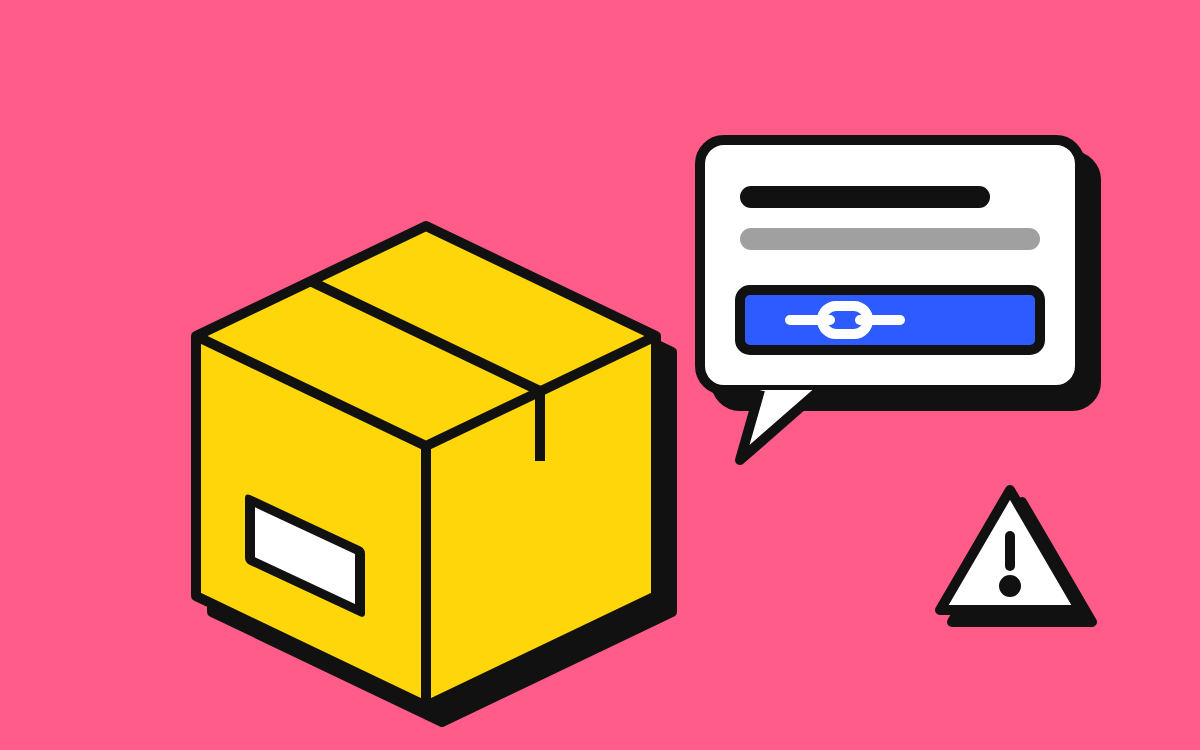
Texts saying a parcel is waiting and you need to pay a small fee or “confirm your address” are one of the most common scams. Don’t tap the link. Check the delivery on the courier’s official app or website instead.
What a parcel scam text looks like
The message is short and sounds routine: a parcel could not be delivered, the address is incomplete, or a small customs or redelivery fee is unpaid. It ends with a link and often a deadline, such as “your parcel will be returned within 24 hours”.
These texts work because most people are waiting for a delivery at some point. The scammer doesn’t need to know what you ordered. They send the same message to huge numbers of phones and rely on timing.
The link leads to a page made to look like a courier or postal service. It asks for your name, address and phone number, then for card details to pay the fee. The fee is small on purpose, so it feels harmless. The real goal is your card details, which can be used for much larger payments, and sometimes a follow-up call from a fake “bank fraud team” to get a one-time code. That second stage is covered in our guide to bank impersonation calls.
Why it’s called smishing
Smishing is phishing by SMS: a fraudulent text that tries to get you to click a link, share information or make a payment. The same messages also arrive through messaging apps such as WhatsApp or iMessage, and through email.
How to check the sender
The sender line is a weak signal, but it can help:
- A personal mobile number. Couriers usually send notifications from short codes or a named sender, not from an ordinary mobile number. A delivery text from a regular mobile or a foreign number is a strong warning sign.
- An email address in the sender field. Some scam texts arrive from an email address via iMessage or similar services. Real couriers rarely do this.
- A familiar sender name. This does not prove the text is genuine. In some countries, sender names can be spoofed and scam texts can appear in the same thread as real messages from that company.
If the text came from a phone number, you can search it on MobileTracking to see the line type and whether other people have reported it.
How to check a link without opening it
The safest option is not to open the link at all. If you want to judge it:
- Look at the actual domain. The part that matters is the name just before the ending (.com, .co.uk, etc.) and before the first single slash. “courier.example.com” belongs to example.com, not to the courier.
- Watch for lookalikes. Extra words (“-delivery”, “-redelivery”, “-track”), swapped letters, or unusual endings are common.
- Be wary of shortened links. Link shorteners hide the real destination. Couriers generally use their own domains.
- Remember the padlock means nothing here. A secure connection only means the traffic is encrypted. Scam sites use it too.
On many phones, you can long-press a link to preview it without opening it. Be careful, as a mis-tap will open the page.
Couriers don’t need your card number to deliver a parcel. If a site asks for payment details to “release” a delivery you weren’t expecting to pay for, close it.
What to do with a suspicious delivery text
- Don’t tap the link or reply. Replying, even with “STOP”, confirms your number is active.
- Check the delivery independently. Open the retailer’s order page, or the courier’s official app or a website address you type yourself, and enter your tracking number there.
- Forward it to 7726. In the US, UK and Canada you can forward scam texts to 7726 (which spells SPAM). This helps mobile networks block the sender. Your carrier may reply asking for the sender’s number.
- Report and block the sender. Use your phone’s “Report junk” or “Block” option, and add a report on MobileTracking if the text came from a phone number.
- Delete the message. That way you won’t tap it by accident later.
If you already entered your details
- Call your card provider using the number on the back of your card. Tell them you entered your details on a scam site and ask them to cancel the card.
- Review recent transactions and set up alerts if you haven’t already.
- Expect follow-up contact. Scammers often call victims pretending to be the bank. Never share a one-time code or move money because of an incoming call.
- If you entered a password on the site, change it anywhere you use it, and turn on two-step verification.
- Report the scam: ReportFraud.ftc.gov in the US, Action Fraud in the UK, the Canadian Anti-Fraud Centre, Scamwatch in Australia, or Chakshu on the Sanchar Saathi portal in India.
Other text scams that use the same playbook
The parcel story is only one wrapper. The same structure, a small problem, a deadline and a link, appears in fake toll road charges, tax refunds, phone bill payments, subscription renewals and “your account will be suspended” messages. The defense is the same: don’t use the link in the message, and go to the organization directly.
For more on handling unwanted messages and calls, see how to stop spam calls on iPhone and Android or browse all guides.
This guide is general information, not legal or financial advice. Read our editorial policy.